
How to Use the MyTeam App
Chinaza Okafor · Apr 14, 2026 · 1 min read

The MyTeam App on BizEdge helps line managers effectively oversee their teams. It provides visibility into team attendance, leave requests, time off schedules, and appraisal, making team supervision and approvals easier and more organized.
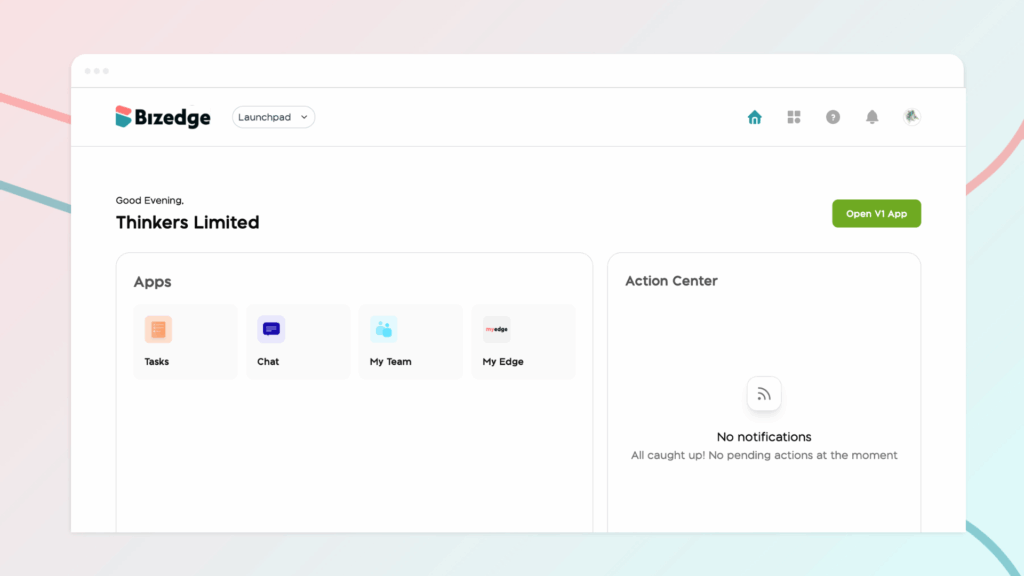
Home Page
The Home page gives you a quick overview of your team’s activities, including:
- Pending time-off requests
- Assigned tasks
- Key team updates
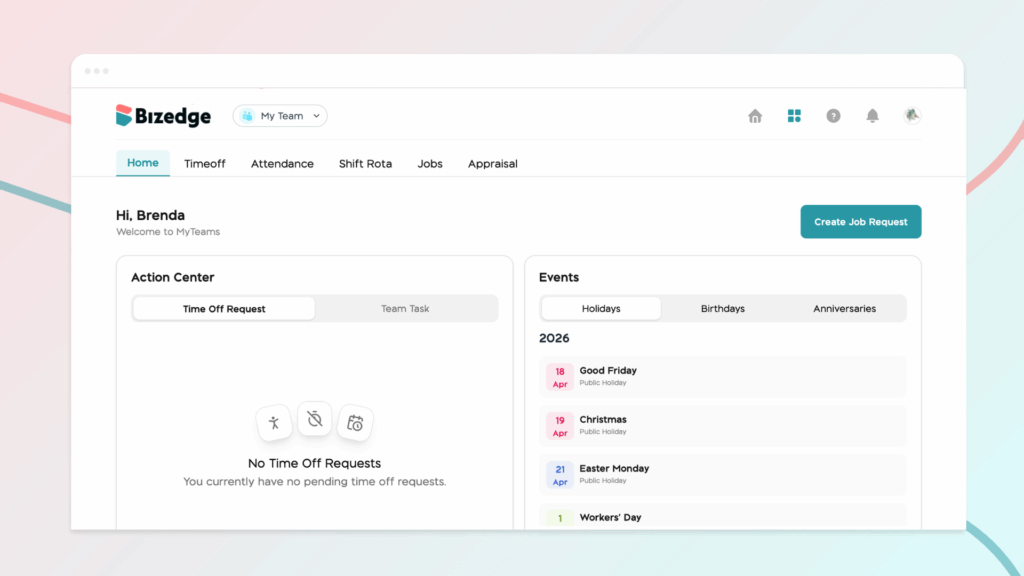
This dashboard helps you quickly stay informed and take necessary actions.
Time Off
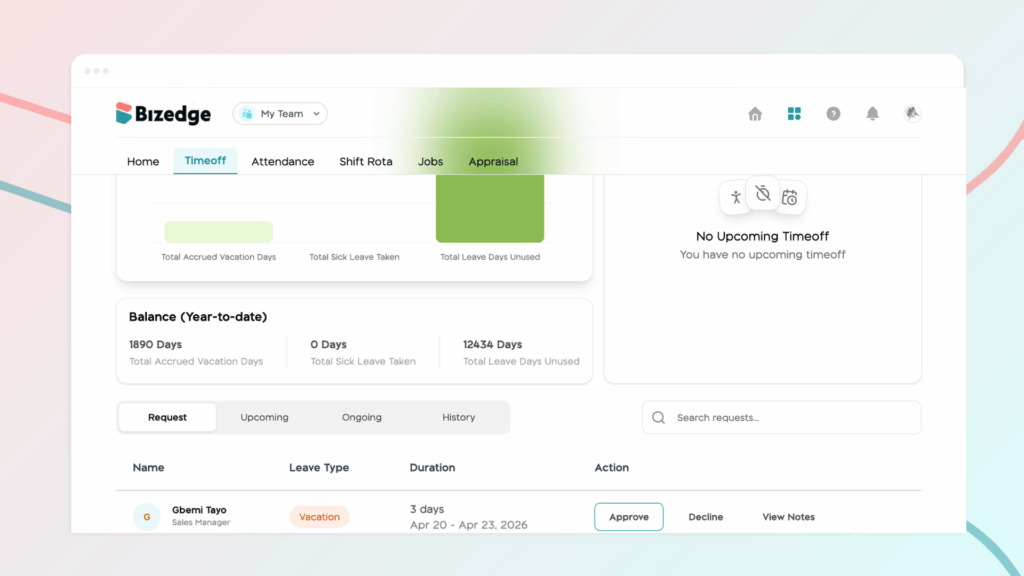
This section allows you to manage leave requests from your team members. You can:
- View submitted requests
- Approve or decline requests
- Monitor upcoming absences
Attendance
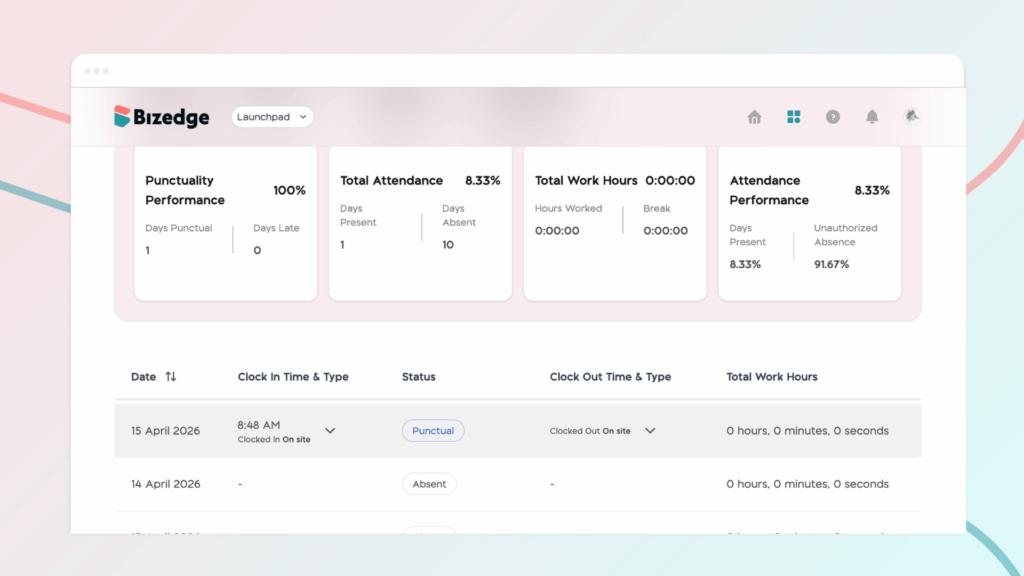
Here, you can view the attendance records of your team members, helping you track punctuality and work schedules.
Shift Rota
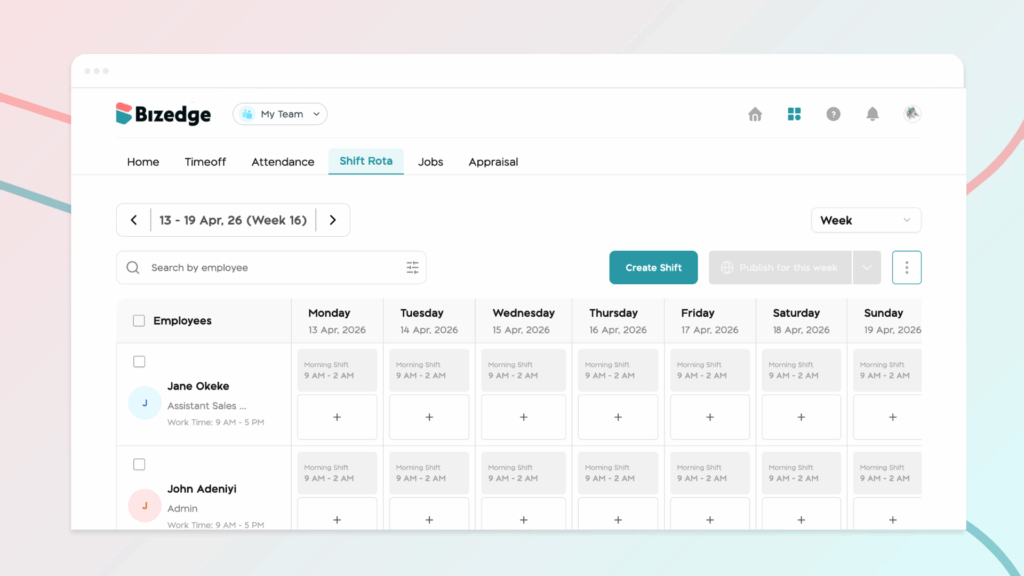
The Shift Rota section shows which team members are scheduled for shifts. You can also assign employees to available shifts and manage team schedules efficiently.
Job Request
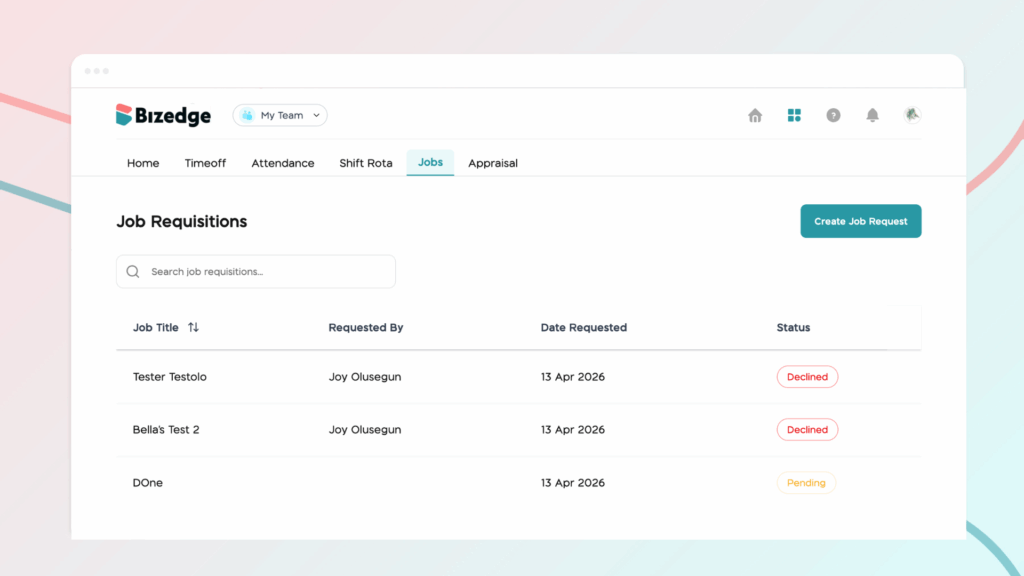
If your team requires additional roles, you can submit a job request here. All submitted requests are forwarded to the BizEdge Admin Recruit app for review and processing.
Appraisal
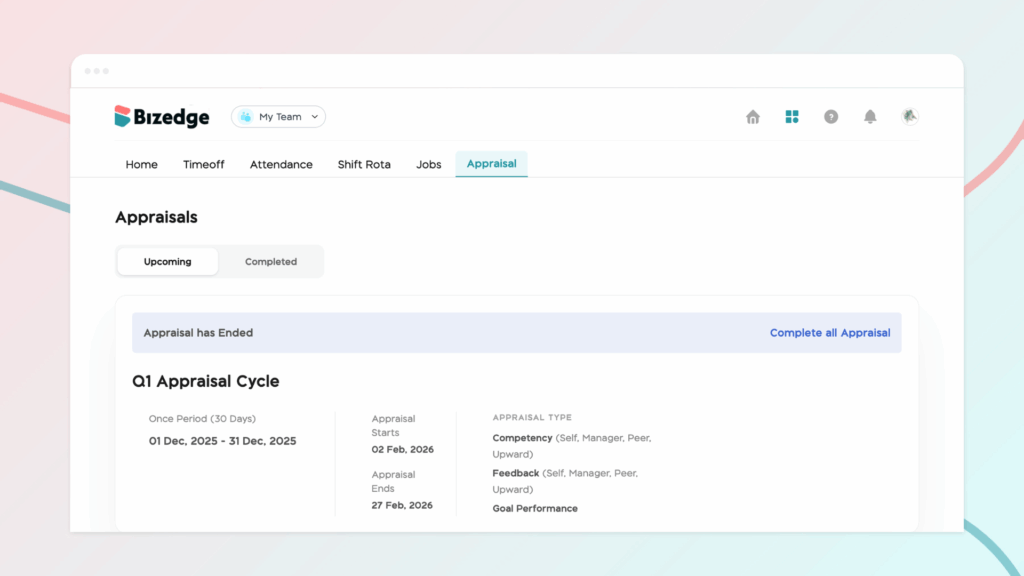
This section helps you manage employee performance.
You can:
- Set appraisal goals for team members
- Conduct performance evaluations
- Appraise employees based on the configured appraisal cycle
Using these features, line managers can effectively coordinate their teams, manage approvals, and monitor performance in one place.
.
Chinaza Okafor
Author
Comments
Leave a comment
Related posts

How to Grant Line Managers Access to the MyTeam App
The MyTeam App on BizEdge helps line managers effectively oversee their teams. It provides visibility into team attendance, leave requests, time off schedules, and appraisal, making team supervision and approvals easier and more organized.
Apr 14, 2026 · 1 min read

How to Set Up Your Workspace Name on BizEdge
Your Workspace Name is how your business appears to employees across the BizEdge platform. Setting it up correctly ensures that your organization is easily recognizable to your team from the moment they log in. Follow these simple steps to update it:
Apr 14, 2026 · 1 min read
How to Set up Access Levels in BizEdge
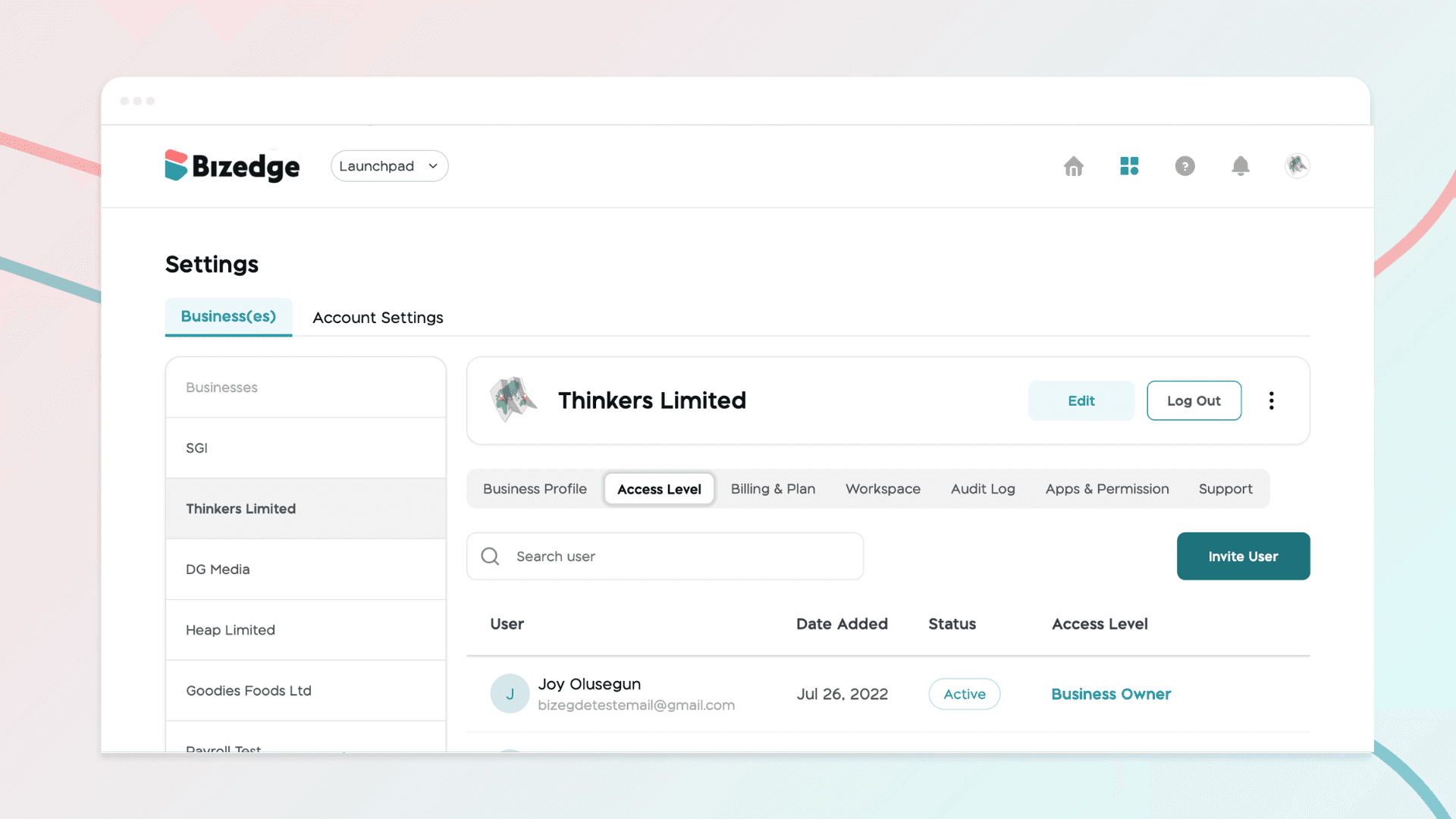
Managing access levels ensures that each user within your organization has the right permissions for their role. BizEdge allows administrators to invite users, assign appropriate access levels, and control which apps and features each person can view and interact with, keeping your company data secure and well-organized.
Apr 14, 2026 · 1 min read