
Employee Showing "Not Ready" on Attendance
Chinaza Okafor · Apr 13, 2026 · 1 min read
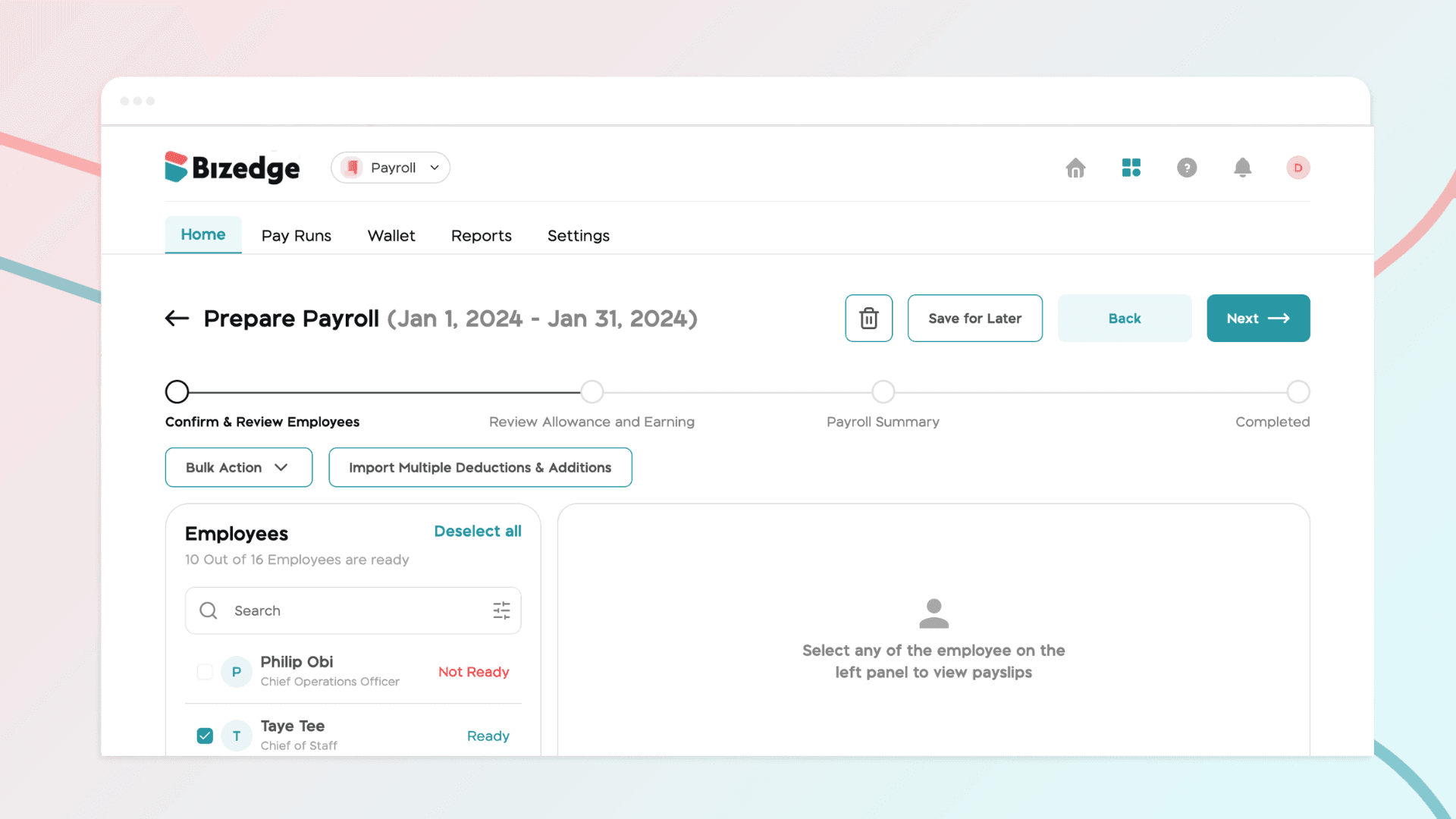
If an employee is showing a "Not Ready" status in the Attendance app, it typically means that one or more required settings have not yet been configured in the People app. This includes details such as their work time, work hours, and work schedule. Without these, the employee will be unable to clock in.
The steps below will guide you through how to resolve this, whether it's for a single employee or multiple employees at once.
Step 1: Go to the People App
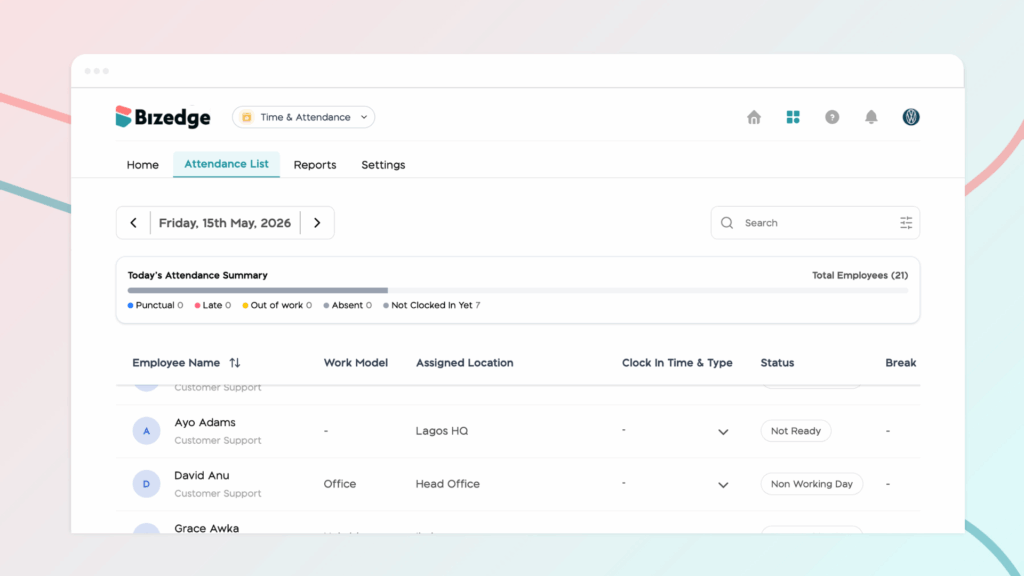
Navigate to the People App from the BizEdge dashboard and locate the employee showing the "Not Ready" status.
Step 2: Select the Employee
Click on the employee's profile to open their details and review what information may be missing or incomplete.
Step 3: Assign the Required Settings
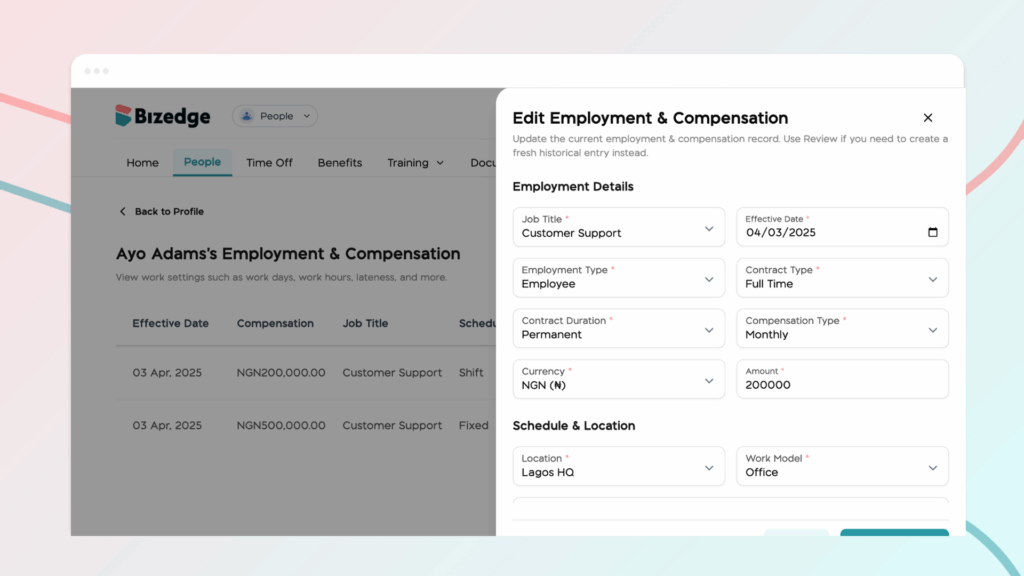
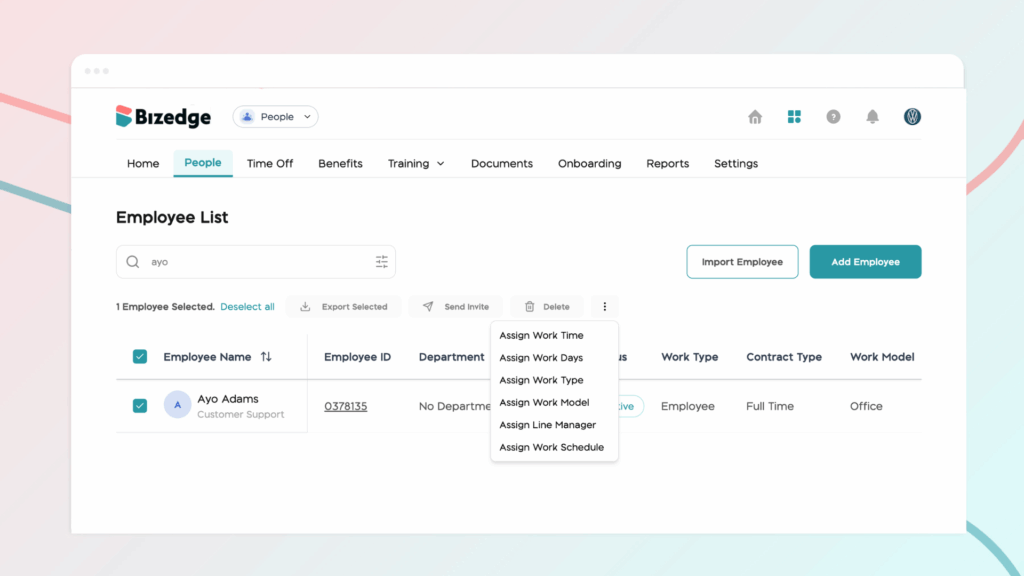
Click the three-dot menu on the employee's profile and assign the necessary work time, work hours, and work schedule. Once all required information has been filled in, the employee's status will automatically update to Ready.
Step 4: Use Bulk Assign for Multiple Employees
If several employees are showing the "Not Ready" status, use the Bulk Assign feature to apply work time, work hours, and schedule settings to multiple employees at once, saving time and ensuring everyone is correctly configured.
Chinaza Okafor
Author
Comments
Leave a comment
Related posts

How to Use the MyTeam App
The MyTeam App on BizEdge helps line managers effectively oversee their teams. It provides visibility into team attendance, leave requests, time off schedules, and appraisal, making team supervision and approvals easier and more organized.
Apr 14, 2026 · 1 min read

How to Grant Line Managers Access to the MyTeam App
The MyTeam App on BizEdge helps line managers effectively oversee their teams. It provides visibility into team attendance, leave requests, time off schedules, and appraisal, making team supervision and approvals easier and more organized.
Apr 14, 2026 · 1 min read

How to Set Up Your Workspace Name on BizEdge
Your Workspace Name is how your business appears to employees across the BizEdge platform. Setting it up correctly ensures that your organization is easily recognizable to your team from the moment they log in. Follow these simple steps to update it:
Apr 14, 2026 · 1 min read