Handling Payroll for New Starters Mid-Period
Chinaza Okafor · Apr 10, 2026 · 1 min read
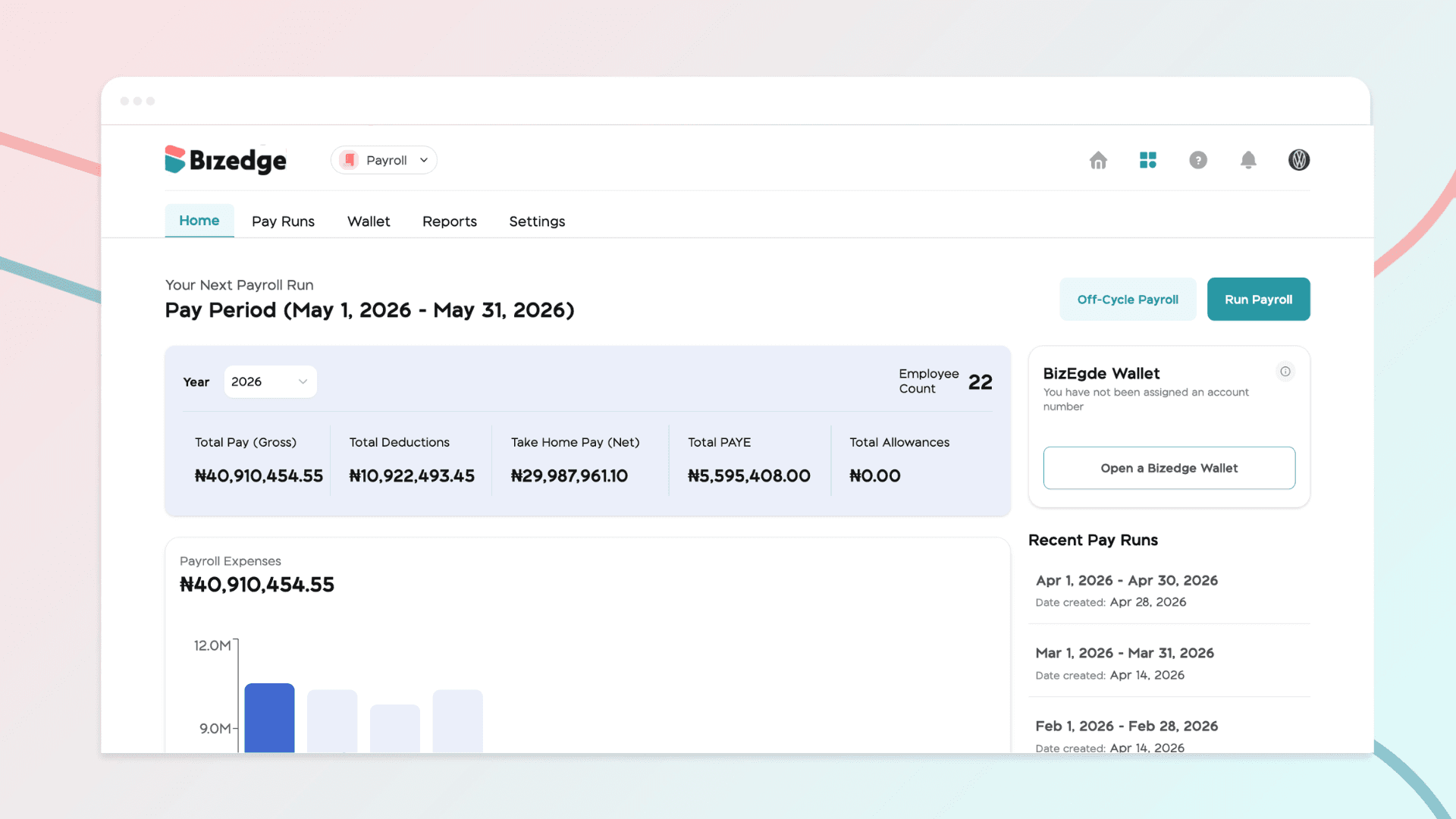
When a new employee joins mid-month, their salary can be prorated to ensure they are paid accurately for the time worked.
To do this, go to Confirm & Review Employees and select the relevant employee. Click Prorate within the salary breakdown, then adjust the number of days or hours worked accordingly.
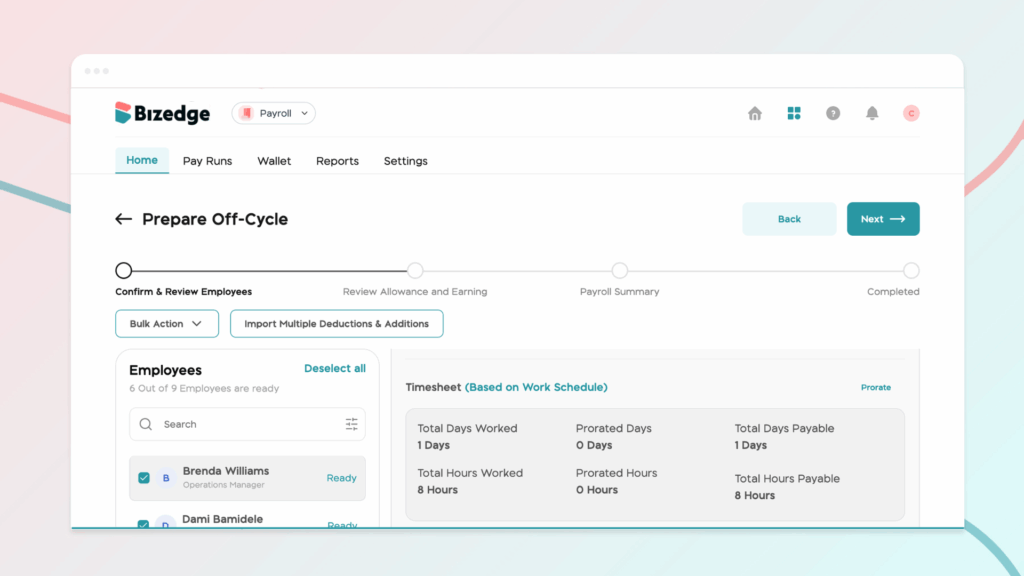
This feature is also useful for existing employees whose hours need to be extended, making it easy to account for partial periods or overtime and ensuring that every employee receives accurate pay.
Comments
Leave a comment
Related posts

How to Use the MyTeam App
The MyTeam App on BizEdge helps line managers effectively oversee their teams. It provides visibility into team attendance, leave requests, time off schedules, and appraisal, making team supervision and approvals easier and more organized.
Apr 14, 2026 · 1 min read

How to Grant Line Managers Access to the MyTeam App
The MyTeam App on BizEdge helps line managers effectively oversee their teams. It provides visibility into team attendance, leave requests, time off schedules, and appraisal, making team supervision and approvals easier and more organized.
Apr 14, 2026 · 1 min read

How to Set Up Your Workspace Name on BizEdge
Your Workspace Name is how your business appears to employees across the BizEdge platform. Setting it up correctly ensures that your organization is easily recognizable to your team from the moment they log in. Follow these simple steps to update it:
Apr 14, 2026 · 1 min read