
How to Run Off-Cycle Payroll
Chinaza Okafor · Apr 10, 2026 · 1 min read
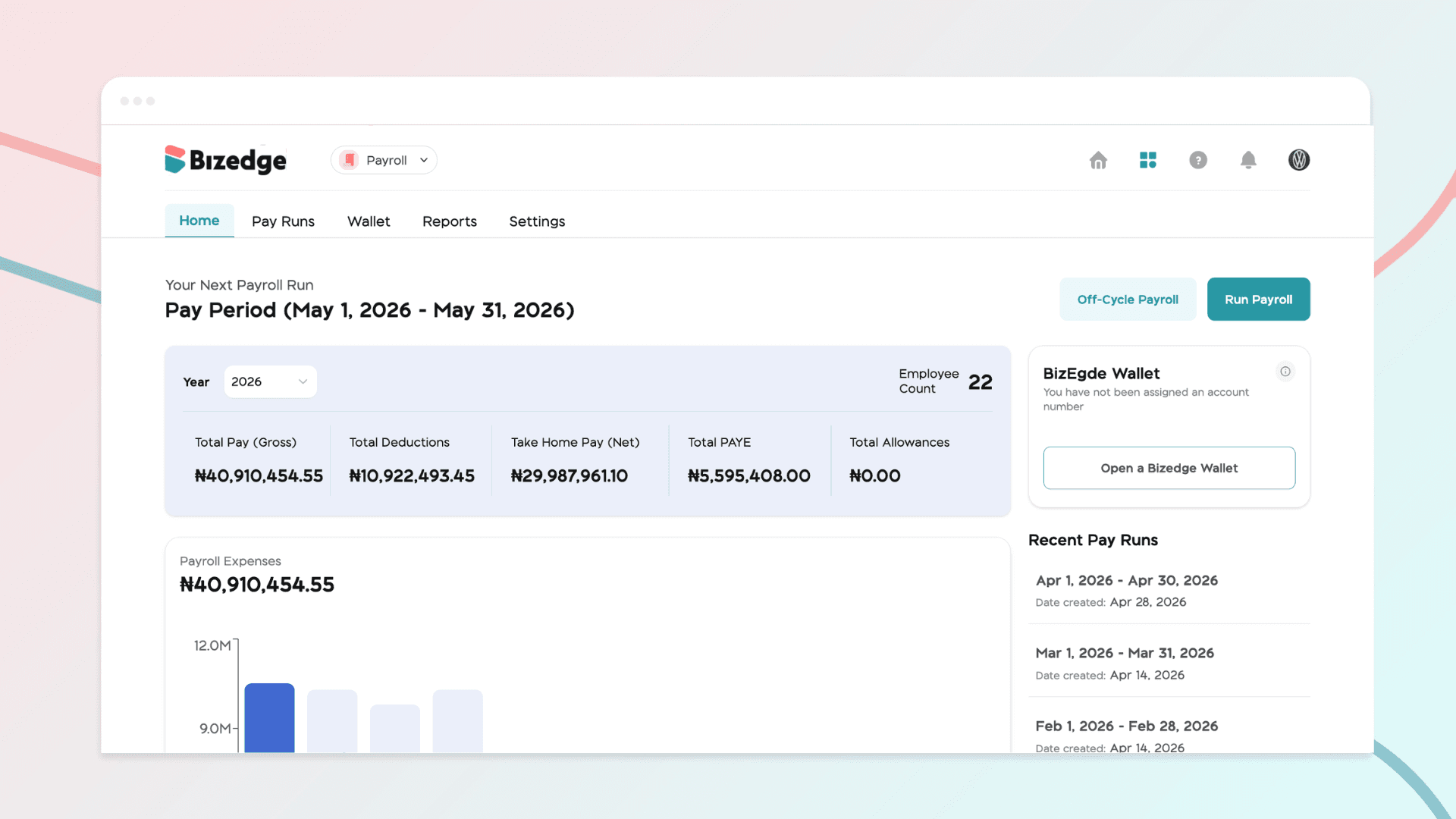
Off-cycle payroll is used for payments outside your regular payroll schedule. This may apply in special salary adjustments or additional pay runs.
To run off-cycle payroll:
Navigate to the Payroll Homepage and click the Off-Cycle Payroll button. Enter a title and pay date, then enable Gross Salary, Pension, or Tax based on your specific needs. Once everything is set, click Run Off-Cycle to proceed.
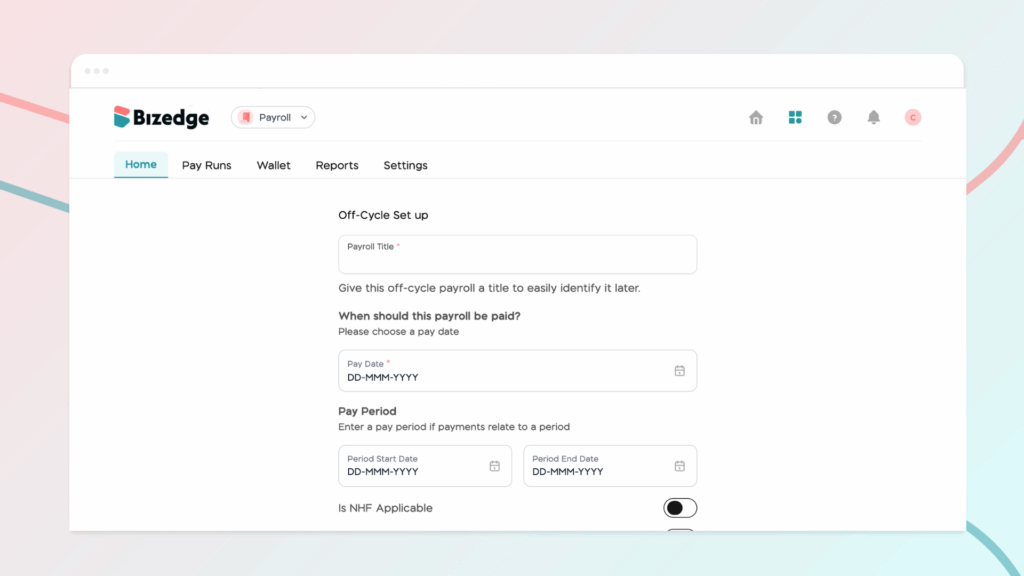
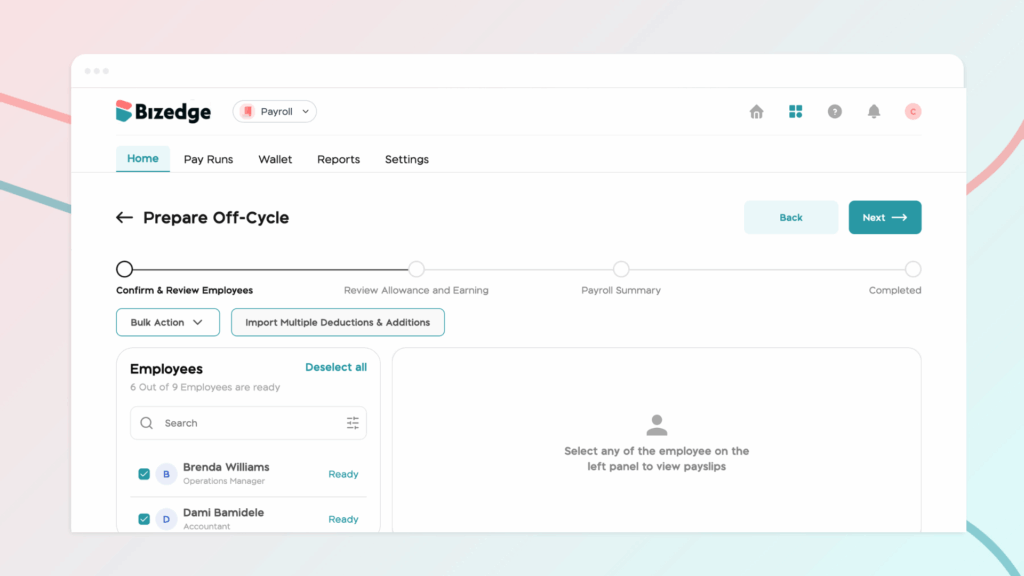
Reviewing Employee Salary Details:
Next, review each employee's salary details by adding any necessary Additions or Deductions. Confirm each employee's salary breakdown to ensure accuracy, then click Next to move on to the Payroll Summary.
Approving and Finalizing Payroll
In the Payroll Summary, carefully verify all totals and ensure that every adjustment has been correctly applied. Once satisfied, click 'Approve and Run' to finalise and process the payroll.
Chinaza Okafor
Author
Comments
Leave a comment
Related posts

How to Use the MyTeam App
The MyTeam App on BizEdge helps line managers effectively oversee their teams. It provides visibility into team attendance, leave requests, time off schedules, and appraisal, making team supervision and approvals easier and more organized.
Apr 14, 2026 · 1 min read

How to Grant Line Managers Access to the MyTeam App
The MyTeam App on BizEdge helps line managers effectively oversee their teams. It provides visibility into team attendance, leave requests, time off schedules, and appraisal, making team supervision and approvals easier and more organized.
Apr 14, 2026 · 1 min read

How to Set Up Your Workspace Name on BizEdge
Your Workspace Name is how your business appears to employees across the BizEdge platform. Setting it up correctly ensures that your organization is easily recognizable to your team from the moment they log in. Follow these simple steps to update it:
Apr 14, 2026 · 1 min read