
How to Setup Payroll Additions and Deductions
Chinaza Okafor · Apr 10, 2026 · 1 min read
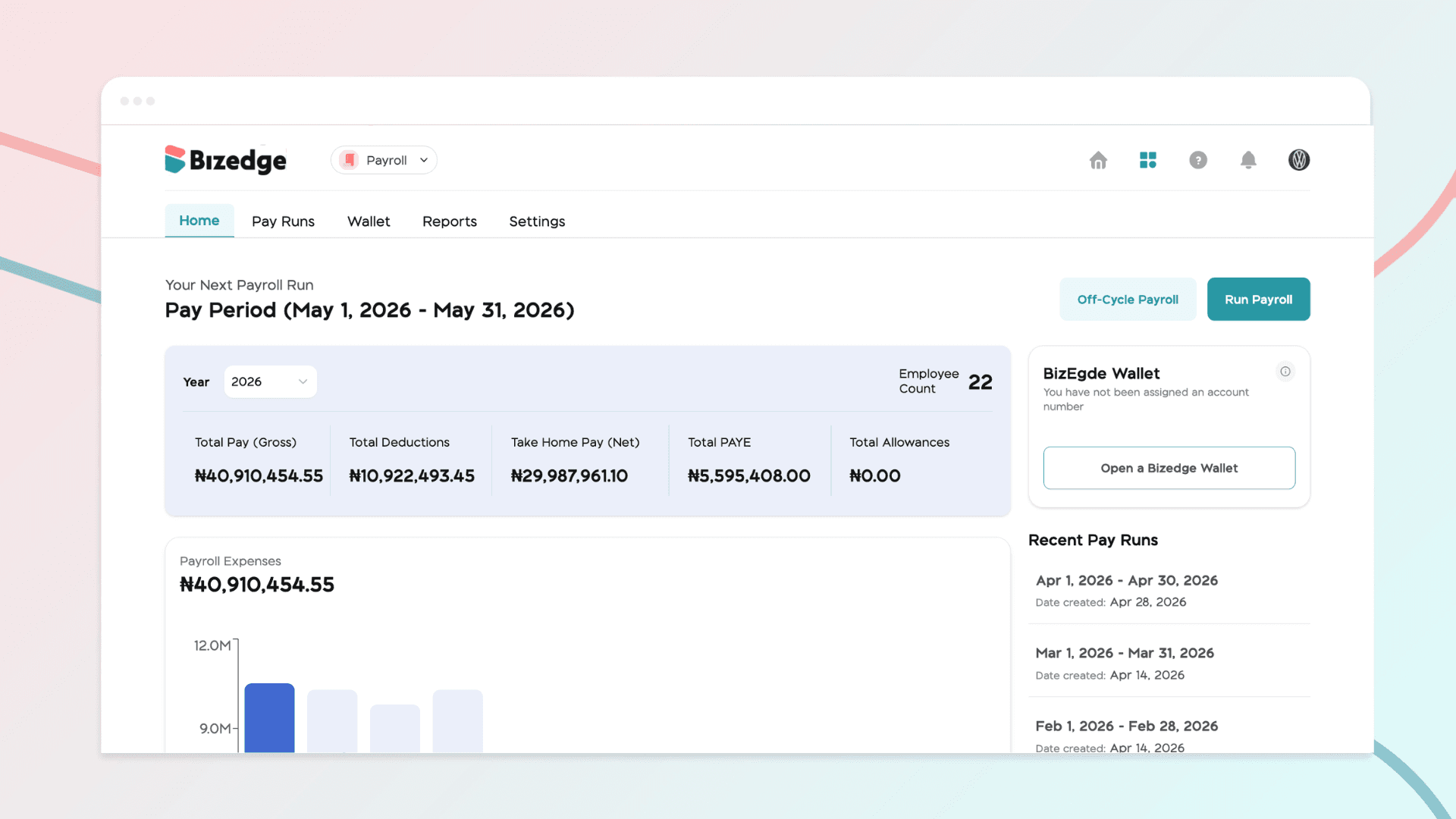
Setting up payroll additions and deductions allows organizations to accurately manage extra earnings and required reductions in employee pay. Additions may include bonuses, allowances, or reimbursements, while deductions can cover taxes, pensions, loans, or other statutory and voluntary contributions.
Creating a Deduction
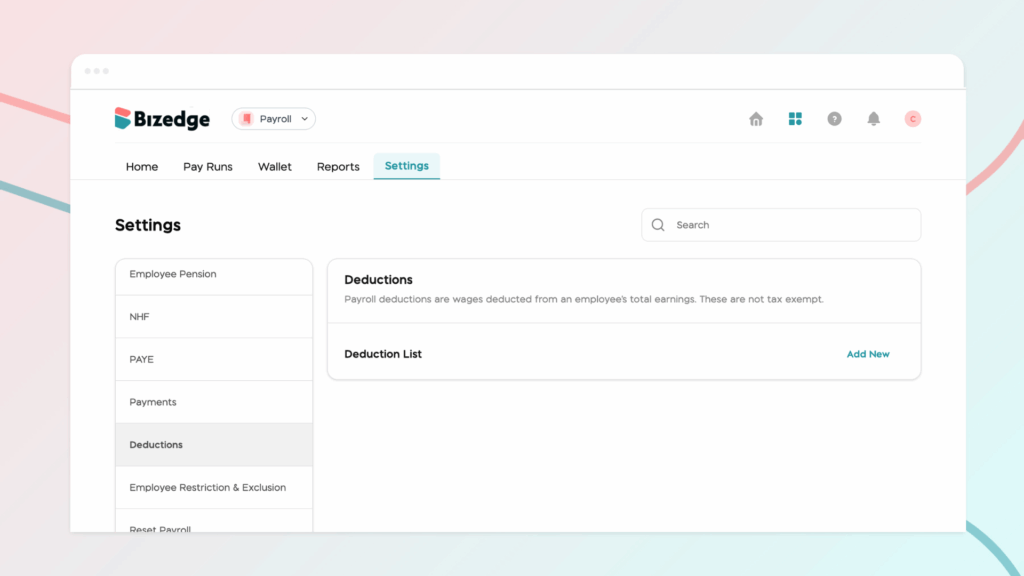
To create a deduction, begin by going to Payroll Settings and navigating to the Deductions section. From there, click Create New, enter all the required details, and click Save.
Creating an Addition
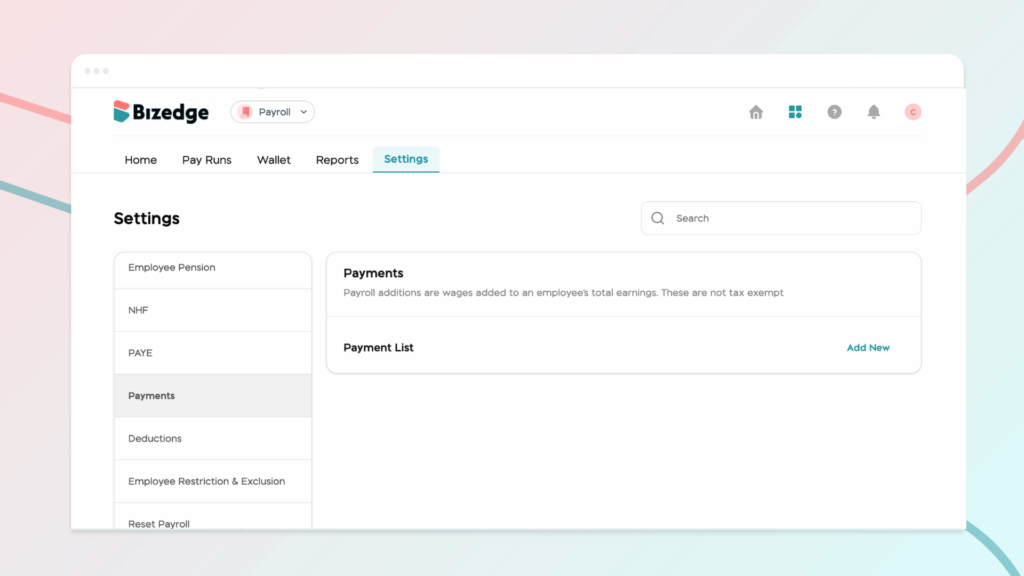
To create an addition, go to Payments and click Create New Addition. Enter the name and all relevant details, then click Save.
Assigning a Deduction or Addition to an Employee
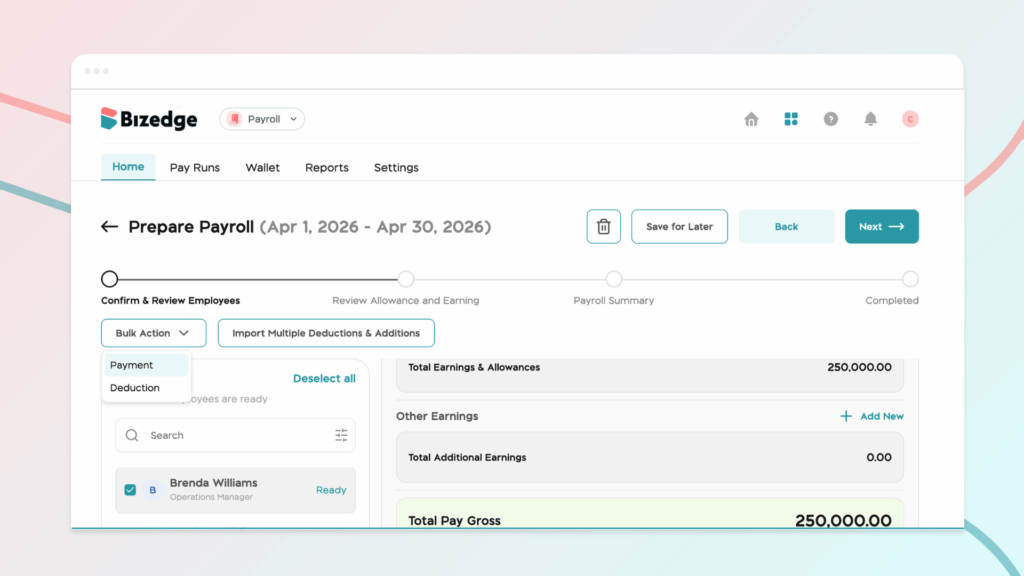
To assign a deduction or addition to an employee, go to Confirm & Review Employees page during a pay run and select the relevant employee. Add the applicable Deduction or Addition, enter the amount, and click Save. The change will automatically reflect in the employee's salary breakdown.
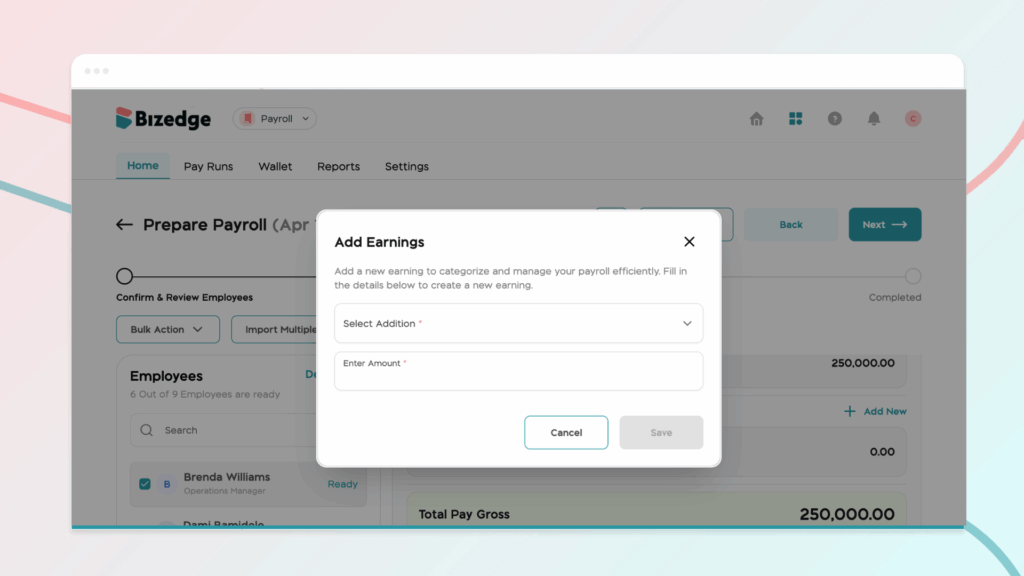
Note: Use the bulk action option to assign additions and deductions to multiple employees at once, saving time for large teams.
Chinaza Okafor
Author
Comments
Leave a comment
Related posts

How to Use the MyTeam App
The MyTeam App on BizEdge helps line managers effectively oversee their teams. It provides visibility into team attendance, leave requests, time off schedules, and appraisal, making team supervision and approvals easier and more organized.
Apr 14, 2026 · 1 min read

How to Grant Line Managers Access to the MyTeam App
The MyTeam App on BizEdge helps line managers effectively oversee their teams. It provides visibility into team attendance, leave requests, time off schedules, and appraisal, making team supervision and approvals easier and more organized.
Apr 14, 2026 · 1 min read

How to Set Up Your Workspace Name on BizEdge
Your Workspace Name is how your business appears to employees across the BizEdge platform. Setting it up correctly ensures that your organization is easily recognizable to your team from the moment they log in. Follow these simple steps to update it:
Apr 14, 2026 · 1 min read