
How to Add a New Repair
Chinaza Okafor · Apr 14, 2026 · 1 min read
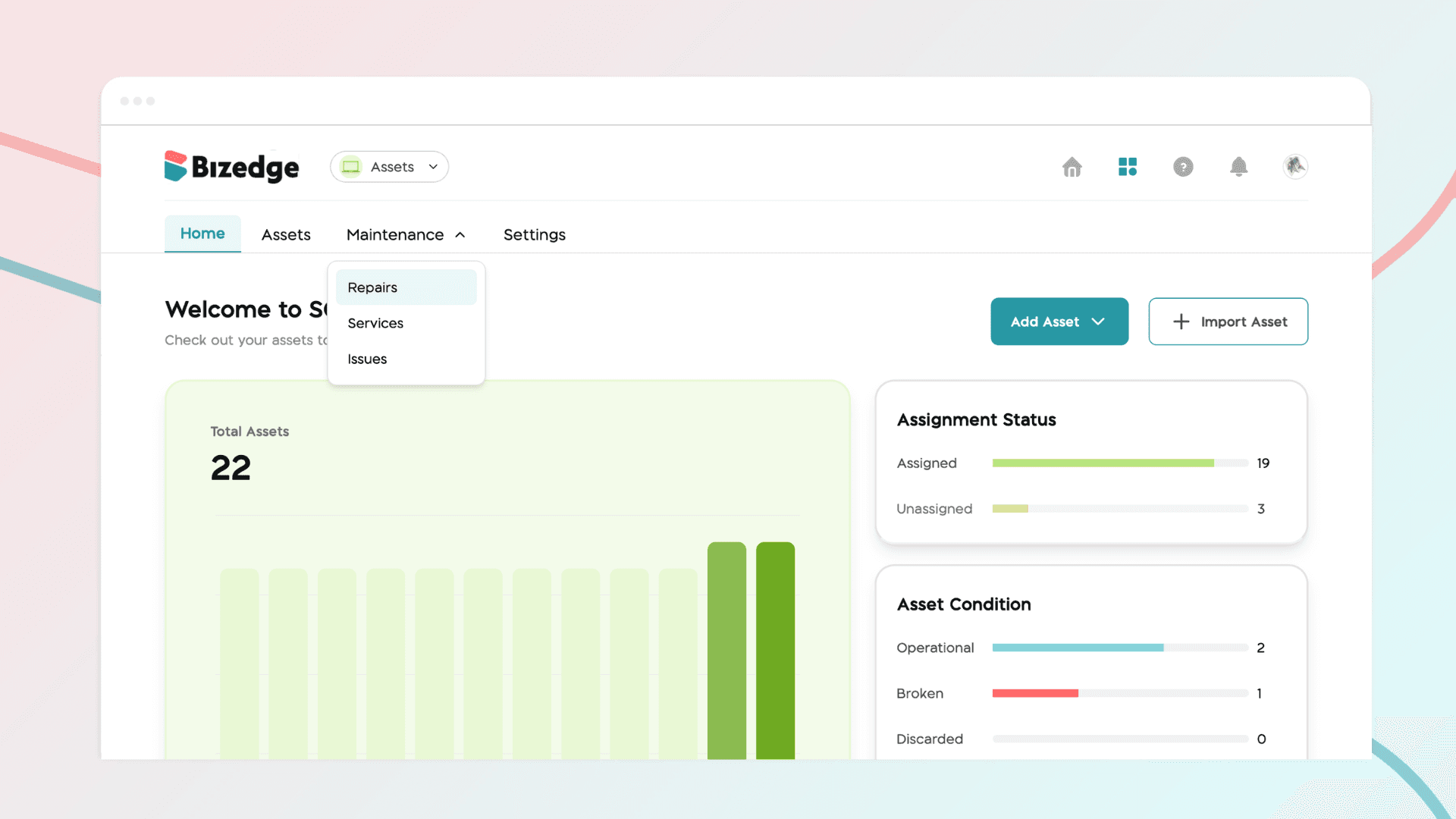
The Assets App allows you to log and track maintenance and repair activities for all your vehicles, keeping a complete service history in one place. Here is how to do this:
Step 1: Navigate to Repairs
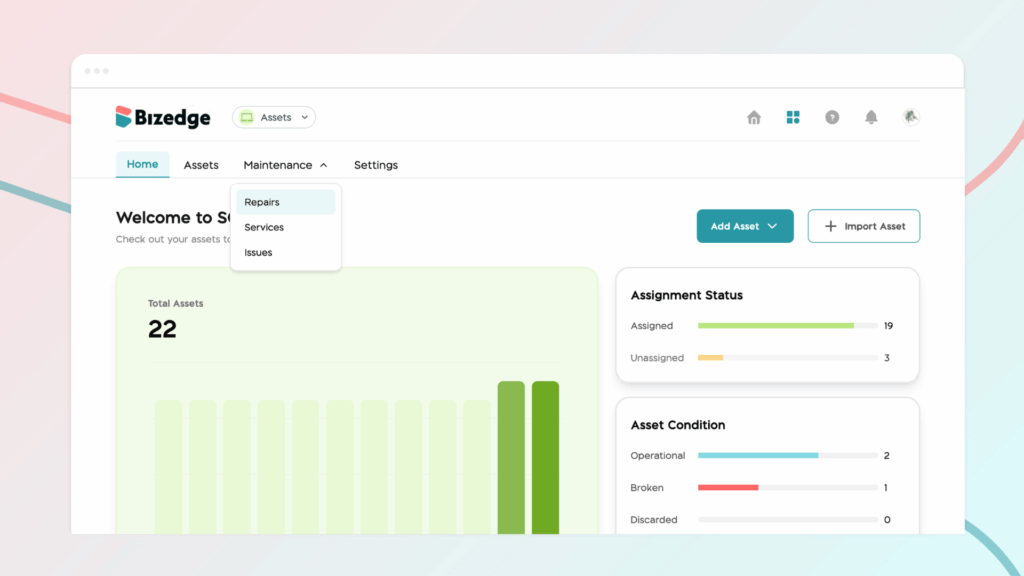
From the Assets dashboard, click on Maintenance and then select Repairs to access the repairs management section.
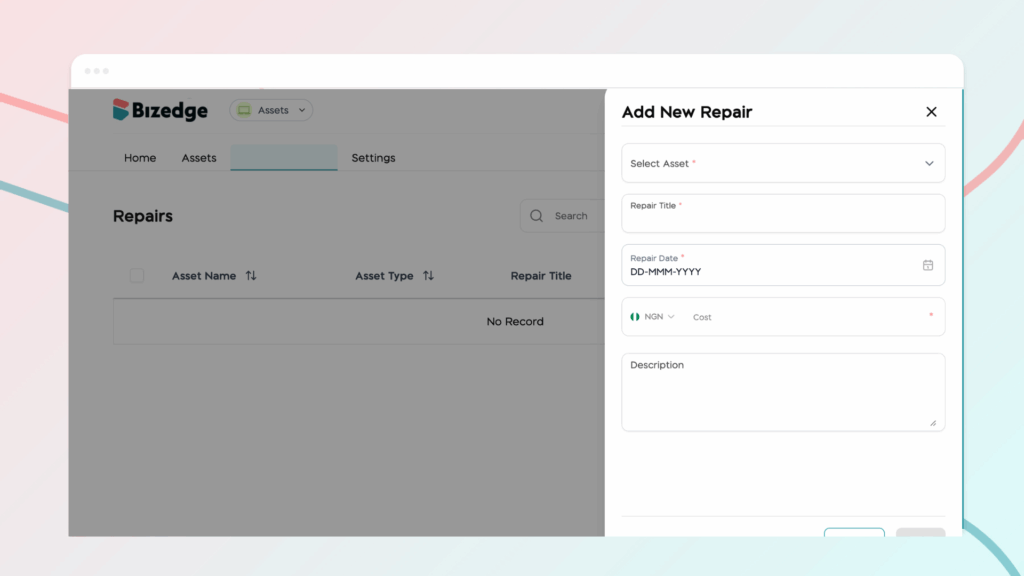
Step 2: Add a New Repair
Click the Add New Repair button at the top of the page. A form will appear for you to fill in the necessary details about the repair. You can also upload any relevant documents such as service records or invoices directly to the repair entry.
Step 3: Stay on Top of Reminders
Once a repair or maintenance entry has been saved, you will receive automatic notifications when upcoming reminders are approaching, ensuring that no scheduled maintenance is missed.
Step 4: View Maintenance and Repair History
To view a full history of all previous and upcoming maintenance and repair activities for a specific vehicle, click on the vehicle and select Maintenance and Repairs from the vehicle's menu bar. This gives you a complete overview of the vehicle's service record at a glance.
Chinaza Okafor
Author
Comments
Leave a comment
Related posts

How to Use the MyTeam App
The MyTeam App on BizEdge helps line managers effectively oversee their teams. It provides visibility into team attendance, leave requests, time off schedules, and appraisal, making team supervision and approvals easier and more organized.
Apr 14, 2026 · 1 min read

How to Grant Line Managers Access to the MyTeam App
The MyTeam App on BizEdge helps line managers effectively oversee their teams. It provides visibility into team attendance, leave requests, time off schedules, and appraisal, making team supervision and approvals easier and more organized.
Apr 14, 2026 · 1 min read

How to Set Up Your Workspace Name on BizEdge
Your Workspace Name is how your business appears to employees across the BizEdge platform. Setting it up correctly ensures that your organization is easily recognizable to your team from the moment they log in. Follow these simple steps to update it:
Apr 14, 2026 · 1 min read