
How to Assign Shifts to Employees and Publish Shifts
Chinaza Okafor · Apr 13, 2026 · 1 min read
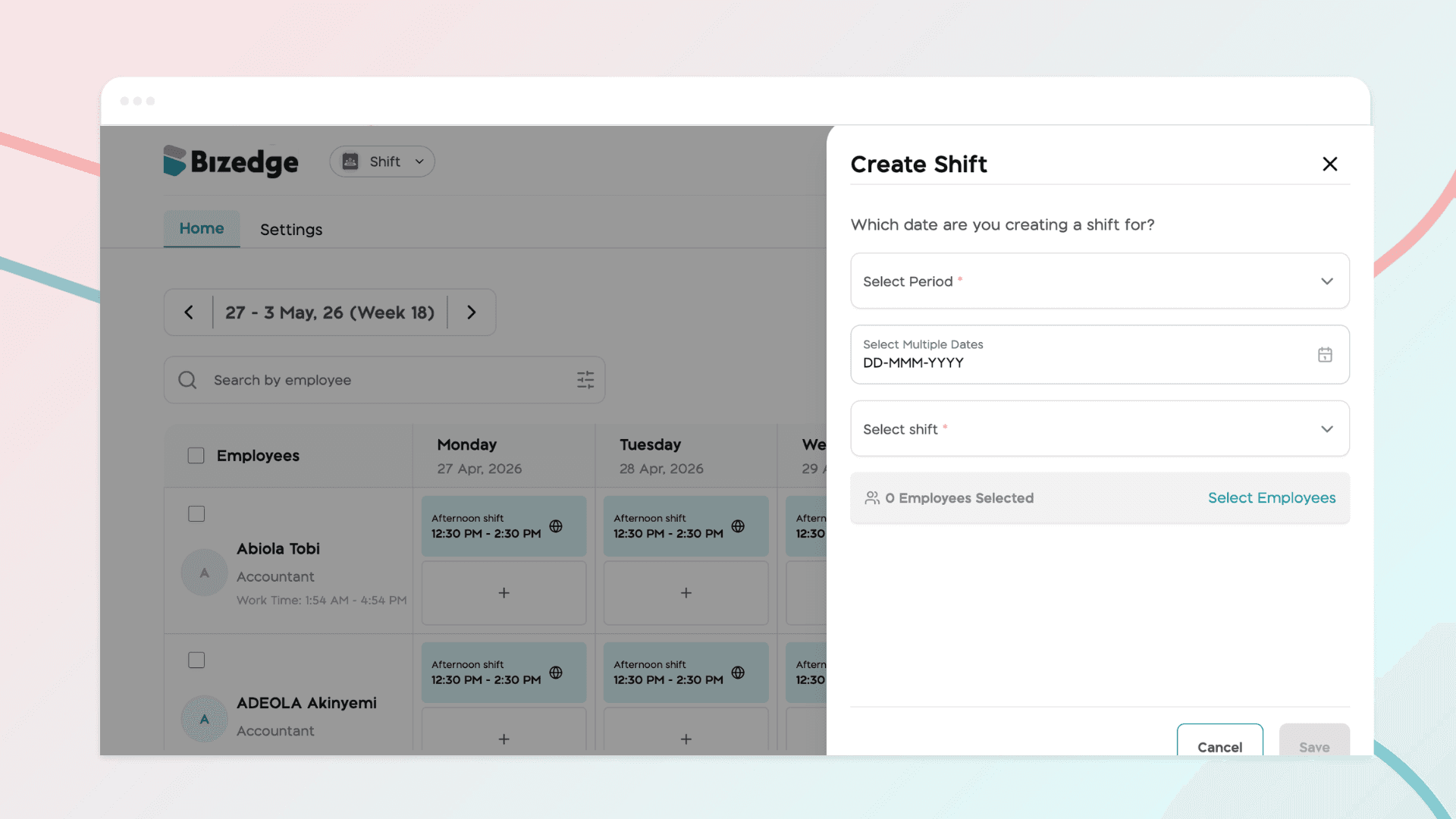
Once your shift templates have been created, you can begin assigning shifts to employees and publishing their schedules. Published shifts are immediately visible to employees on the MyEdge App, keeping everyone informed of their working days and shift times.
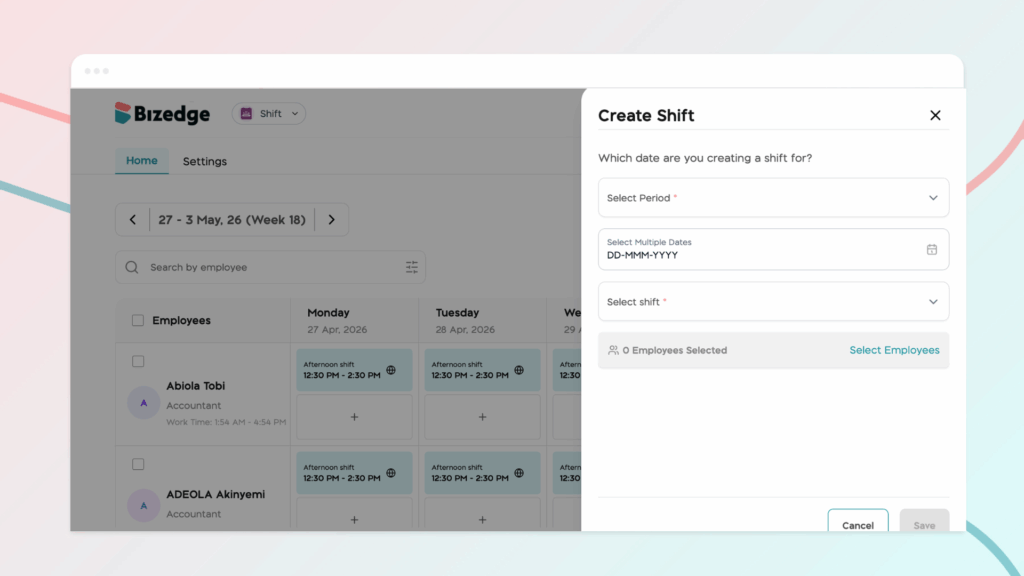
Step 1: Click on Create Shift to begin scheduling shifts for employees. In this section, you will enter the required details. Once all the necessary details have been entered, save the changes to record the shift schedule.
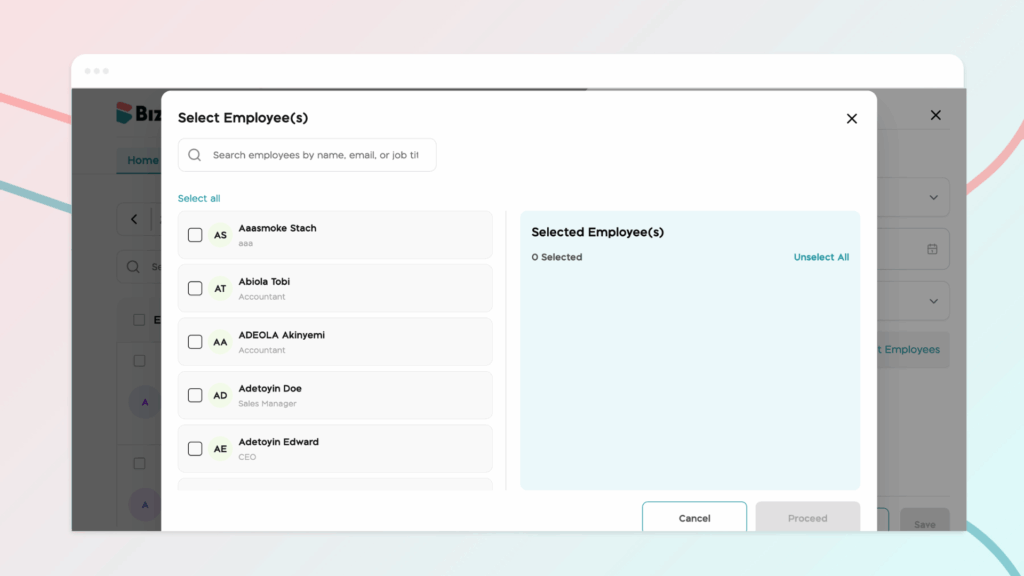
Step 2: Click on ‘Select Employees’ to select the employees you would like to assign the shift to. After this, click on Proceed, then save.
Step 3: Publish the scheduled shifts visible to employees. Publishing the shifts ensures that employees can view their assigned schedules on their MyEdge App, allowing them to stay informed about their working days and shift times.
You can also assign shifts to employees by clicking on a work day from the employee’s list. Select the shift you want from the shift drop-down, then toggle the button if you want to apply the shift for the week. After this, toggle the publish shift button to make the shift visible for the employee on MyEdge.
Chinaza Okafor
Author
Comments
Leave a comment
Related posts

How to Use the MyTeam App
The MyTeam App on BizEdge helps line managers effectively oversee their teams. It provides visibility into team attendance, leave requests, time off schedules, and appraisal, making team supervision and approvals easier and more organized.
Apr 14, 2026 · 1 min read

How to Grant Line Managers Access to the MyTeam App
The MyTeam App on BizEdge helps line managers effectively oversee their teams. It provides visibility into team attendance, leave requests, time off schedules, and appraisal, making team supervision and approvals easier and more organized.
Apr 14, 2026 · 1 min read

How to Set Up Your Workspace Name on BizEdge
Your Workspace Name is how your business appears to employees across the BizEdge platform. Setting it up correctly ensures that your organization is easily recognizable to your team from the moment they log in. Follow these simple steps to update it:
Apr 14, 2026 · 1 min read