
How to Configure Attendance Settings and Work Schedules
Chinaza Okafor · Apr 13, 2026 · 1 min read
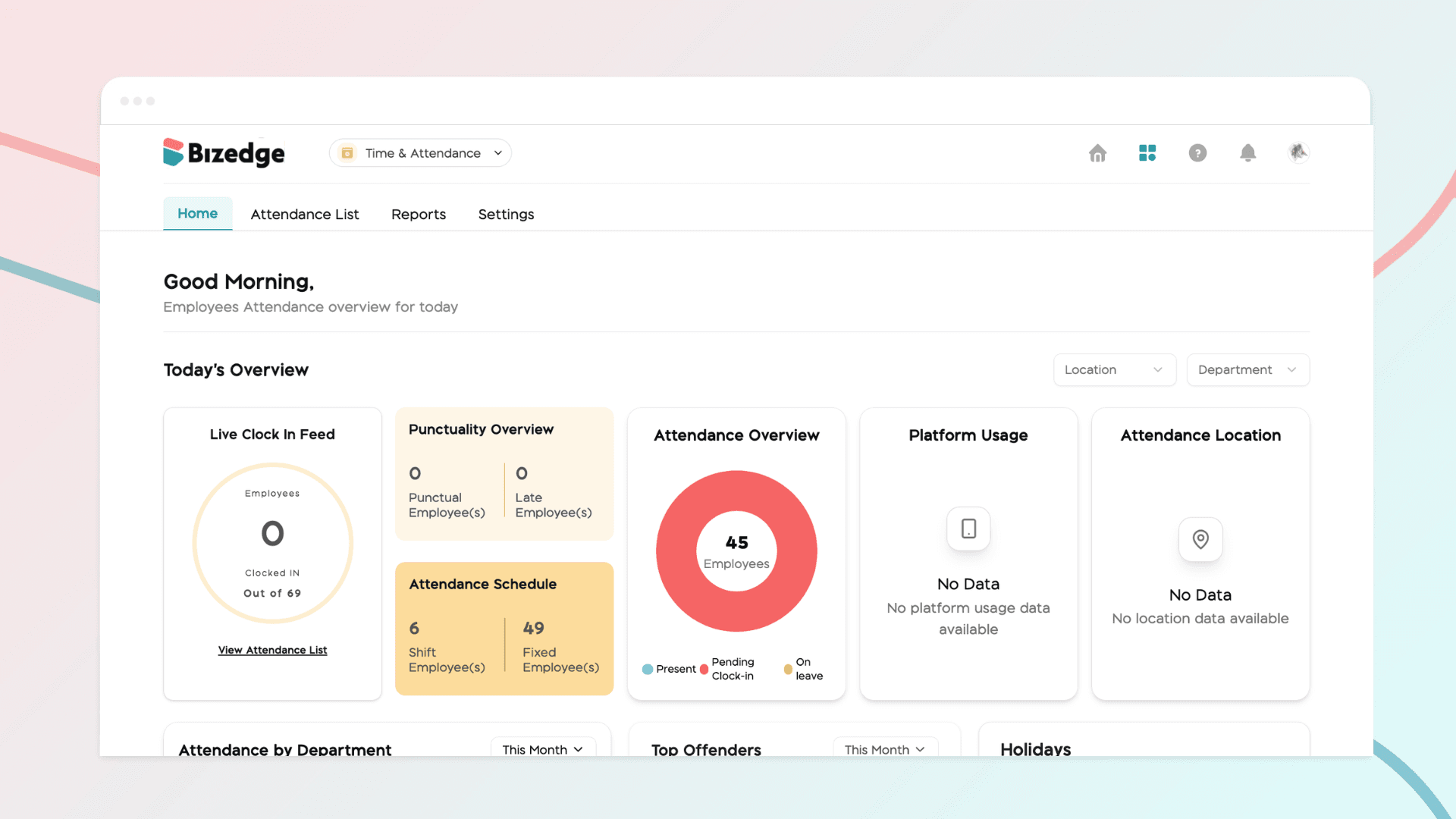
Properly configuring attendance settings and work schedules is essential for accurate time tracking and punctuality monitoring across your organization. BizEdge allows administrators to define lateness policies and assign work schedules to employees, ensuring that the system correctly reflects each employee's working pattern and calculates attendance data accordingly.
Step 1: Open the Attendance App
From the BizEdge dashboard, open the Attendance App and click 'Set Up Time and Attendance' to begin the setup process.
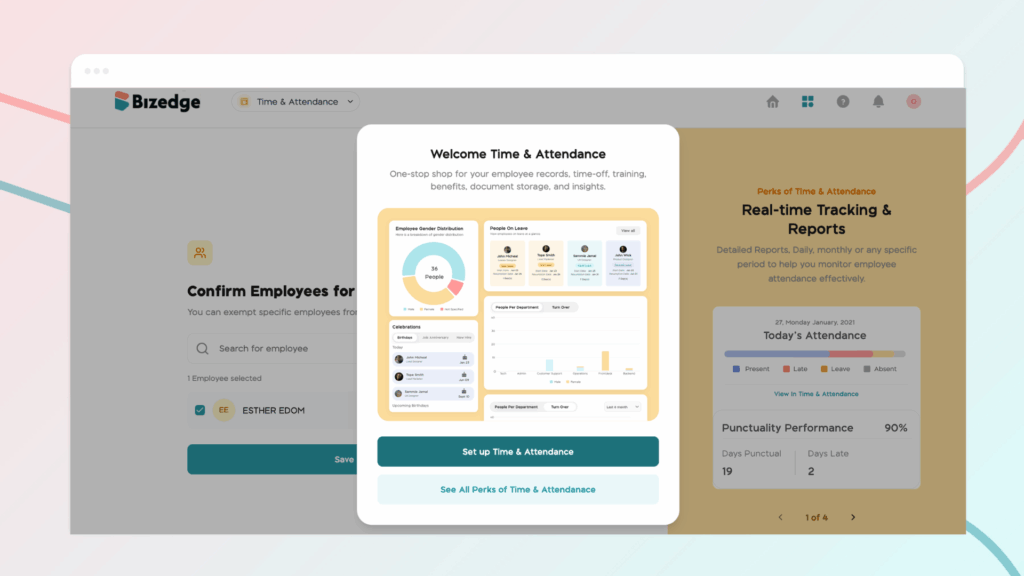
Step 2: Set Up a Company Location
Select employees you'd like to add to the attendance.This means the employees selected are expected to clock in.
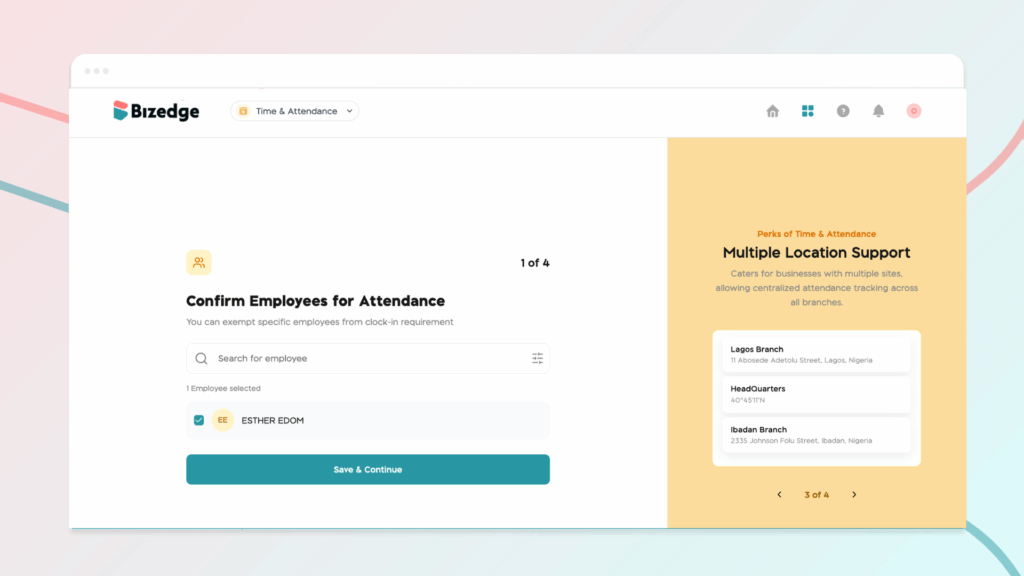
Step 3: Configure the Lateness Policy
In Attendance Settings, set the lateness grace period. This determines the window of time after the scheduled start time during which an employee can still clock in without being marked late. Any employee who clocks in after this grace period will automatically be marked as late.
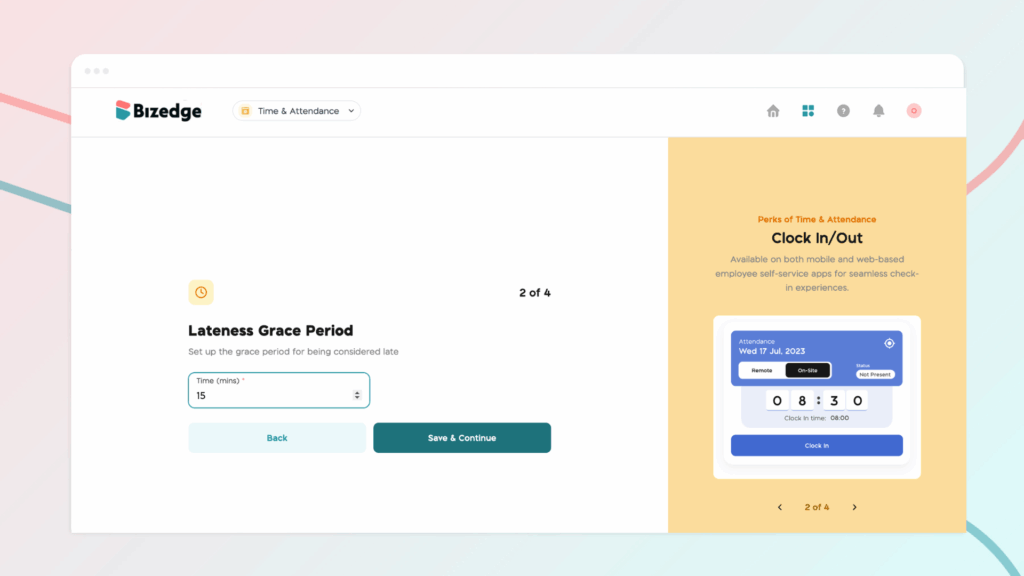
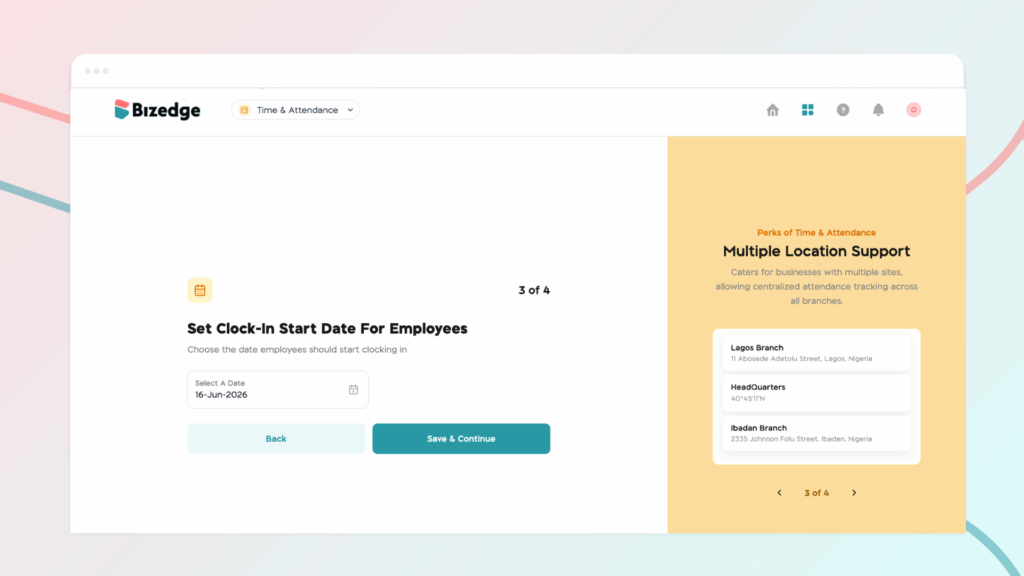
Step 4: Set Clock-In Start Date For Employees
Choose the date employees should start clocking in.
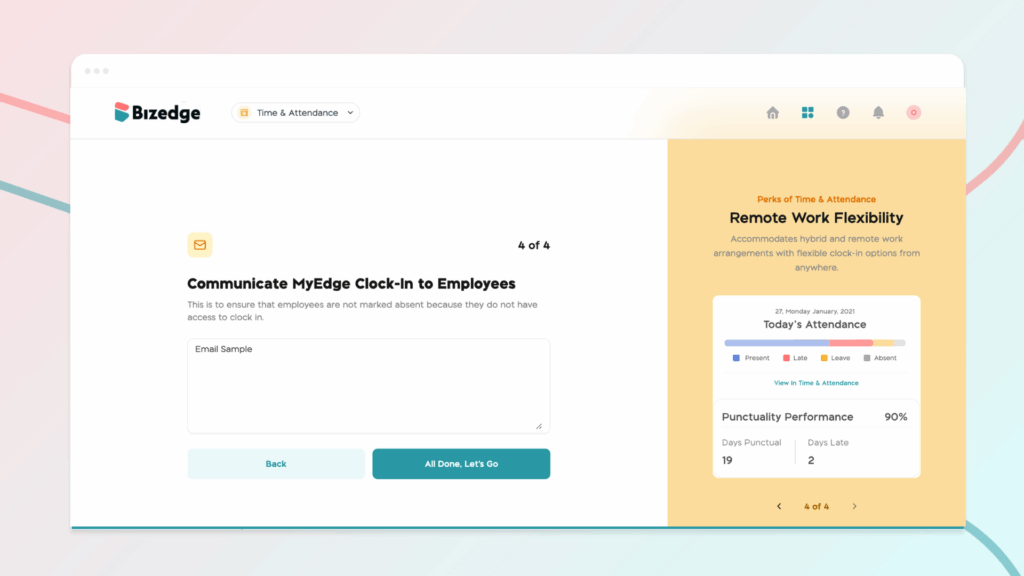
Step 5: Communicate MyEdge Clock-In to Employees
This is to ensure that employees are not marked absent because they do not have access to clock - in
Note: Employees must be assigned to a defined company location in order to clock in. To set this up, open the People App and navigate to Settings, then Location. Click Add New Location and either detect your current location automatically or manually enter the company address.
Chinaza Okafor
Author
Comments
Leave a comment
Related posts

How to Use the MyTeam App
The MyTeam App on BizEdge helps line managers effectively oversee their teams. It provides visibility into team attendance, leave requests, time off schedules, and appraisal, making team supervision and approvals easier and more organized.
Apr 14, 2026 · 1 min read

How to Grant Line Managers Access to the MyTeam App
The MyTeam App on BizEdge helps line managers effectively oversee their teams. It provides visibility into team attendance, leave requests, time off schedules, and appraisal, making team supervision and approvals easier and more organized.
Apr 14, 2026 · 1 min read

How to Set Up Your Workspace Name on BizEdge
Your Workspace Name is how your business appears to employees across the BizEdge platform. Setting it up correctly ensures that your organization is easily recognizable to your team from the moment they log in. Follow these simple steps to update it:
Apr 14, 2026 · 1 min read