How to Set Up Payroll
Chinaza Okafor · Apr 10, 2026 · 1 min read
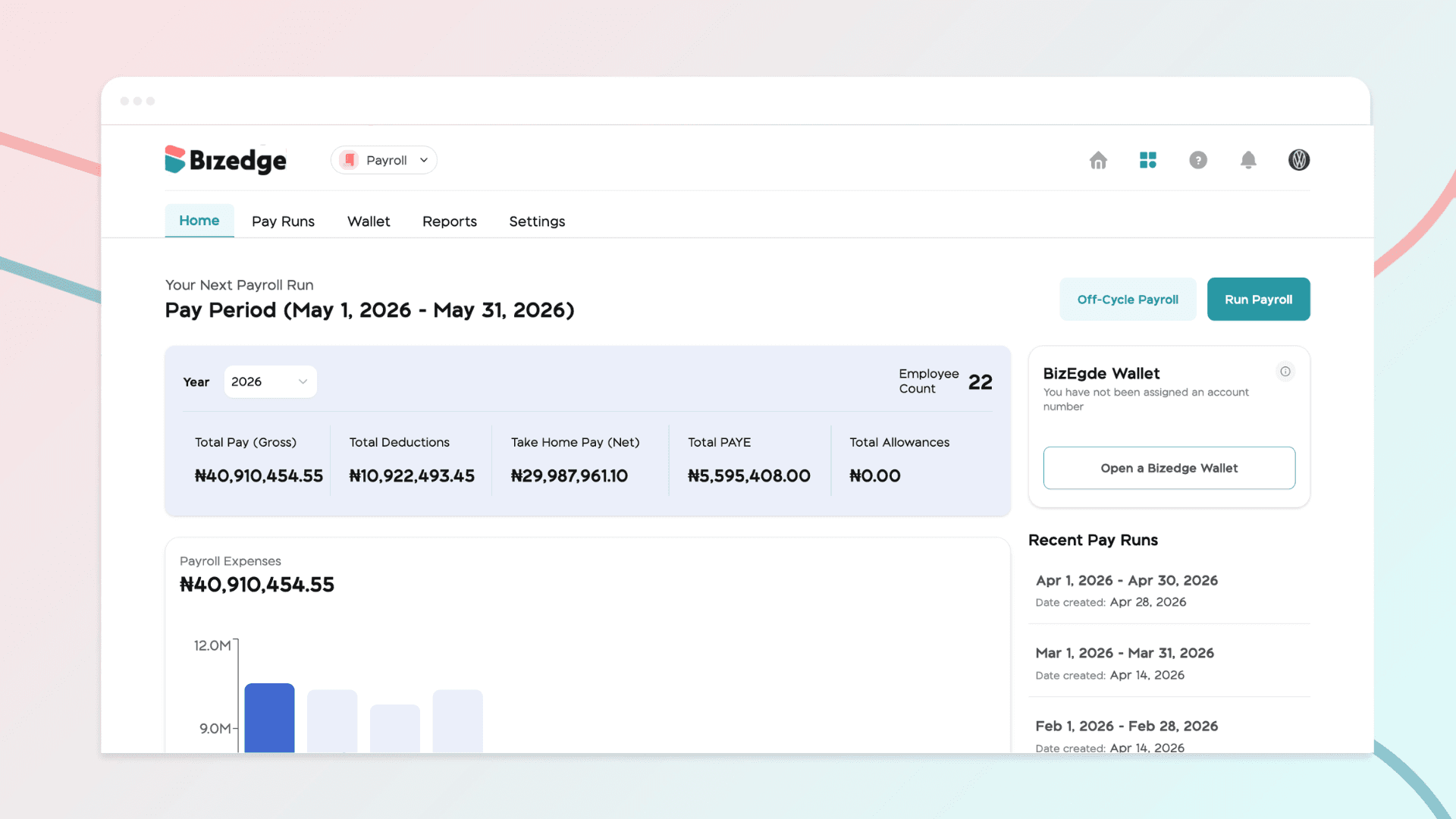
As a new user, before payroll can be processed accurately, your payroll structure must be defined. Here are the steps to set up your payroll during onboarding:
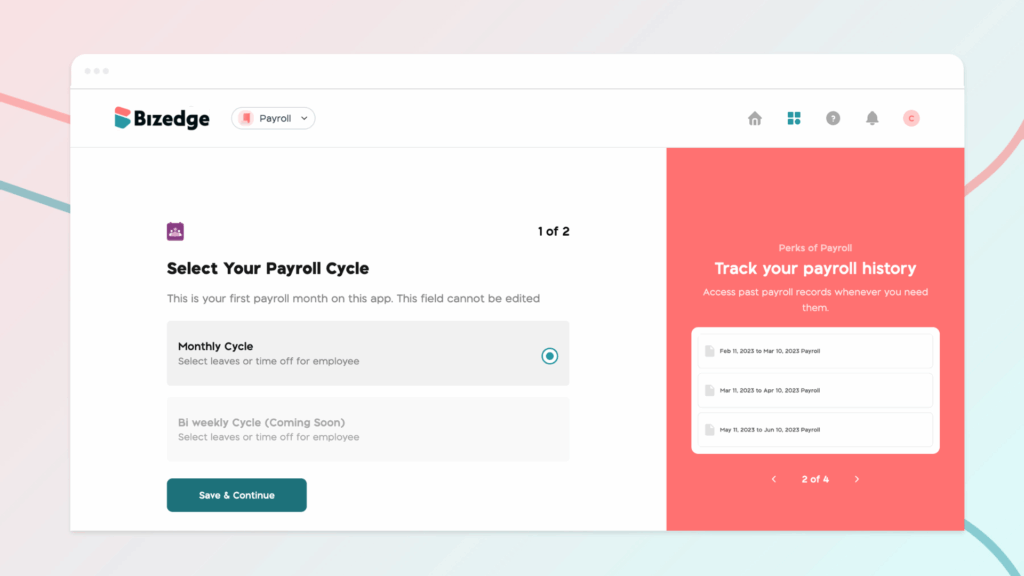
Step 1: Select Your Payroll Cycle
Click on the Monthly Cycle option
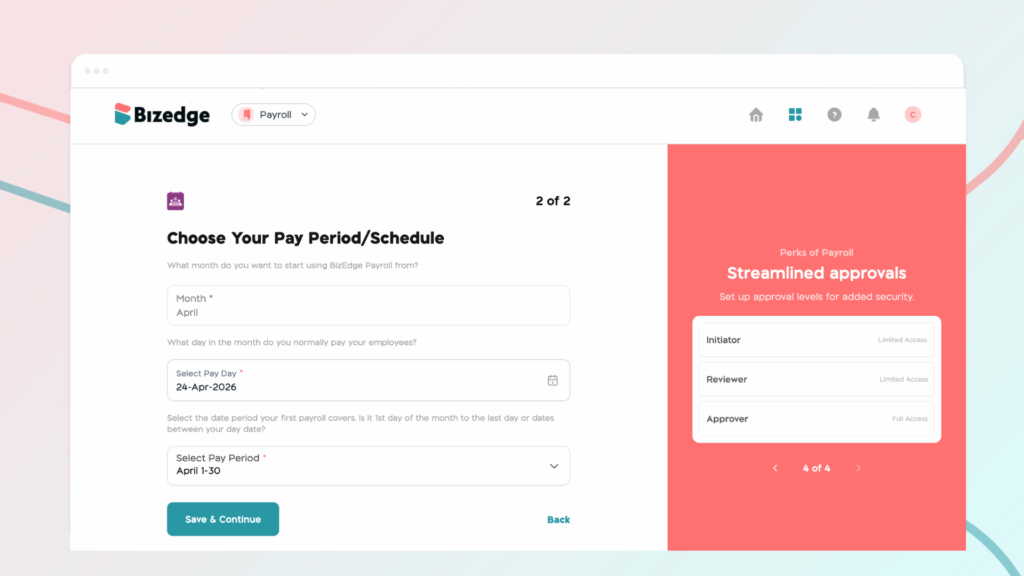
Step 2: Choose Your Pay Period/Schedule
Select the pay date you normally pay your employees and select the date period your first payroll covers.
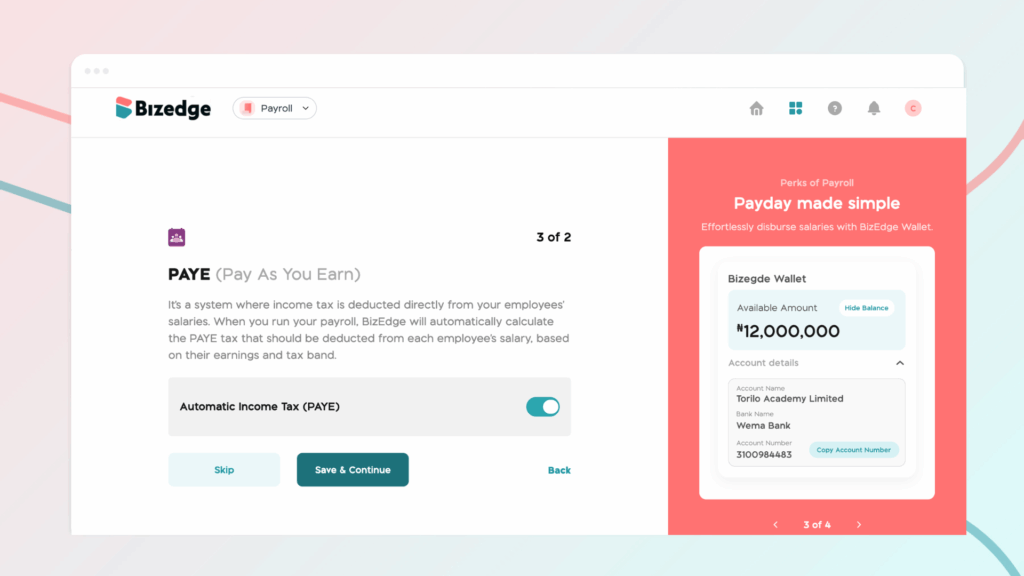
Step 3: PAYE Setup
This is where you decide to enable or disable PAYE. When you run your payroll, BizEdge will automatically calculate the PAYE tax that should be deducted from each employee's salary, based on their earnings and tax band.
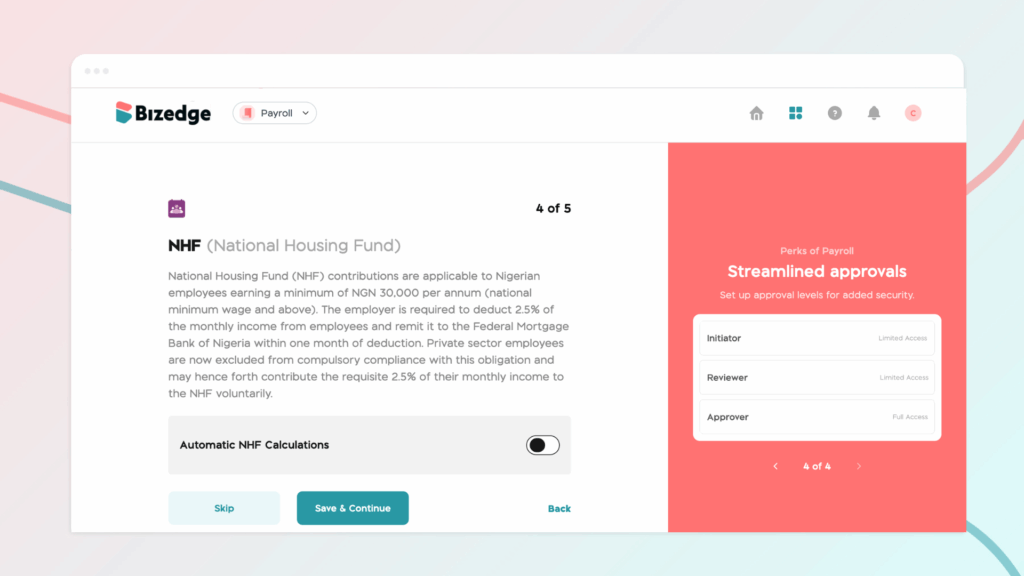
Step 4: NHF Setup
This is where you decide to enable or disable NHF
Step 5: Salary Breakdown
Enter salary components (must add up to 100%). Set Housing & Transport to zero if unused. Add more items if needed.
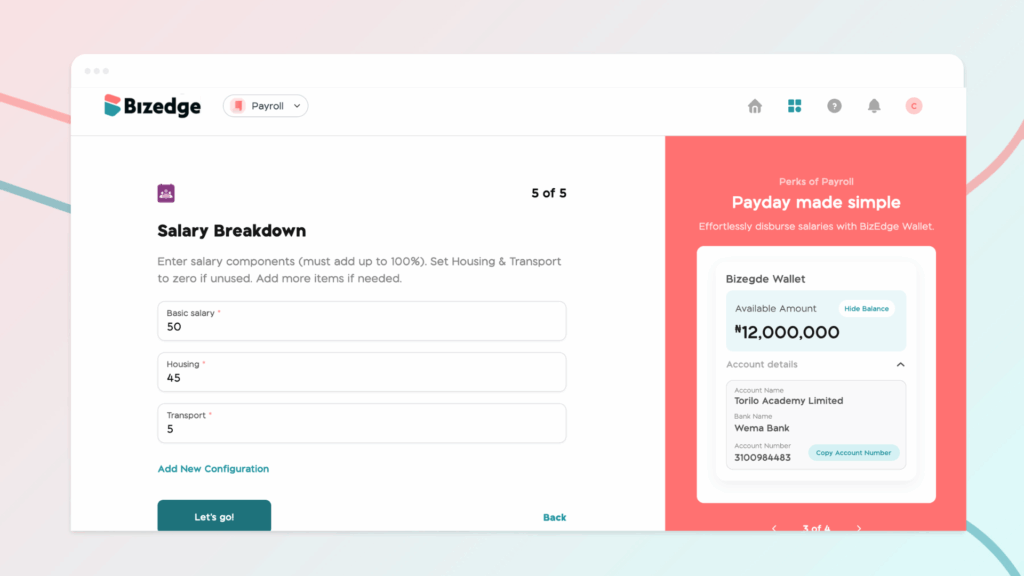
Step 6: Click on the ‘Let’s Go’ button and you’ll be taken to the Payroll dashboard to run payroll.
Comments
Leave a comment
Related posts

How to Use the MyTeam App
The MyTeam App on BizEdge helps line managers effectively oversee their teams. It provides visibility into team attendance, leave requests, time off schedules, and appraisal, making team supervision and approvals easier and more organized.
Apr 14, 2026 · 1 min read

How to Grant Line Managers Access to the MyTeam App
The MyTeam App on BizEdge helps line managers effectively oversee their teams. It provides visibility into team attendance, leave requests, time off schedules, and appraisal, making team supervision and approvals easier and more organized.
Apr 14, 2026 · 1 min read

How to Set Up Your Workspace Name on BizEdge
Your Workspace Name is how your business appears to employees across the BizEdge platform. Setting it up correctly ensures that your organization is easily recognizable to your team from the moment they log in. Follow these simple steps to update it:
Apr 14, 2026 · 1 min read