
How to View Attendance Reports and Export Data
Chinaza Okafor · Apr 13, 2026 · 1 min read
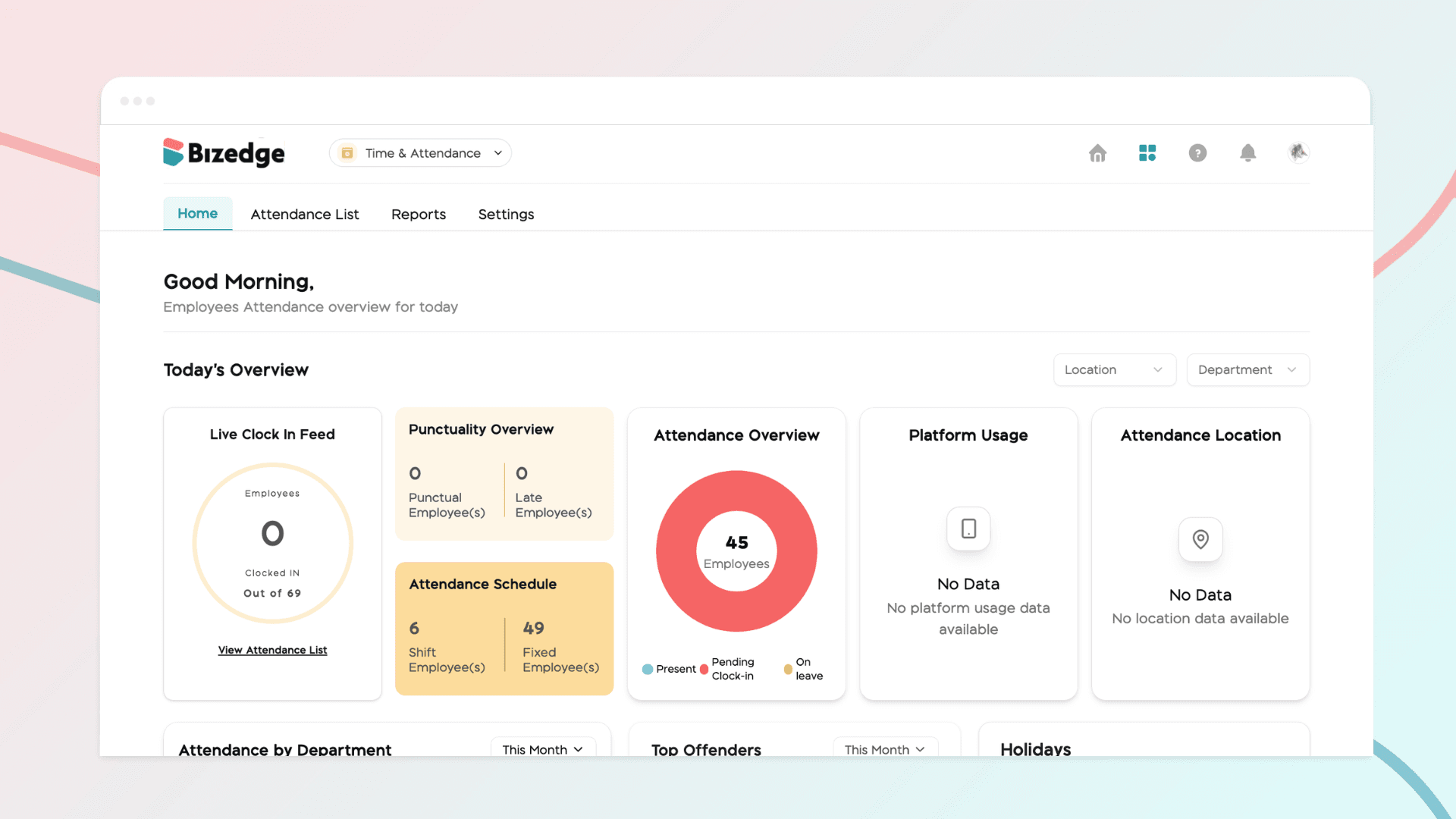
The Attendance App provides detailed reports that give administrators a comprehensive view of employee attendance over any selected time period. These reports can also be exported for further analysis or record-keeping purposes.
Step 1: Access the Attendance Report
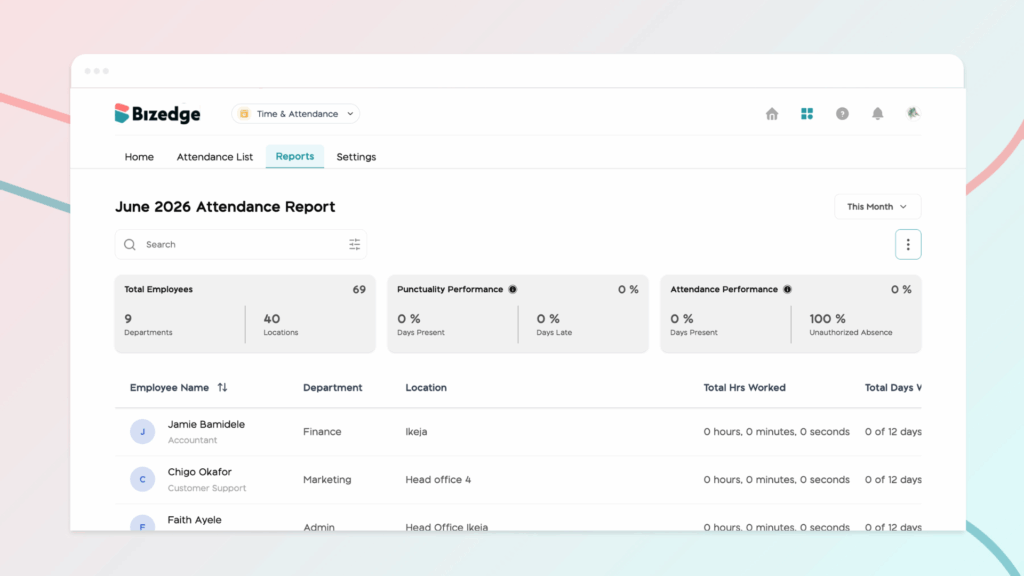
Log in to BizEdge and navigate to the Attendance App. Click on Reports to open the Attendance Report, where you can view a comprehensive breakdown of employee attendance for the selected time period.
Step 2: Export the Report
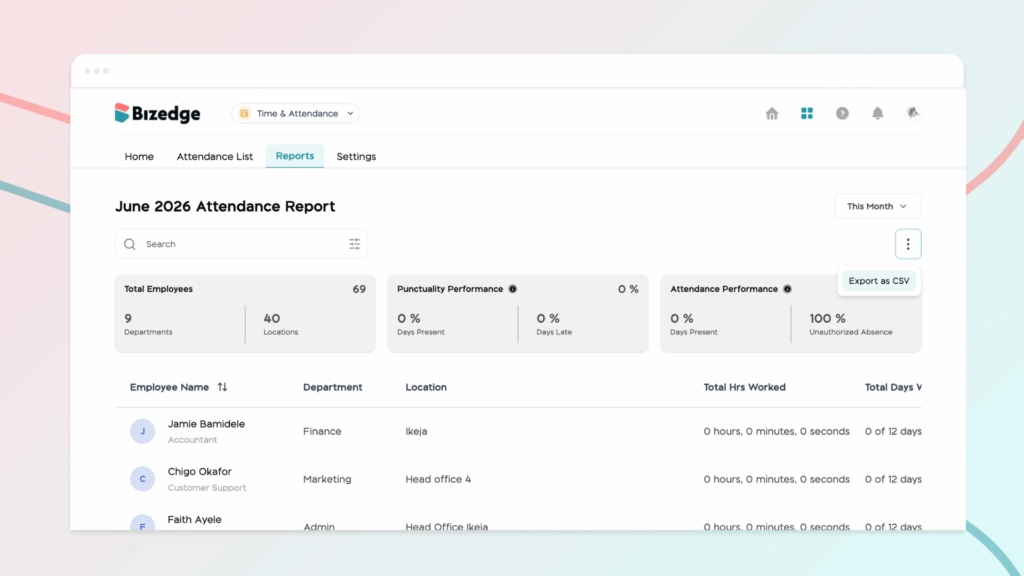
To export the data, click the three dots (...) at the top right of the Reports page and select Export as CSV. The report will automatically download as a CSV file, which can be opened and analyzed in Excel or any other spreadsheet software.
Chinaza Okafor
Author
Comments
Leave a comment
Related posts

How to Use the MyTeam App
The MyTeam App on BizEdge helps line managers effectively oversee their teams. It provides visibility into team attendance, leave requests, time off schedules, and appraisal, making team supervision and approvals easier and more organized.
Apr 14, 2026 · 1 min read

How to Grant Line Managers Access to the MyTeam App
The MyTeam App on BizEdge helps line managers effectively oversee their teams. It provides visibility into team attendance, leave requests, time off schedules, and appraisal, making team supervision and approvals easier and more organized.
Apr 14, 2026 · 1 min read

How to Set Up Your Workspace Name on BizEdge
Your Workspace Name is how your business appears to employees across the BizEdge platform. Setting it up correctly ensures that your organization is easily recognizable to your team from the moment they log in. Follow these simple steps to update it:
Apr 14, 2026 · 1 min read