How to Schedule Interviews with Candidates
Chinaza Okafor · Apr 13, 2026 · 1 min read
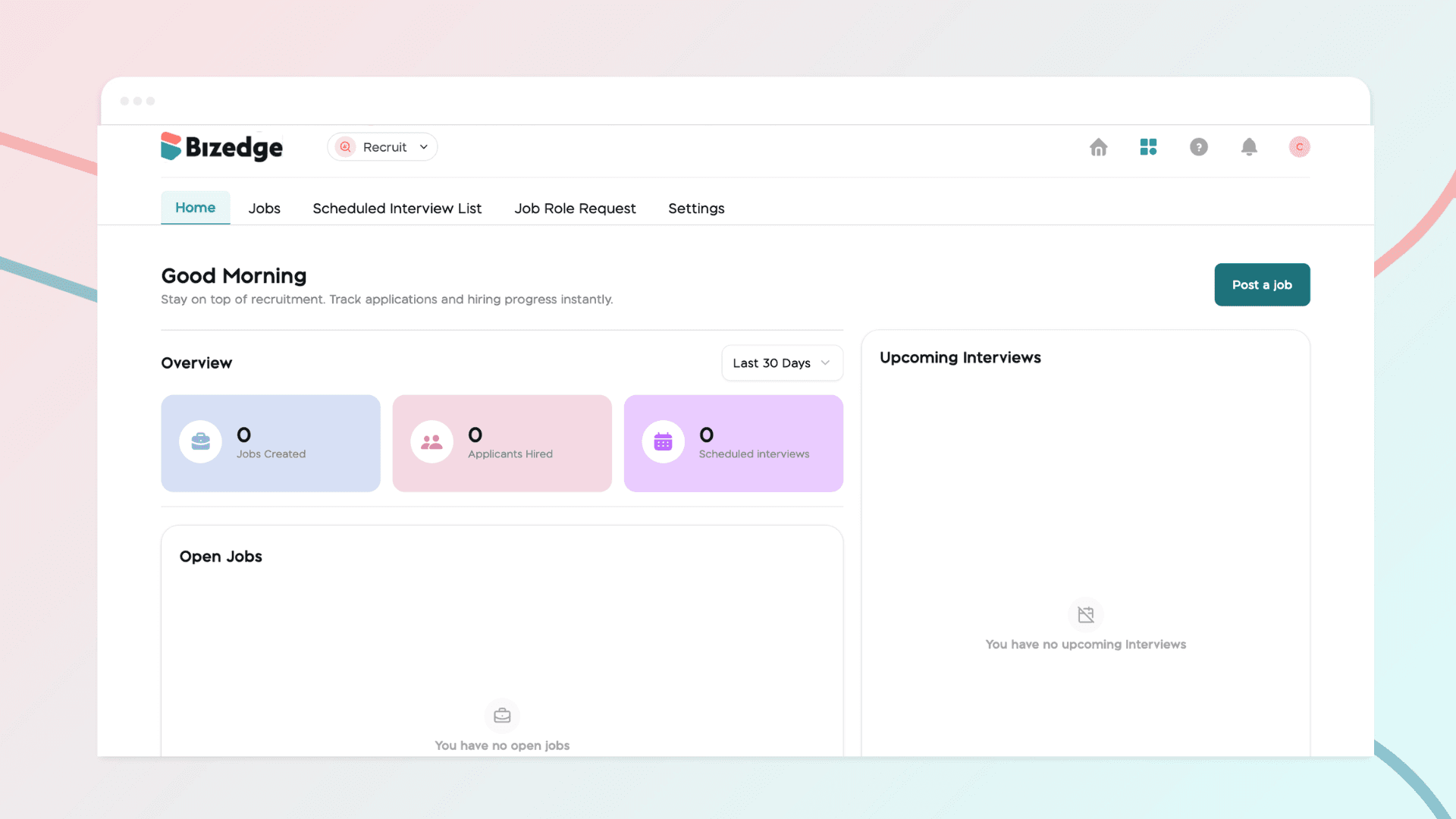
The Recruit App allows you to schedule interviews, track candidate progress, and collaborate with your hiring team all in one place. Once candidates have been reviewed and shortlisted, you can move them through the hiring stages seamlessly from start to finish.
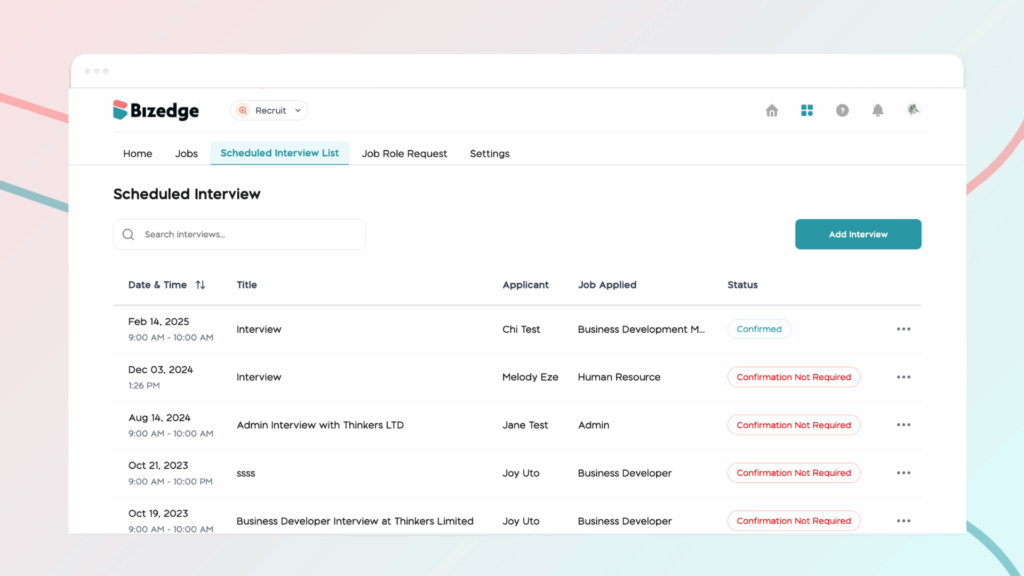
Step 1: Access the Interview Schedule: Navigate to the Scheduled Interview List and click Add Interview to begin setting up an interview with your chosen candidate.
Step 2: Manage the Hiring Process: As candidates progress, you can move them through the relevant hiring stages within the app. These stages include Shortlist, Interview, Offer, Hired, and Declined, giving you a clear and organized view of where each candidate stands in the process.
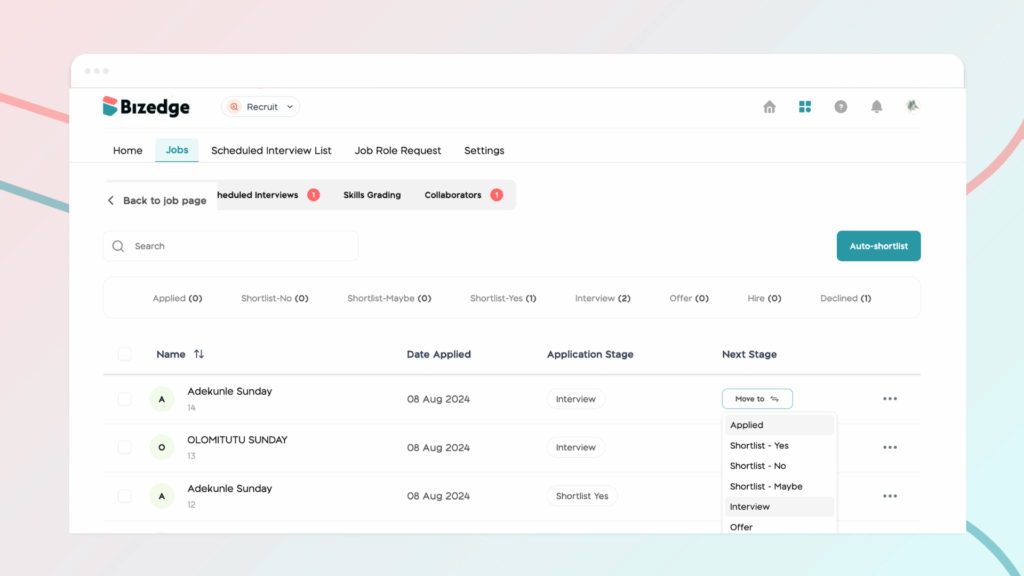
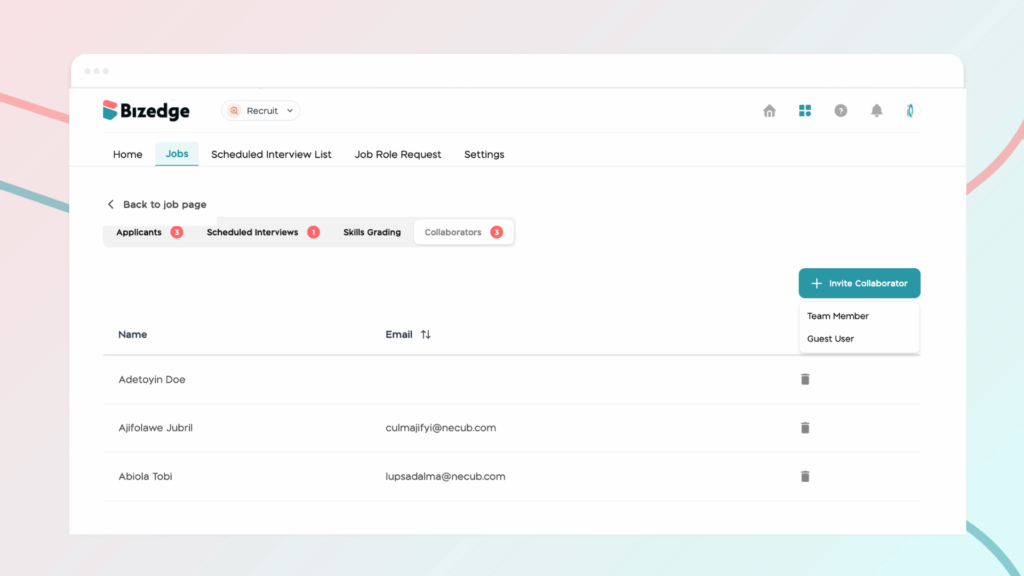
Step 3: Collaborate and Communicate: To ensure a smooth and well-coordinated hiring process, you can add collaborators to interviews, leave notes on candidate profiles for your team's reference, and send offer letters directly from within the app. This keeps all hiring activity centralized and accessible to everyone involved.
Comments
Leave a comment
Related posts

How to Use the MyTeam App
The MyTeam App on BizEdge helps line managers effectively oversee their teams. It provides visibility into team attendance, leave requests, time off schedules, and appraisal, making team supervision and approvals easier and more organized.
Apr 14, 2026 · 1 min read

How to Grant Line Managers Access to the MyTeam App
The MyTeam App on BizEdge helps line managers effectively oversee their teams. It provides visibility into team attendance, leave requests, time off schedules, and appraisal, making team supervision and approvals easier and more organized.
Apr 14, 2026 · 1 min read

How to Set Up Your Workspace Name on BizEdge
Your Workspace Name is how your business appears to employees across the BizEdge platform. Setting it up correctly ensures that your organization is easily recognizable to your team from the moment they log in. Follow these simple steps to update it:
Apr 14, 2026 · 1 min read