How to Use Scorecards to Evaluate Candidates
Chinaza Okafor · Apr 13, 2026 · 1 min read
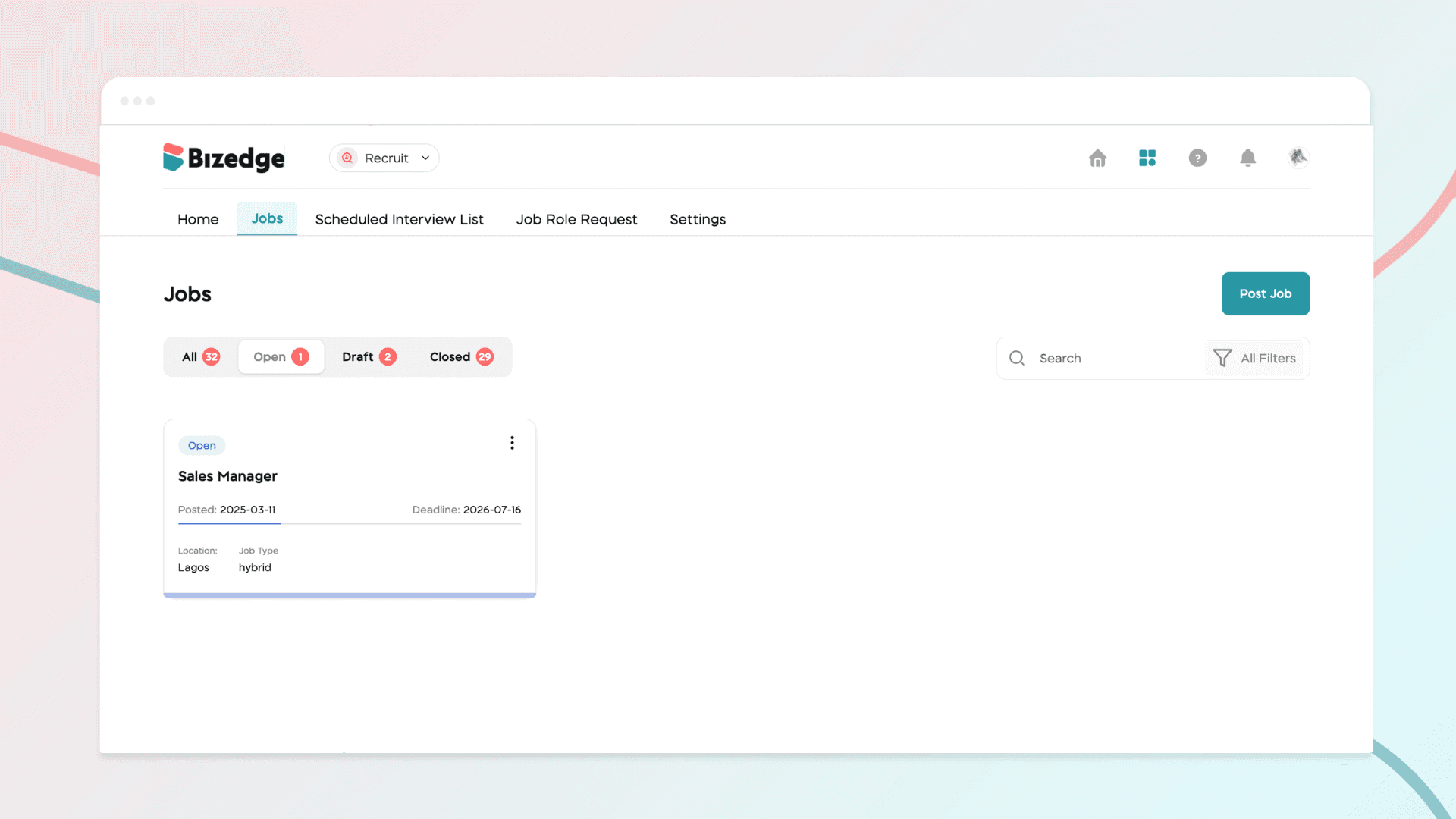
Scorecards help hiring teams evaluate candidates consistently and objectively throughout the recruitment process.
Step 1: Set Up Skill Evaluation
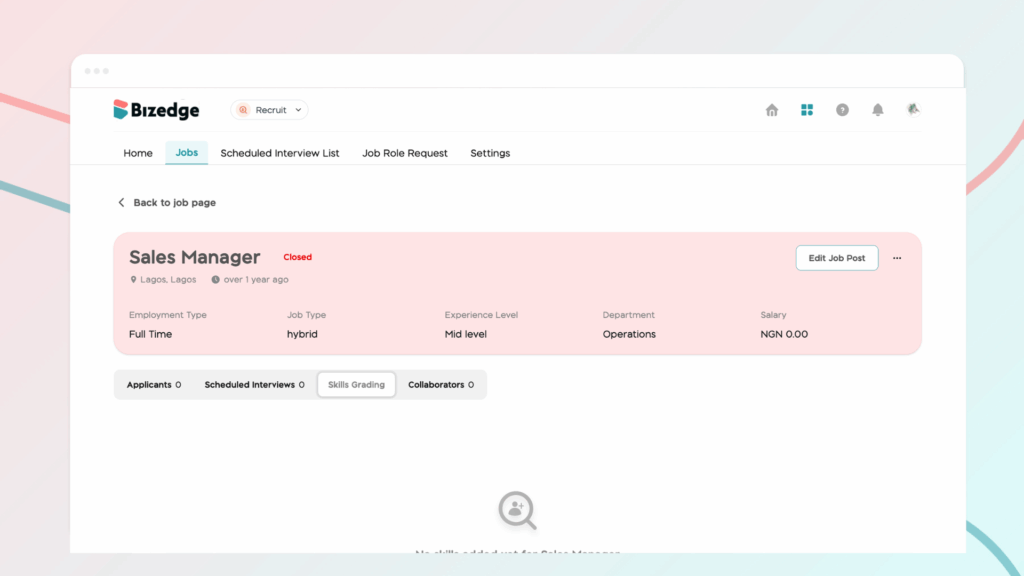
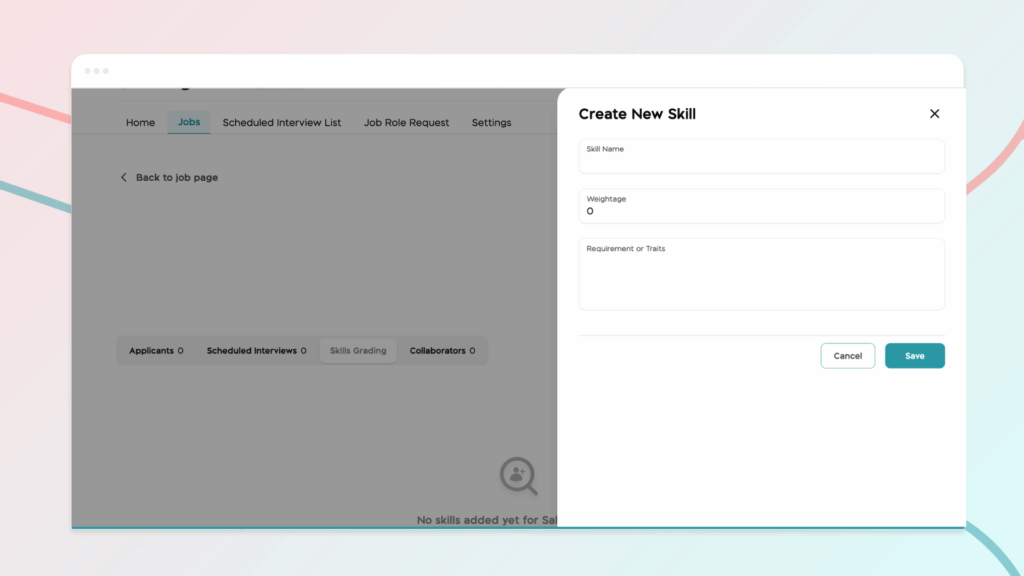
Navigate to the relevant Job Opening and click Skill Grading to begin setting up the evaluation criteria for the role.
Step 2: Add Skills
Add the required skills for the position or create custom skills tailored to your specific evaluation needs. This ensures that all candidates are assessed against the same relevant criteria.
Step 3: Evaluate Candidates
After interviews have been conducted, recruiters can complete structured scorecards based on the predefined criteria. This provides a consistent and standardized way to assess each candidate's performance and suitability for the role.
Comments
Leave a comment
Related posts

How to Use the MyTeam App
The MyTeam App on BizEdge helps line managers effectively oversee their teams. It provides visibility into team attendance, leave requests, time off schedules, and appraisal, making team supervision and approvals easier and more organized.
Apr 14, 2026 · 1 min read

How to Grant Line Managers Access to the MyTeam App
The MyTeam App on BizEdge helps line managers effectively oversee their teams. It provides visibility into team attendance, leave requests, time off schedules, and appraisal, making team supervision and approvals easier and more organized.
Apr 14, 2026 · 1 min read

How to Set Up Your Workspace Name on BizEdge
Your Workspace Name is how your business appears to employees across the BizEdge platform. Setting it up correctly ensures that your organization is easily recognizable to your team from the moment they log in. Follow these simple steps to update it:
Apr 14, 2026 · 1 min read