
How to Use the BizEdge Kiosk App
Chinaza Okafor · Jul 9, 2024 · 2 min read
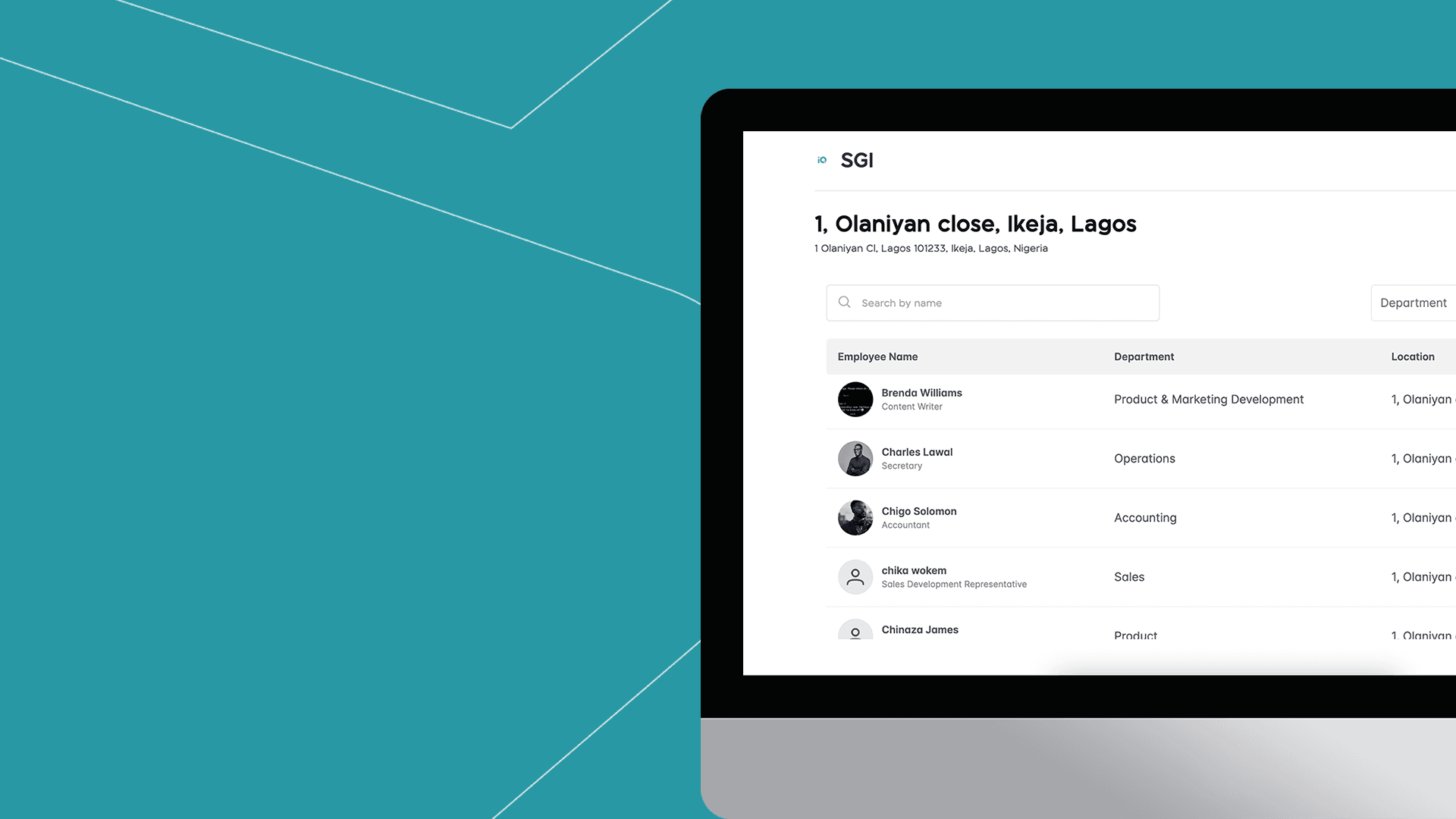
This guide briefly explains how to use the BizEdge Kiosk feature of the Attendance app to manage employee clock-in/out at company locations. This is great in situations where employees don’t have access to clock in using their MyEdge app. It’s important to note that:
- The kiosk is designed to run on a tablet or laptop placed at the worksite for employee clock-in/out.
- Each location has a unique kiosk URL and login credentials.
- Each Kiosk lists all the employees of the company but filtered to the location of the kiosk
Setting Up the Kiosk App:
From the BizEdge Attendance web app, go to the setting and navigate to the list of company locations. Locate the desired location and click the ellipses (...) next to it.

From there, select the ‘Open Kiosk’ to launch the specific location's kiosk URL in a new tab. Then choose "View Kiosk Details" to see the username and password for the Kiosk login. You can also copy these credentials.
Employee Clock-In/Out Process:
On arrival to the office location, the employee finds their name on the kiosk's employee list, then enters the default PIN 1234. The system would prompt the employee to create a new, personal PIN. After setting a new PIN, the employee arrives at a screen with a "Clock In" button. Clicking this button marks the employee's arrival time.

After a successful clock-in, the system automatically signs the employee out and returns to the employee list, ready for the next employee. Employees can also use the Kiosk app to clock out at the end of their shift by following the process and then selecting the appropriate "Clock Out" option.
Also, do well to read the guide in-app on how to use the Kiosk app by clicking on the button that says, ‘Did you know you can use an Onsite Kiosk?’
Now you know how to use the BizEdg Kiosk app.
Comments
Leave a comment
Related posts
How to Use the MyTeam App
The MyTeam App on BizEdge helps line managers effectively oversee their teams. It provides visibility into team attendance, leave requests, time off schedules, and appraisal, making team supervision and approvals easier and more organized.
Apr 14, 2026 · 1 min read
Read More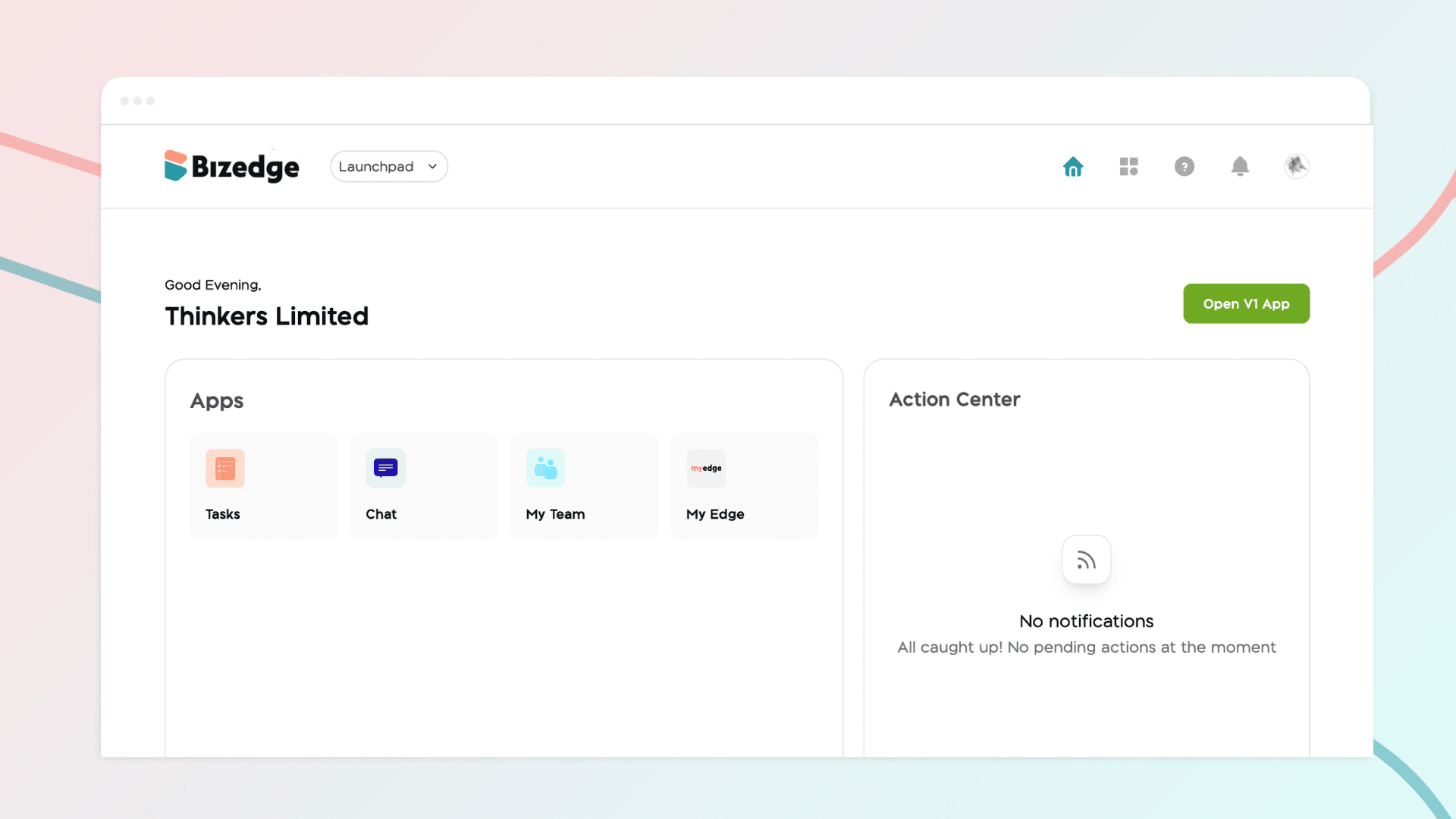
How to Grant Line Managers Access to the MyTeam App
The MyTeam App on BizEdge helps line managers effectively oversee their teams. It provides visibility into team attendance, leave requests, time off schedules, and appraisal, making team supervision and approvals easier and more organized.
Apr 14, 2026 · 1 min read
Read More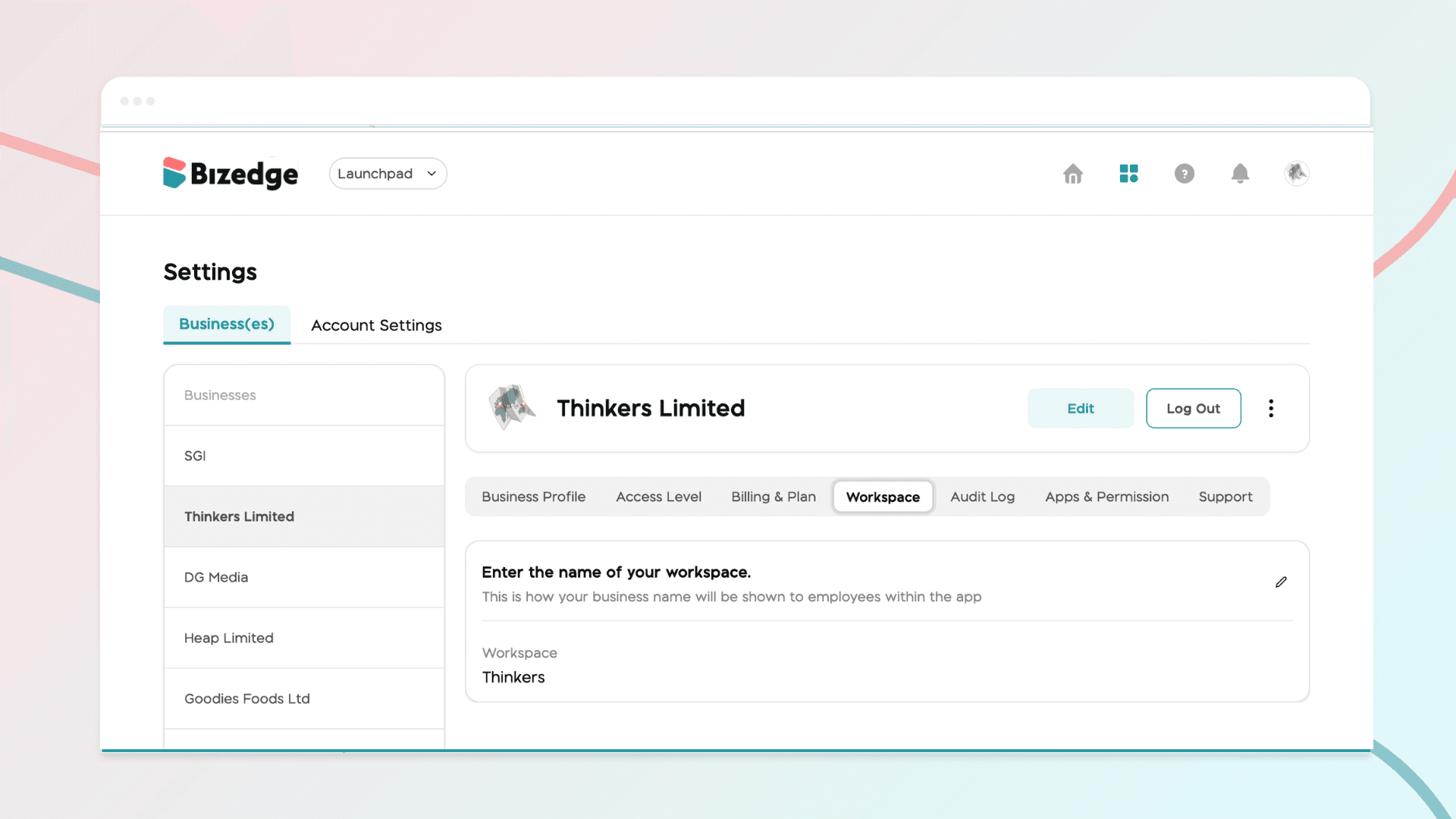
How to Set Up Your Workspace Name on BizEdge
Your Workspace Name is how your business appears to employees across the BizEdge platform. Setting it up correctly ensures that your organization is easily recognizable to your team from the moment they log in. Follow these simple steps to update it:
Apr 14, 2026 · 1 min read
Read More