Help Center

How to Use the MyTeam App
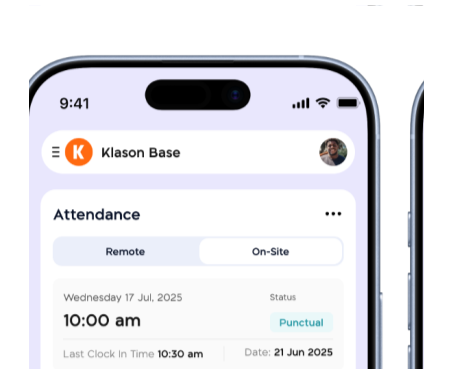
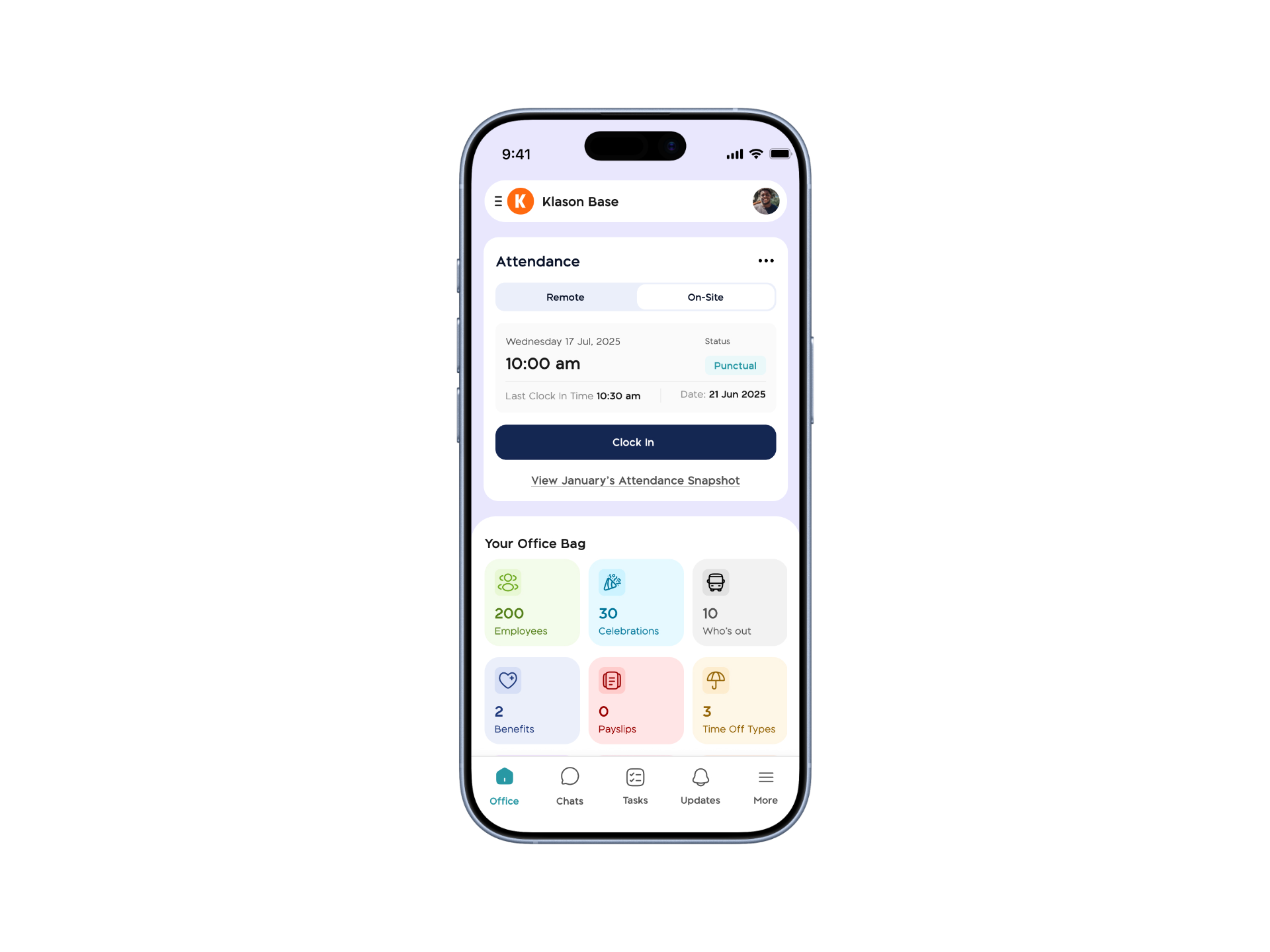
The MyTeam App on BizEdge helps line managers effectively oversee their teams. It provides visibility into team attendance, leave requests, time off schedules, and appraisal, making team supervision and approvals easier and more organized.
Apr 14, 2026 · 1 min read

How to Grant Line Managers Access to the MyTeam App
The MyTeam App on BizEdge helps line managers effectively oversee their teams. It provides visibility into team attendance, leave requests, time off schedules, and appraisal, making team supervision and approvals easier and more organized.
Apr 14, 2026 · 1 min read

How to Set Up Your Workspace Name on BizEdge
Your Workspace Name is how your business appears to employees across the BizEdge platform. Setting it up correctly ensures that your organization is easily recognizable to your team from the moment they log in. Follow these simple steps to update it:
Apr 14, 2026 · 1 min read
How to Set up Access Levels in BizEdge
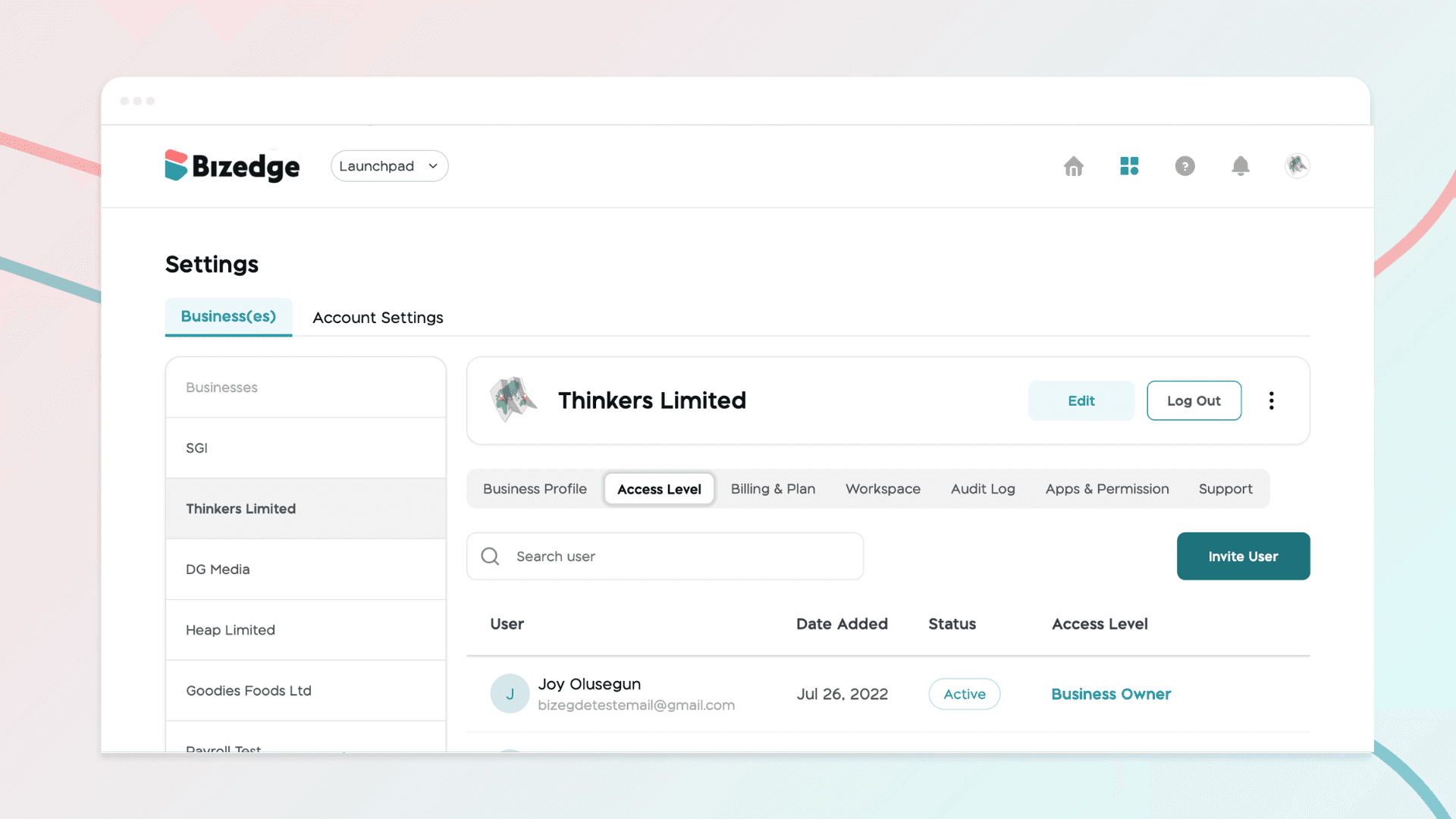
Managing access levels ensures that each user within your organization has the right permissions for their role. BizEdge allows administrators to invite users, assign appropriate access levels, and control which apps and features each person can view and interact with, keeping your company data secure and well-organized.
Apr 14, 2026 · 1 min read
How to add a New Vehicle Document
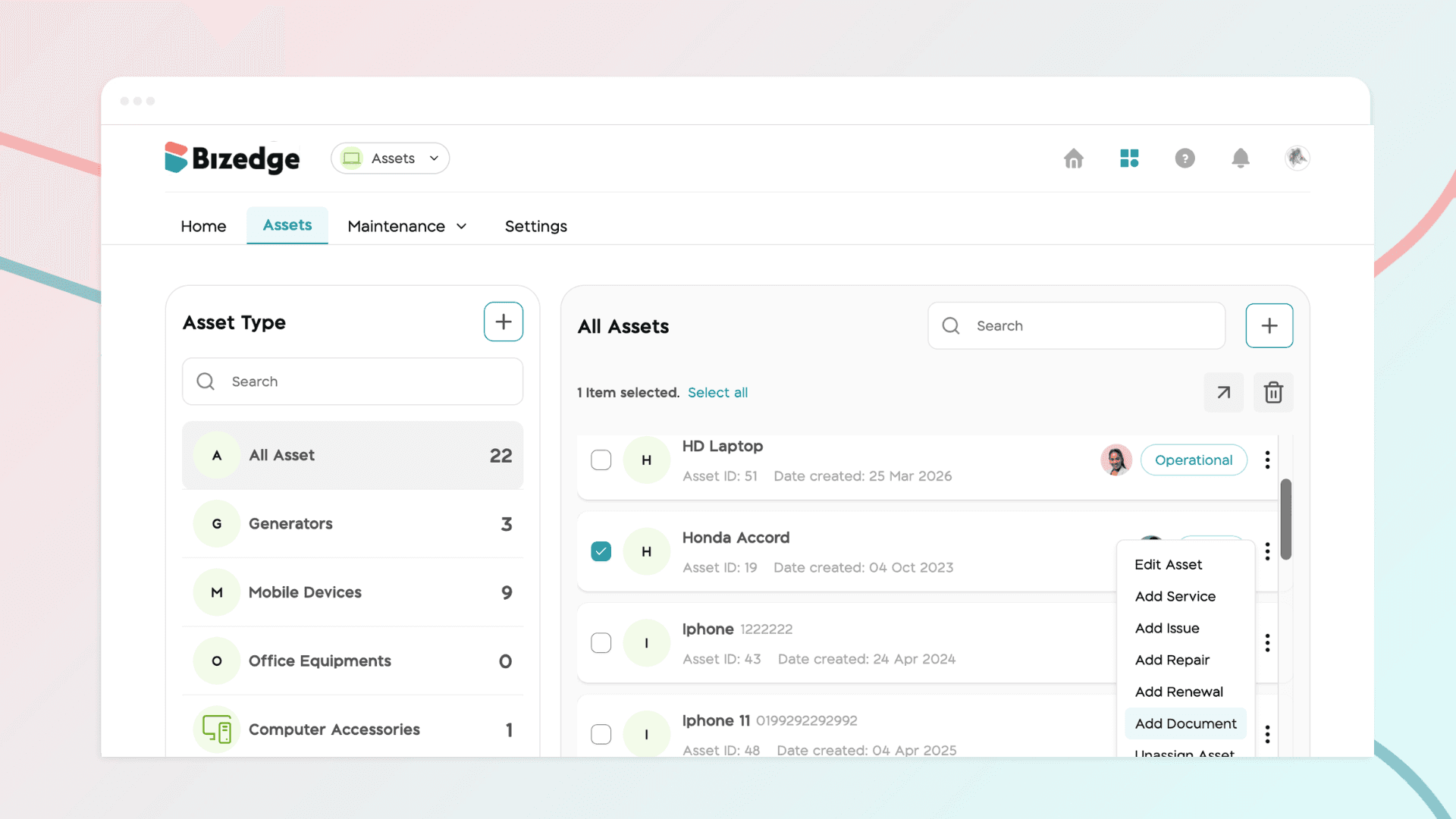
Keeping your vehicle documents up to date is essential for compliance and smooth operations. The Assets App allows you to store all vehicle-related documents in one place, set renewal reminders, and easily access them whenever needed.
Apr 14, 2026 · 1 min read
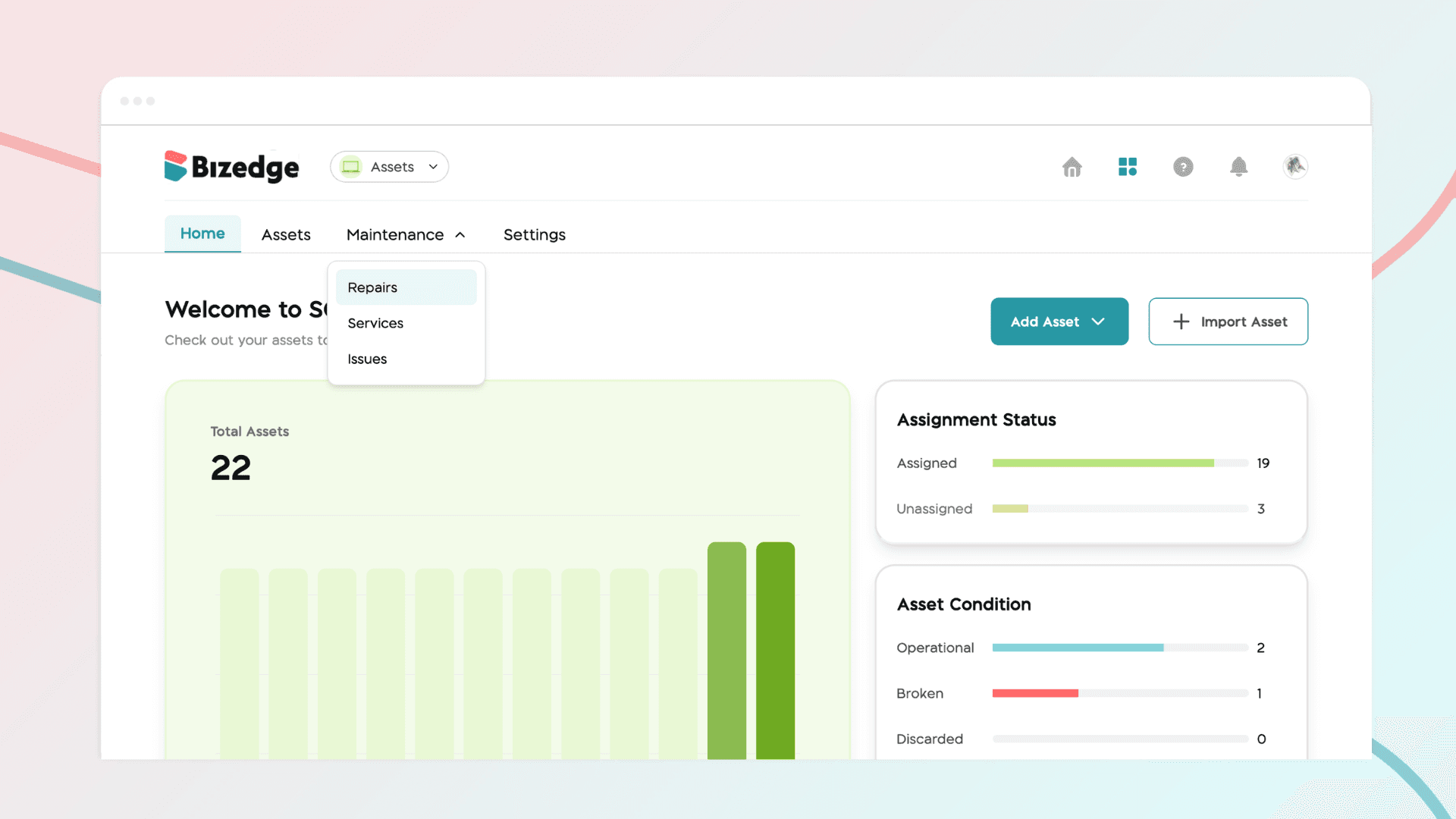
How to Add a New Repair
The Assets App allows you to log and track maintenance and repair activities for all your vehicles, keeping a complete service history in one place.
Apr 14, 2026 · 1 min read
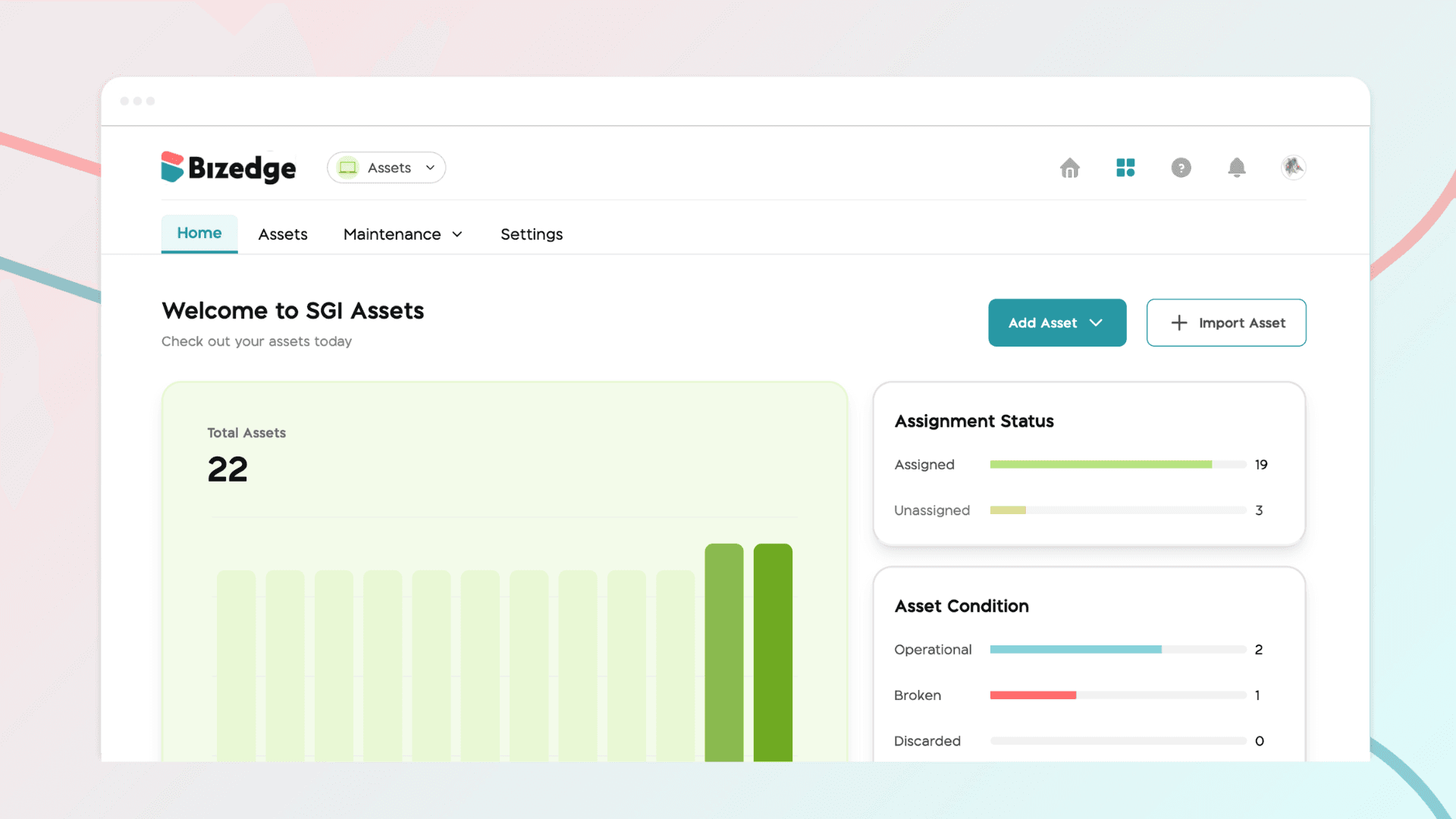
How to Add and Assign Vehicles
The Assets App makes it easy to add and manage your company's vehicles in one place. Once a vehicle has been added, it can be assigned to an employee, ensuring clear accountability and accurate tracking across your organization.
Apr 14, 2026 · 1 min read
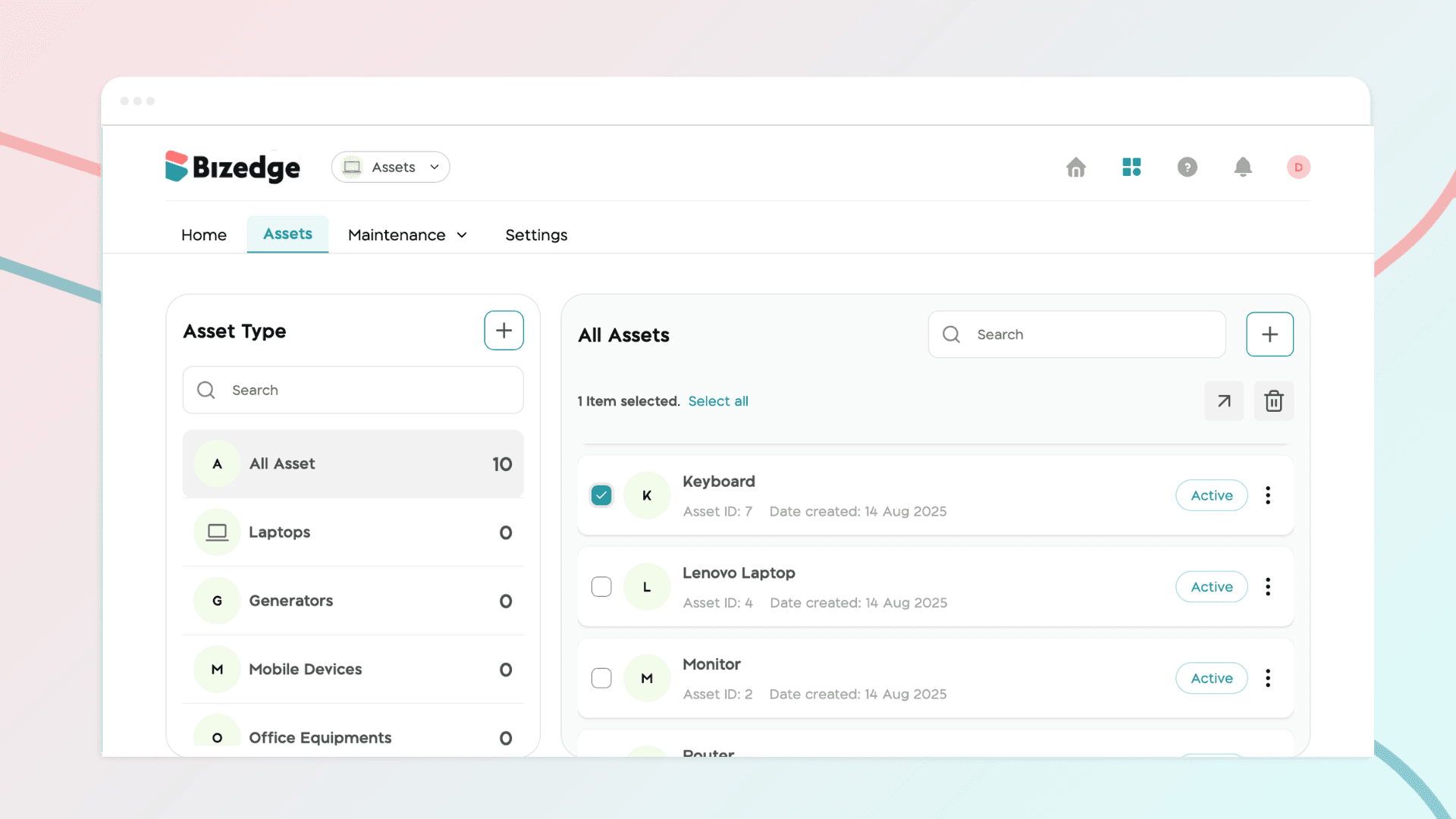
How to Add a New Asset Document
The Assets App allows you to attach and store important documents directly against each asset, keeping all relevant records organized and easily accessible. This ensures that asset documentation is always up to date and available whenever it is needed.
Apr 13, 2026 · 1 min read
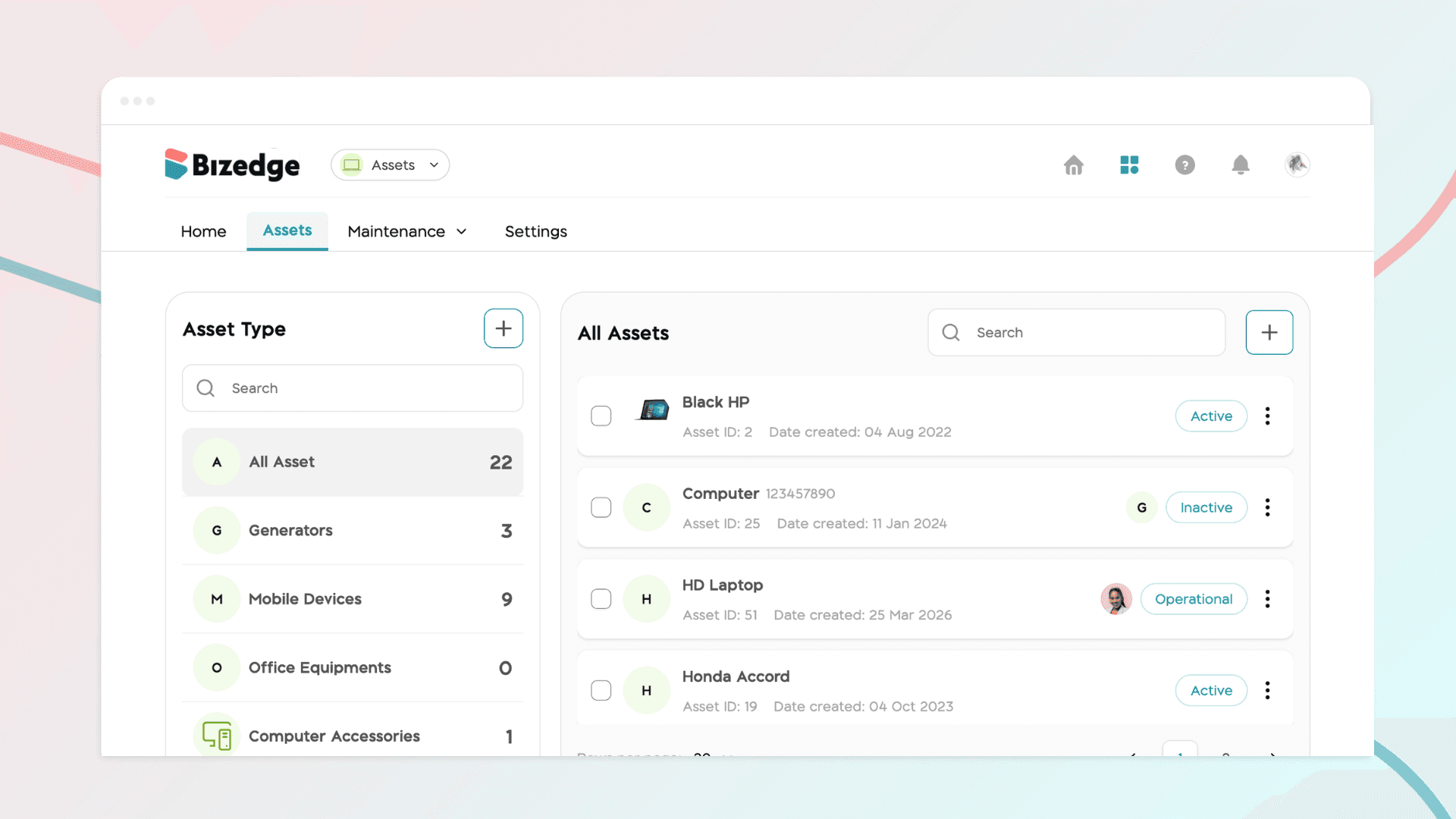
How to Add and Assign Assets
The Assets App enables you to add and manage all company assets in one centralized place. Once an asset has been created, it can be assigned to a specific employee, making it easy to track ownership, monitor usage, and maintain accountability across your organization.
Apr 13, 2026 · 1 min read
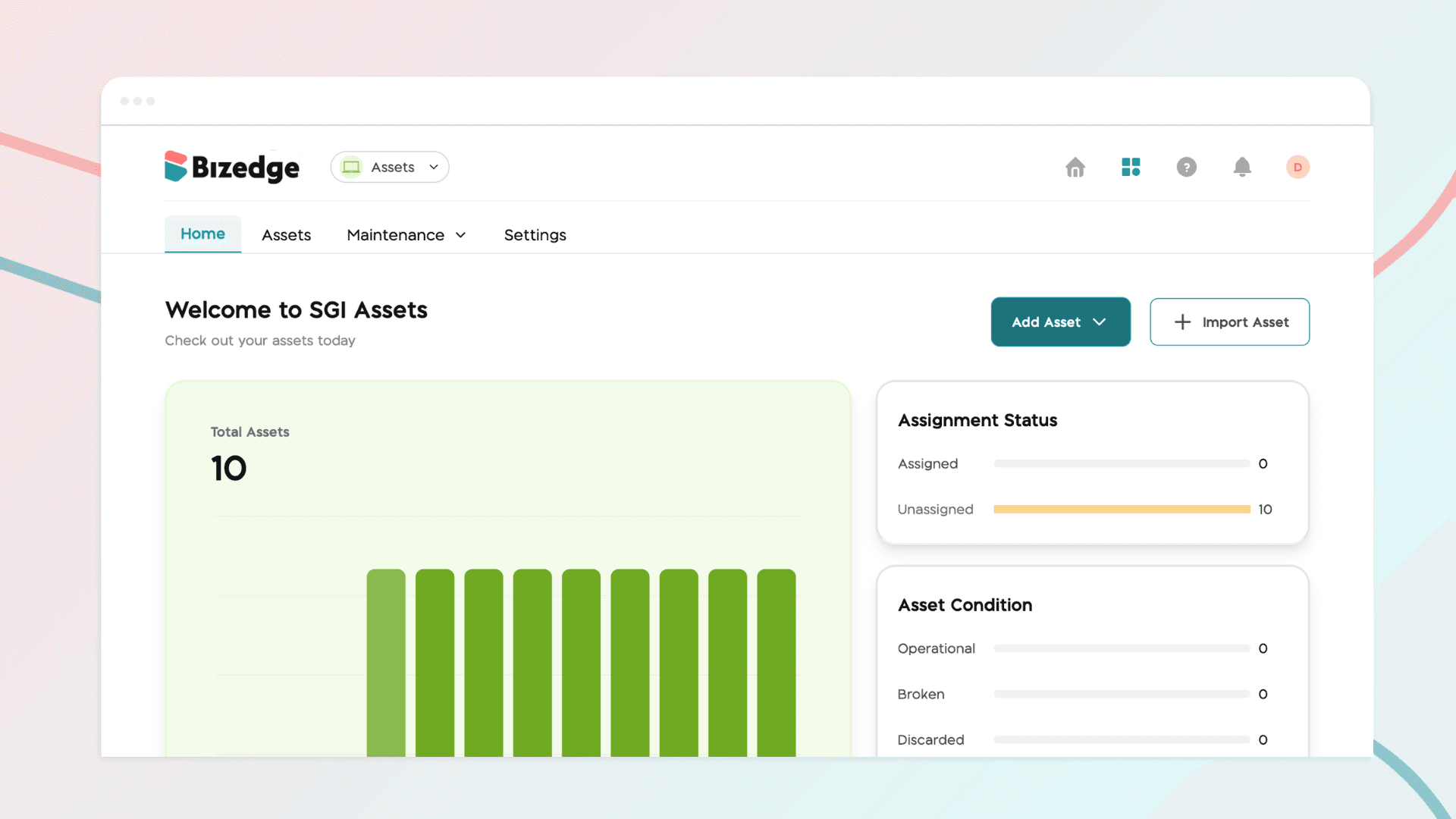
Asset and Vehicle App Overview
The BizEdge Assets App helps organizations track, manage, and maintain their company assets and vehicles from a single platform. The app is organized into four sections: Home, Assets, Maintenance, and Settings.
Apr 13, 2026 · 1 min read
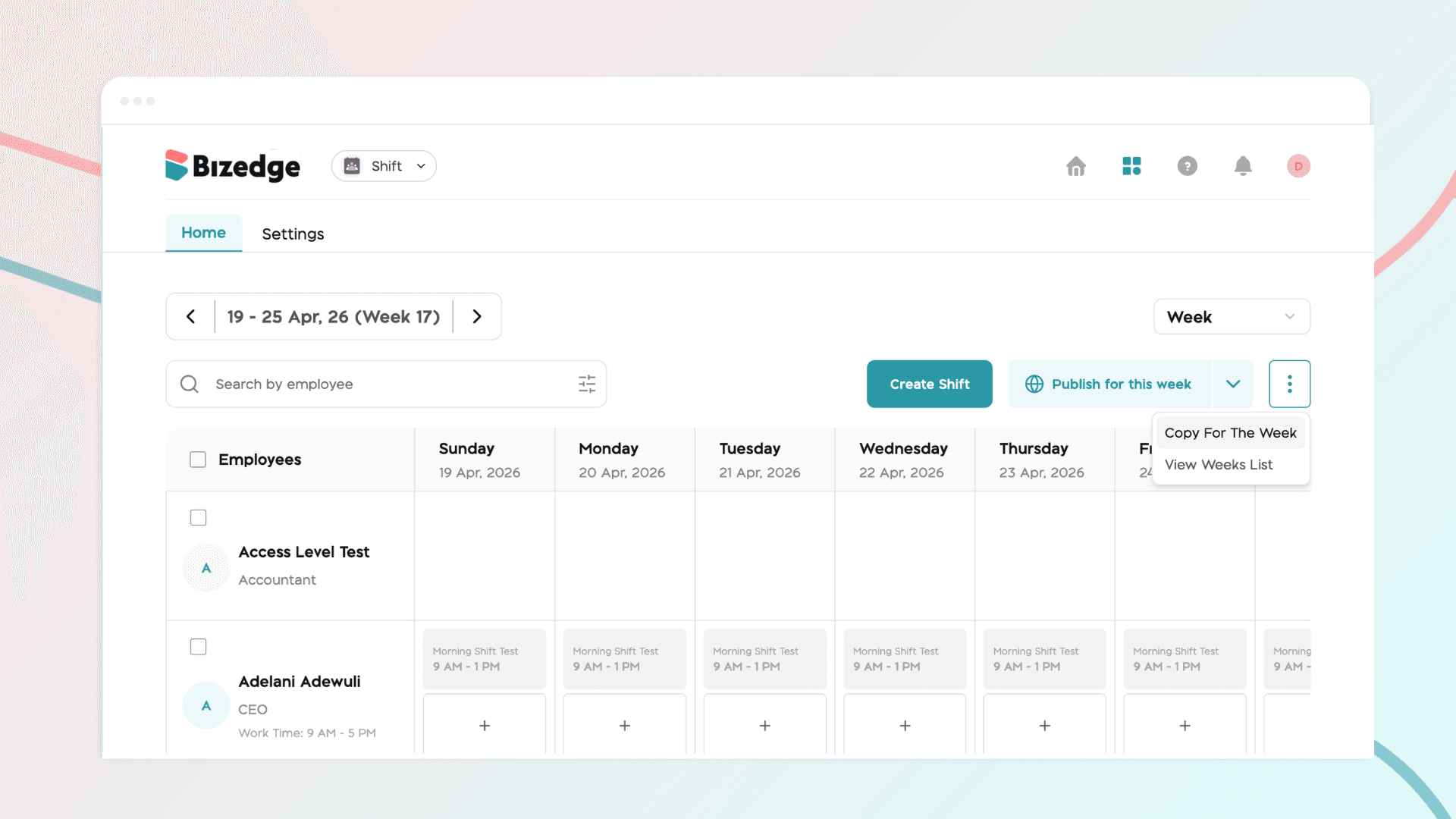
How to Copy Shift
The Copy Shift feature allows administrators to duplicate an existing weekly shift schedule and apply it to a new time period, eliminating the need to recreate schedules from scratch each week.
Apr 13, 2026 · 1 min read
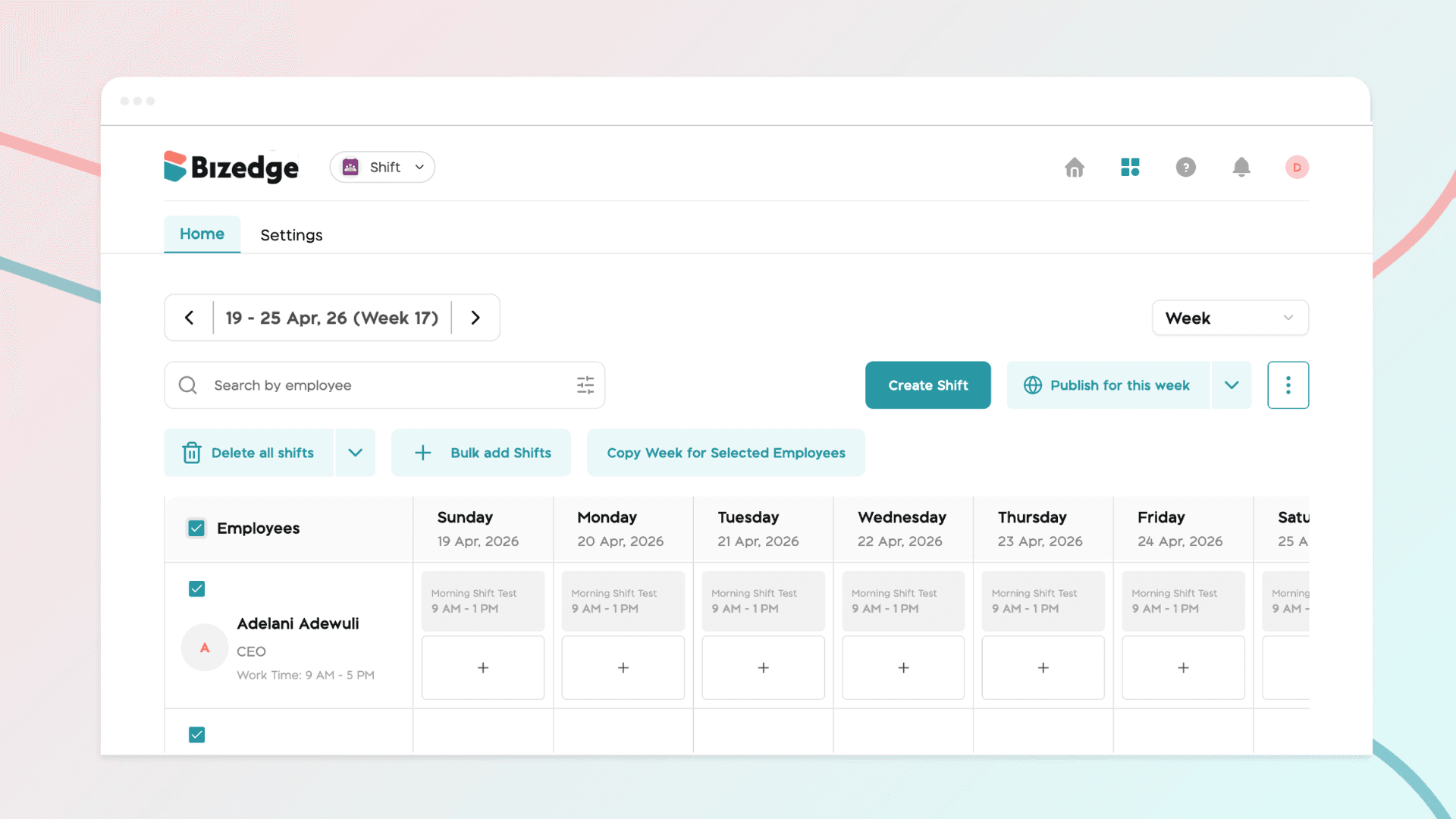
How to Bulk Add Shifts
The Bulk Assign feature allows administrators to assign shifts to multiple employees at once, saving time and ensuring consistency across your team's schedules. This is particularly useful for large teams or when applying the same shift pattern to several employees simultaneously.
Apr 13, 2026 · 1 min read
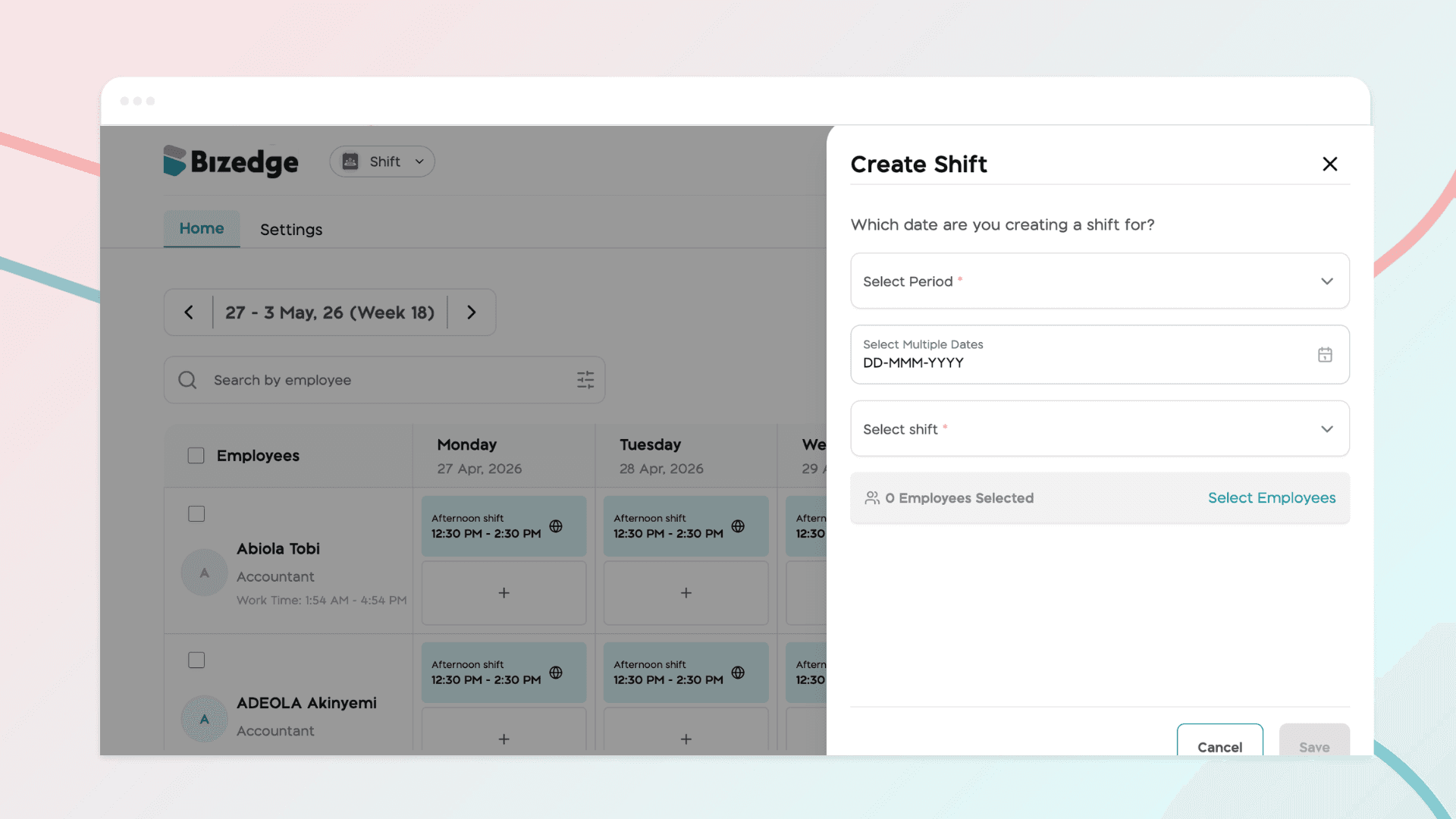
How to Assign Shifts to Employees and Publish Shifts
Once your shift templates have been created, you can begin assigning shifts to employees and publishing their schedules. Published shifts are immediately visible to employees on the MyEdge App, keeping everyone informed of their working days and shift times.
Apr 13, 2026 · 1 min read
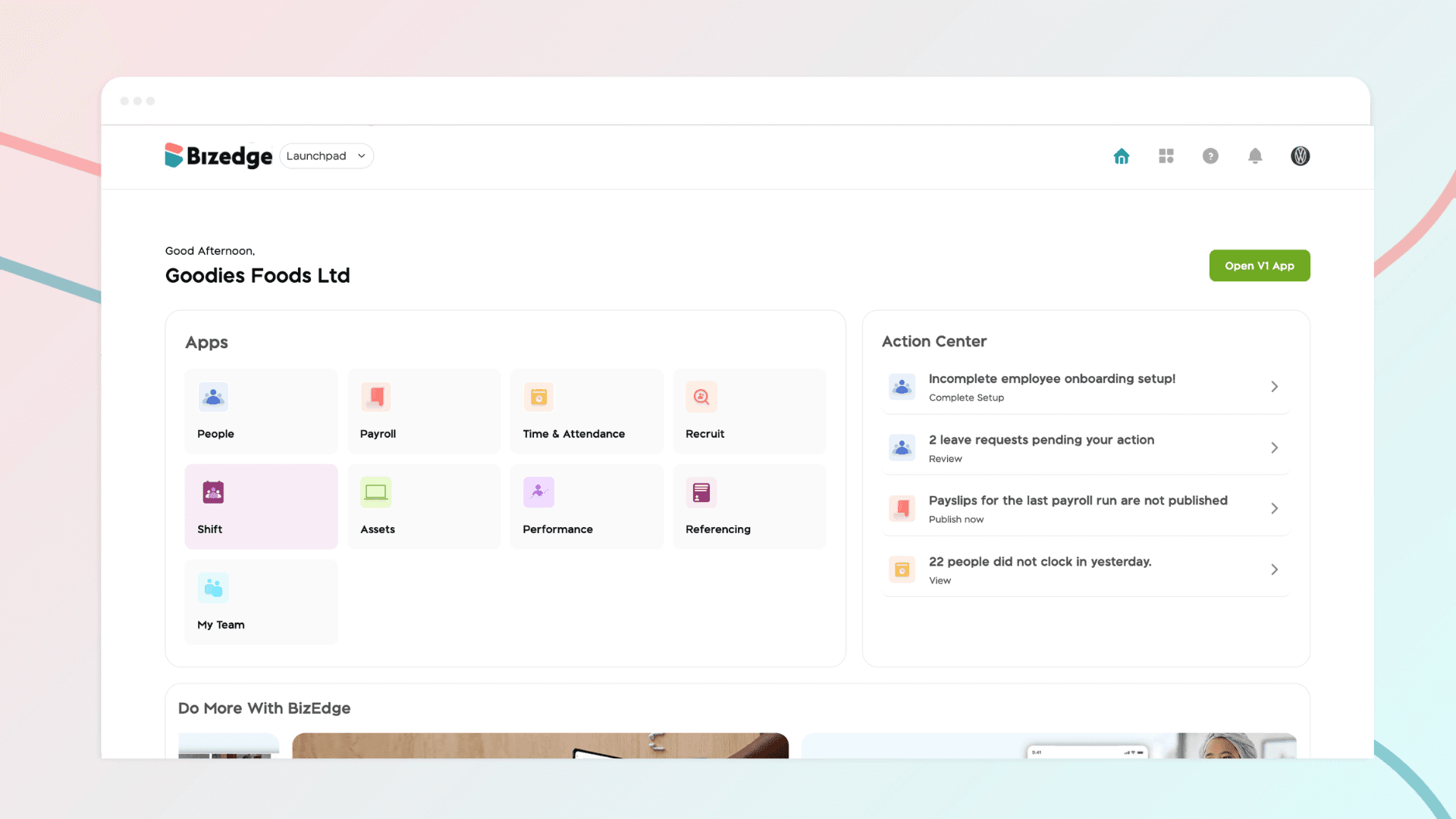
How to Create Shift
The Shift App allows administrators to create, manage, and publish employee shift schedules. Before getting started, ensure that each employee's work schedule has been updated in their profile within the People App.
Apr 13, 2026 · 1 min read
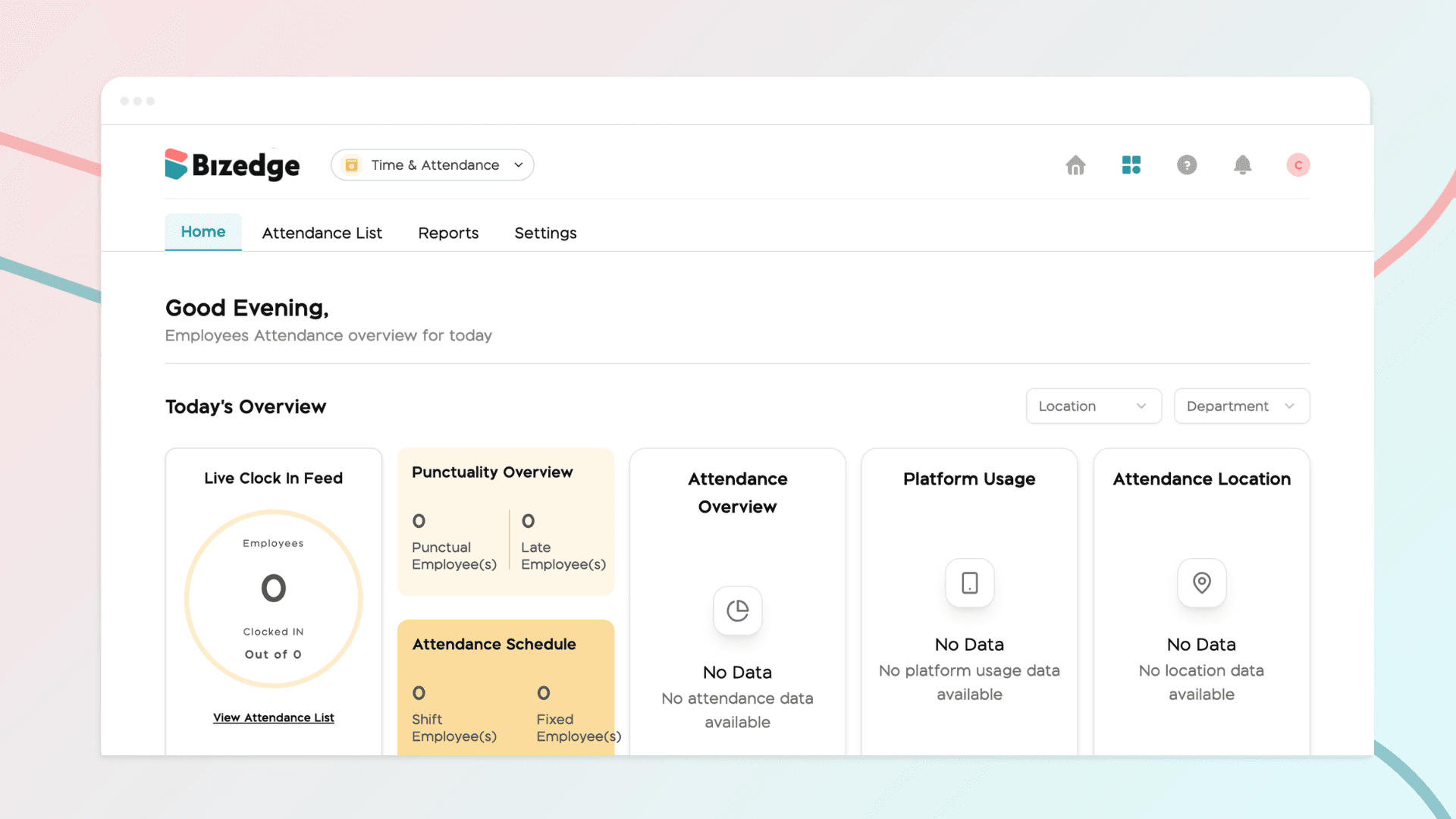
How to Configure Attendance Settings and Work Schedules for Shift Employees
Properly configuring attendance settings and work schedules is essential for accurate time tracking and punctuality monitoring across your organization. BizEdge allows administrators to define lateness policies and assign work schedules to employees, ensuring that the system correctly reflects each employee's working pattern and calculates attendance data accordingly.
Apr 13, 2026 · 1 min read
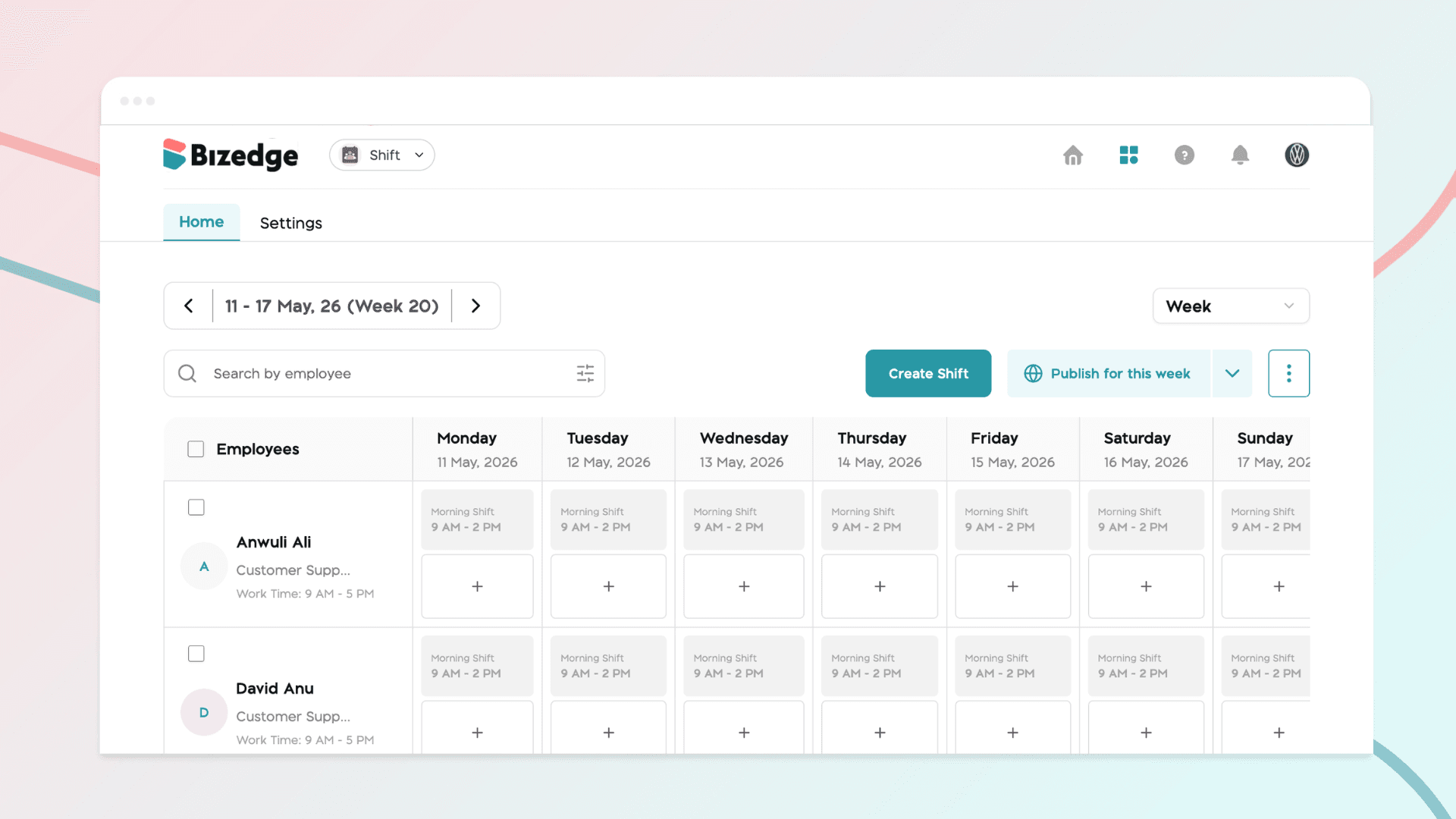
Shift Rota App: Overview
The Shift Rota App provides a centralized platform for creating, managing, and publishing employee work schedules. Designed for administrators and managers, it streamlines shift planning and ensures efficient workforce coverage at a glance.
Apr 13, 2026 · 1 min read
Location Configuration or Employee showing "Not Added to Attendance"
This issue occurs when an employee has not been assigned to a company location or has been excluded from attendance tracking. Follow the steps below to resolve it.
Apr 13, 2026 · 1 min read
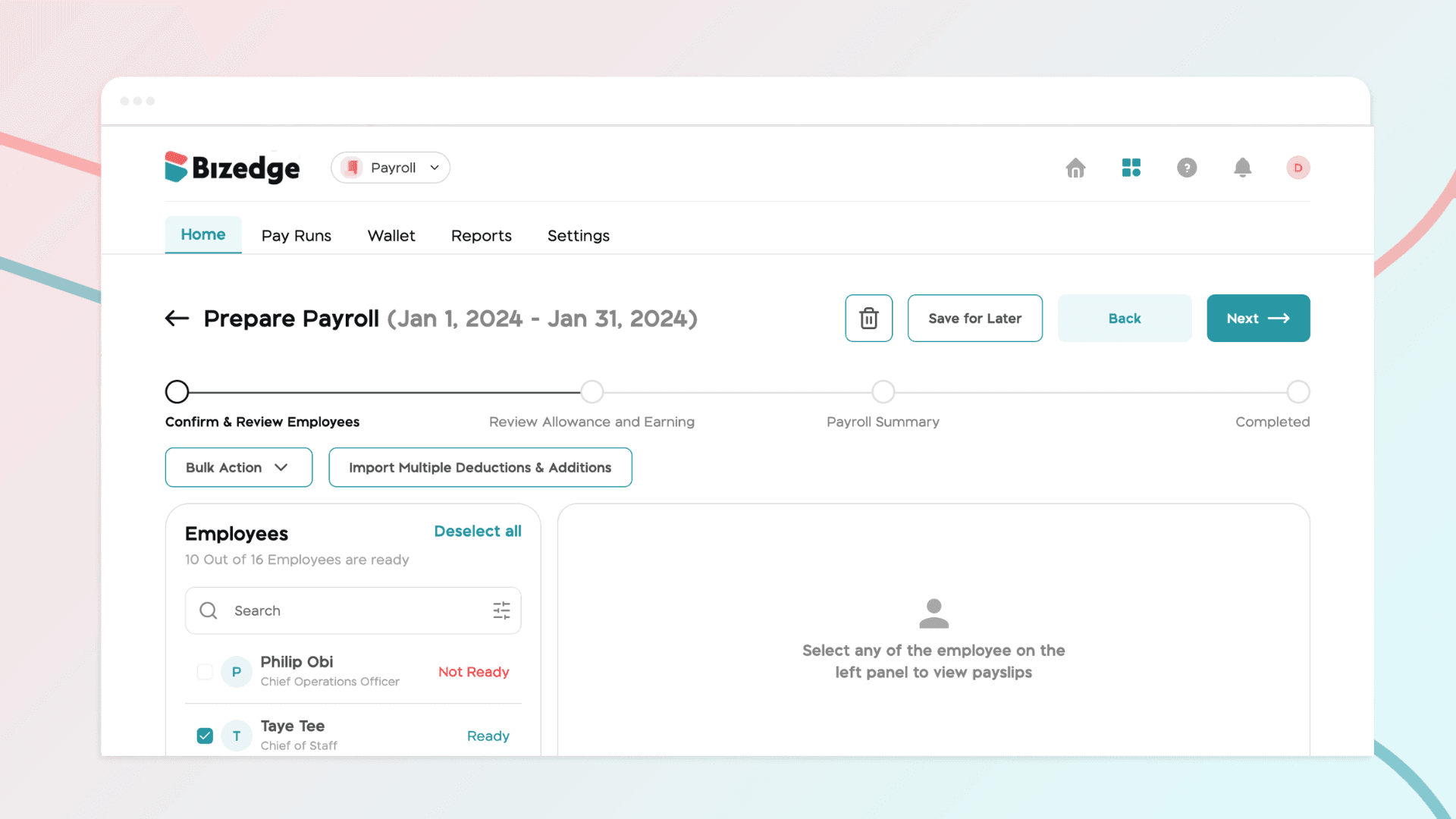
Employee Showing "Not Ready" on Attendance
If an employee is showing a "Not Ready" status in the Attendance app, it typically means that one or more required settings have not yet been configured in the People app.
Apr 13, 2026 · 1 min read
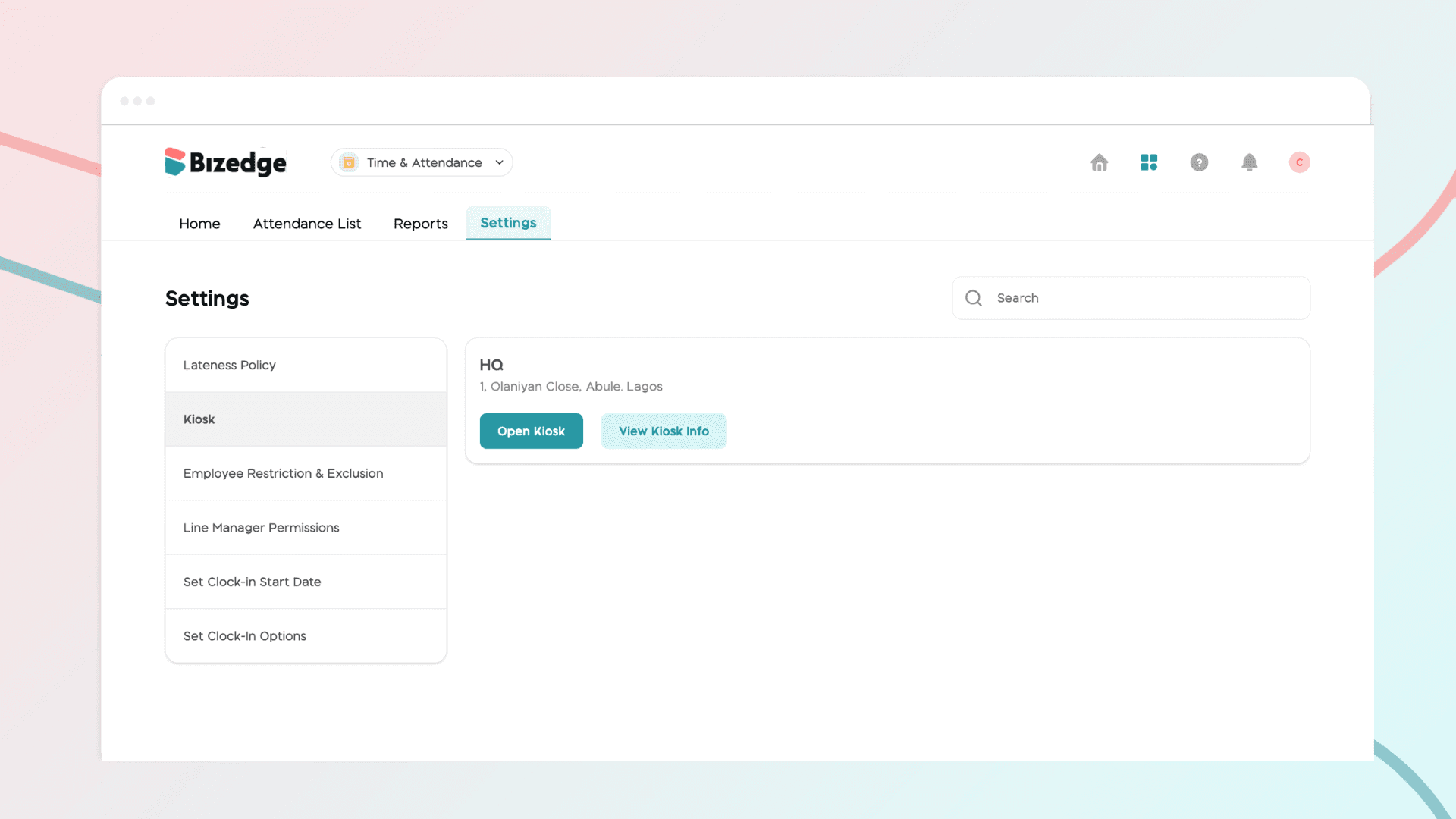
How to Reset Kiosk PIN and Admin PIN
If a Kiosk PIN or admin PIN needs to be changed or has been forgotten, BizEdge makes it straightforward to reset both directly from the Attendance App. Follow the steps below depending on which PIN you need to reset.
Apr 13, 2026 · 1 min read
How to View Attendance Reports and Export Data
The Attendance App provides detailed reports that give administrators a comprehensive view of employee attendance over any selected time period. These reports can also be exported for further analysis or record-keeping purposes.
Apr 13, 2026 · 1 min read
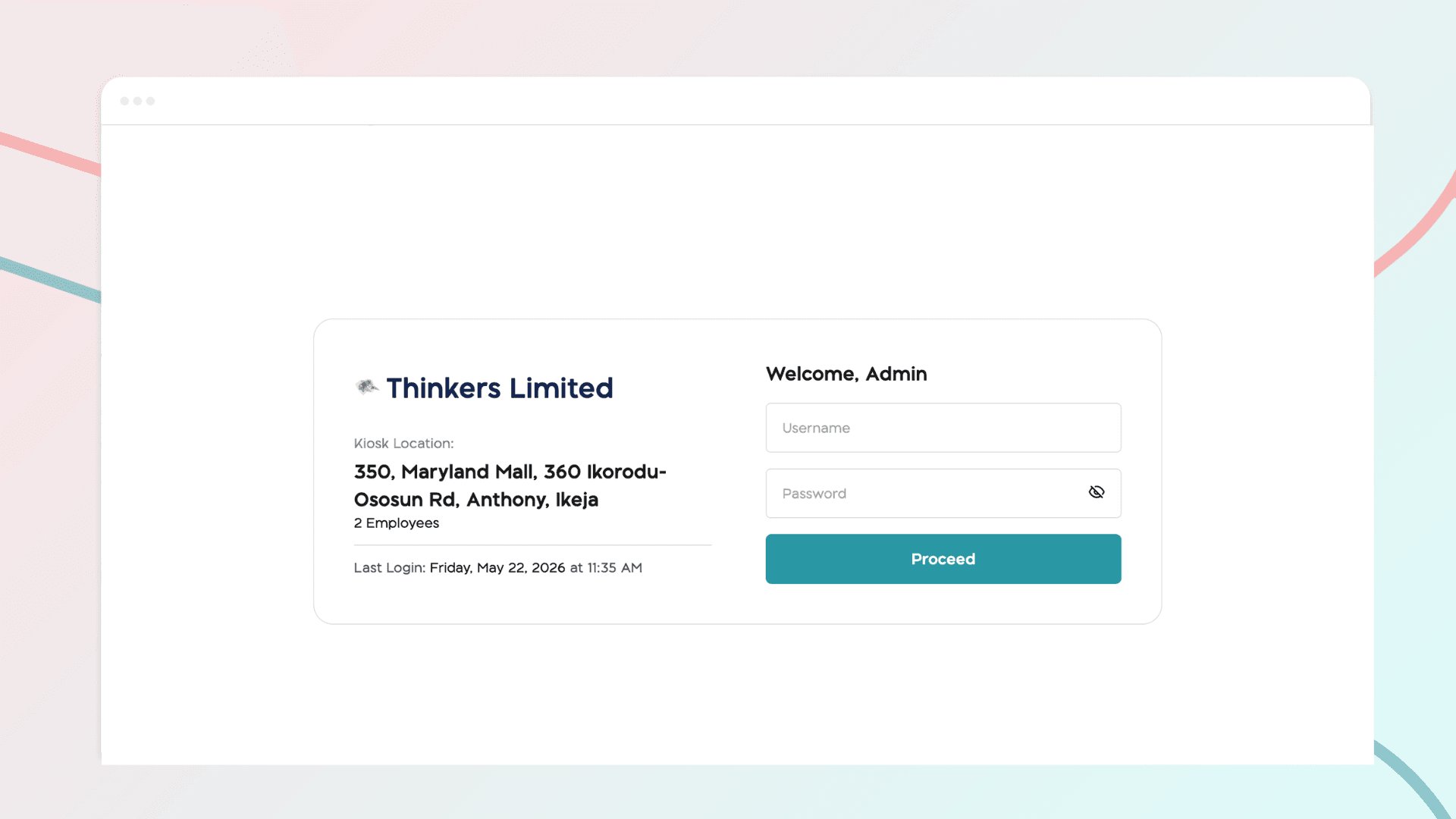
How to Set Up and Use the BizEdge Kiosk App
The Kiosk App allows employees to clock in and out using a shared device such as a tablet or laptop placed at the workplace. Each company location has its own unique kiosk URL and login credentials, keeping attendance tracking organized across multiple sites.
Apr 13, 2026 · 1 min read
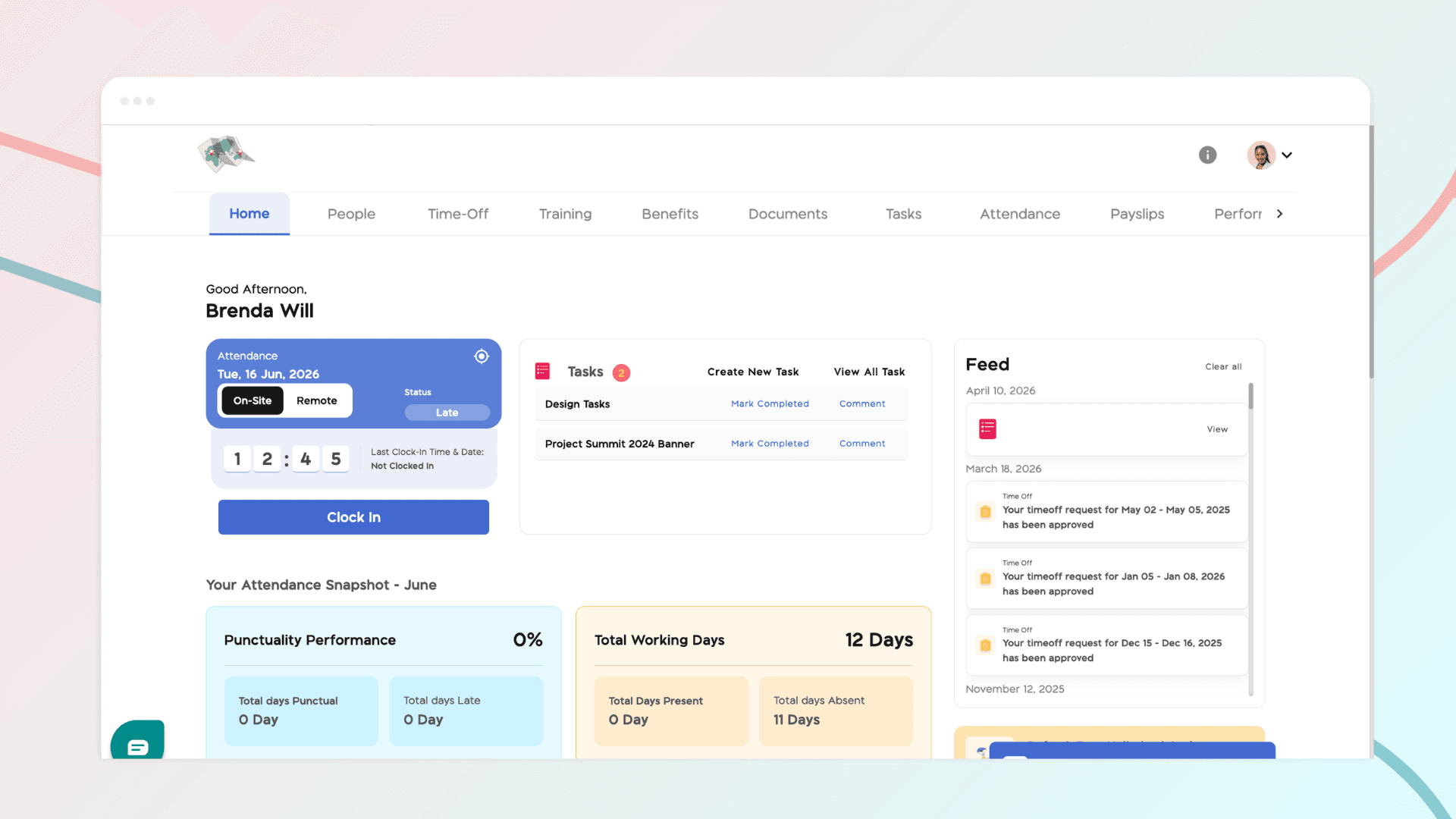
How Employees Clock In and Clock Out
Before employees can begin clocking in and out, a few key settings need to be configured to ensure accurate attendance tracking.
Apr 13, 2026 · 1 min read
How to Configure Attendance Settings and Work Schedules
Properly configuring attendance settings and work schedules is essential for accurate time tracking and punctuality monitoring across your organization. BizEdge allows administrators to define lateness policies and assign work schedules to employees, ensuring that the system correctly reflects each employee's working pattern and calculates attendance data accordingly.
Apr 13, 2026 · 1 min read
Time & Attendance App- Overview
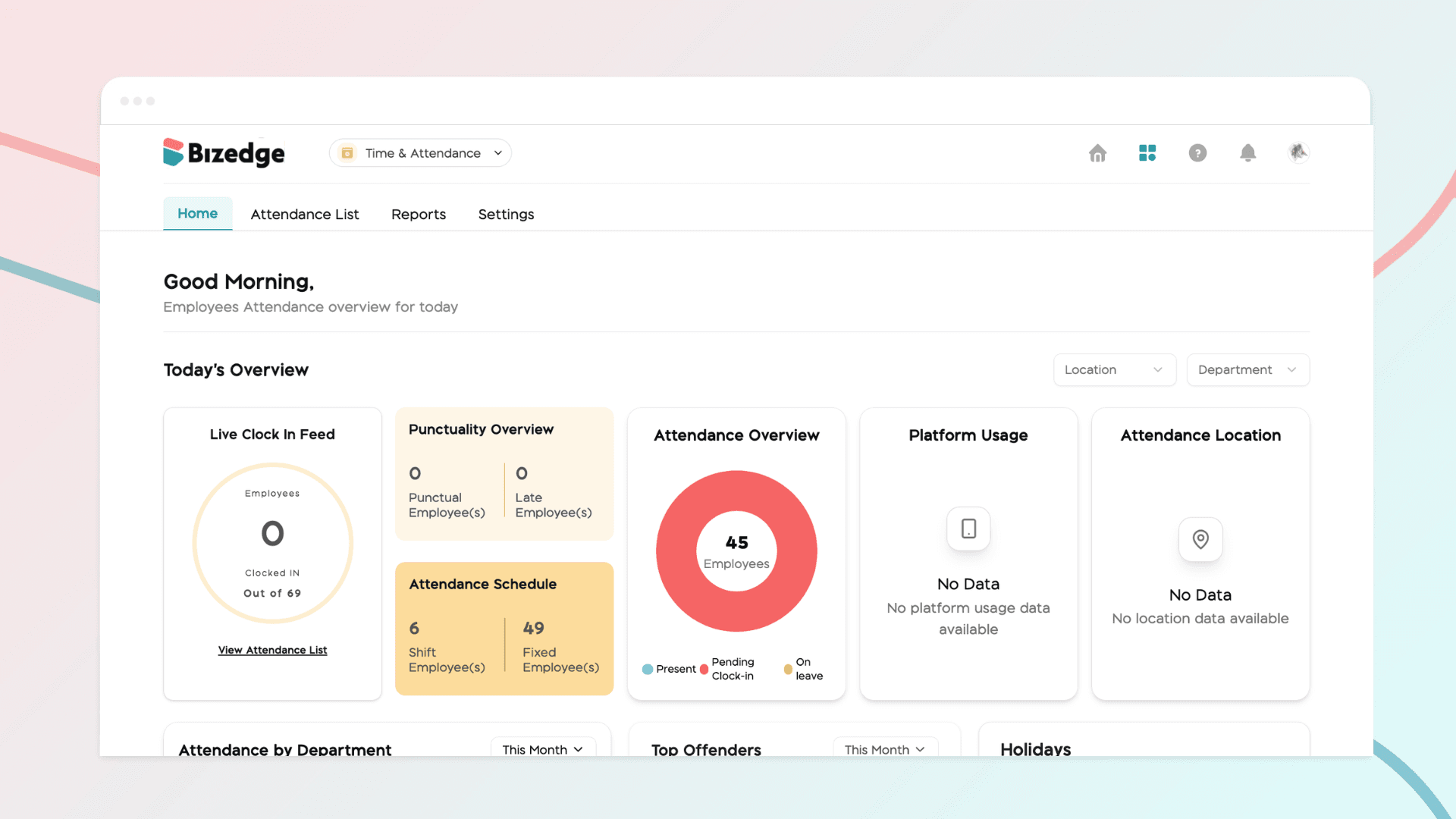
The BizEdge Time and Attendance app gives administrators and HR teams real-time visibility into employee attendance across the organization. The app is organized into four sections: Home, Attendance List, Reports, and Settings.
Apr 13, 2026 · 1 min read
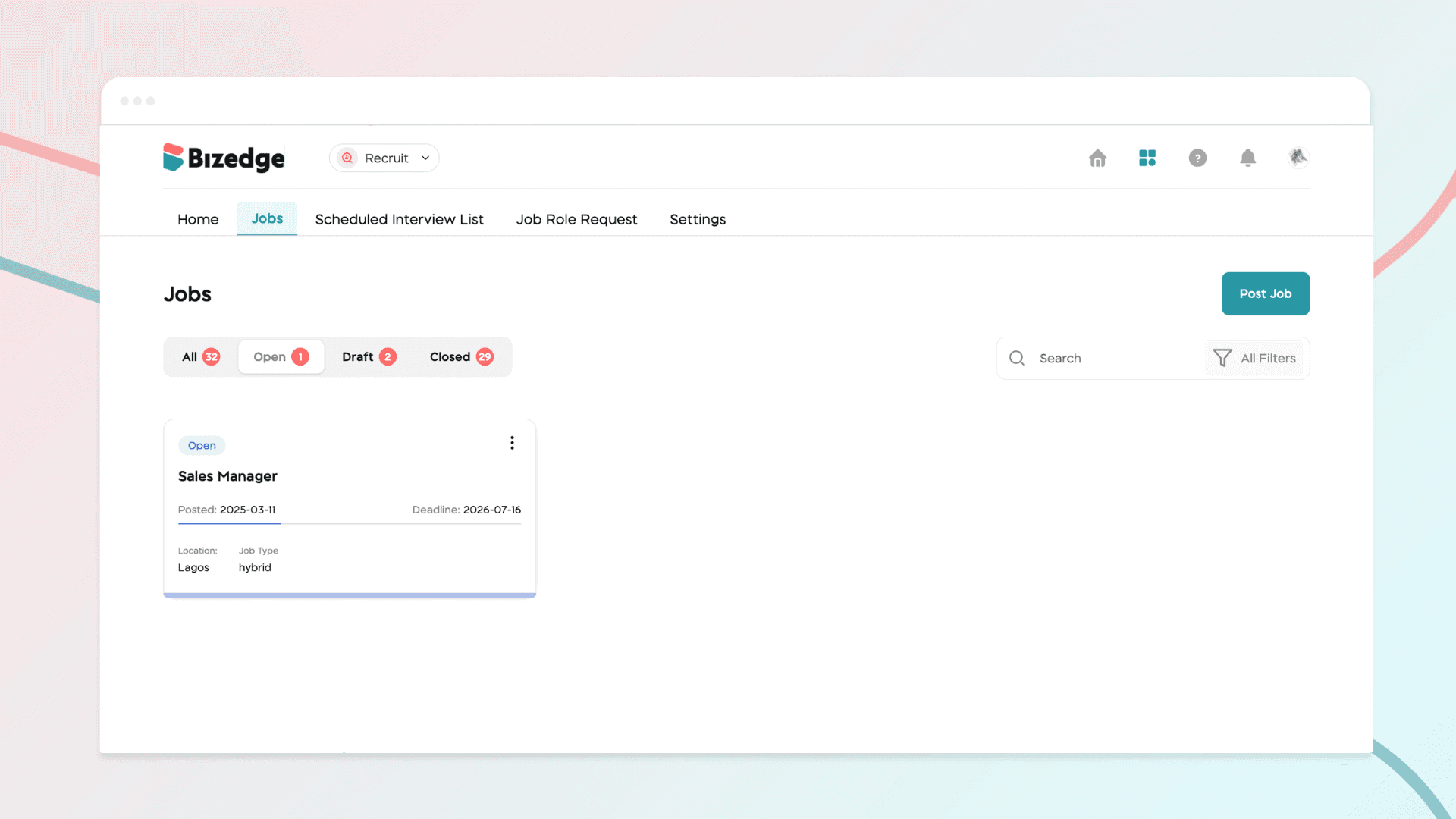
How to Use Scorecards to Evaluate Candidates
Scorecards help hiring teams evaluate candidates consistently and objectively throughout the recruitment process. Step 1: Set Up Skill Evaluation Navigate to…
Apr 13, 2026 · 1 min read
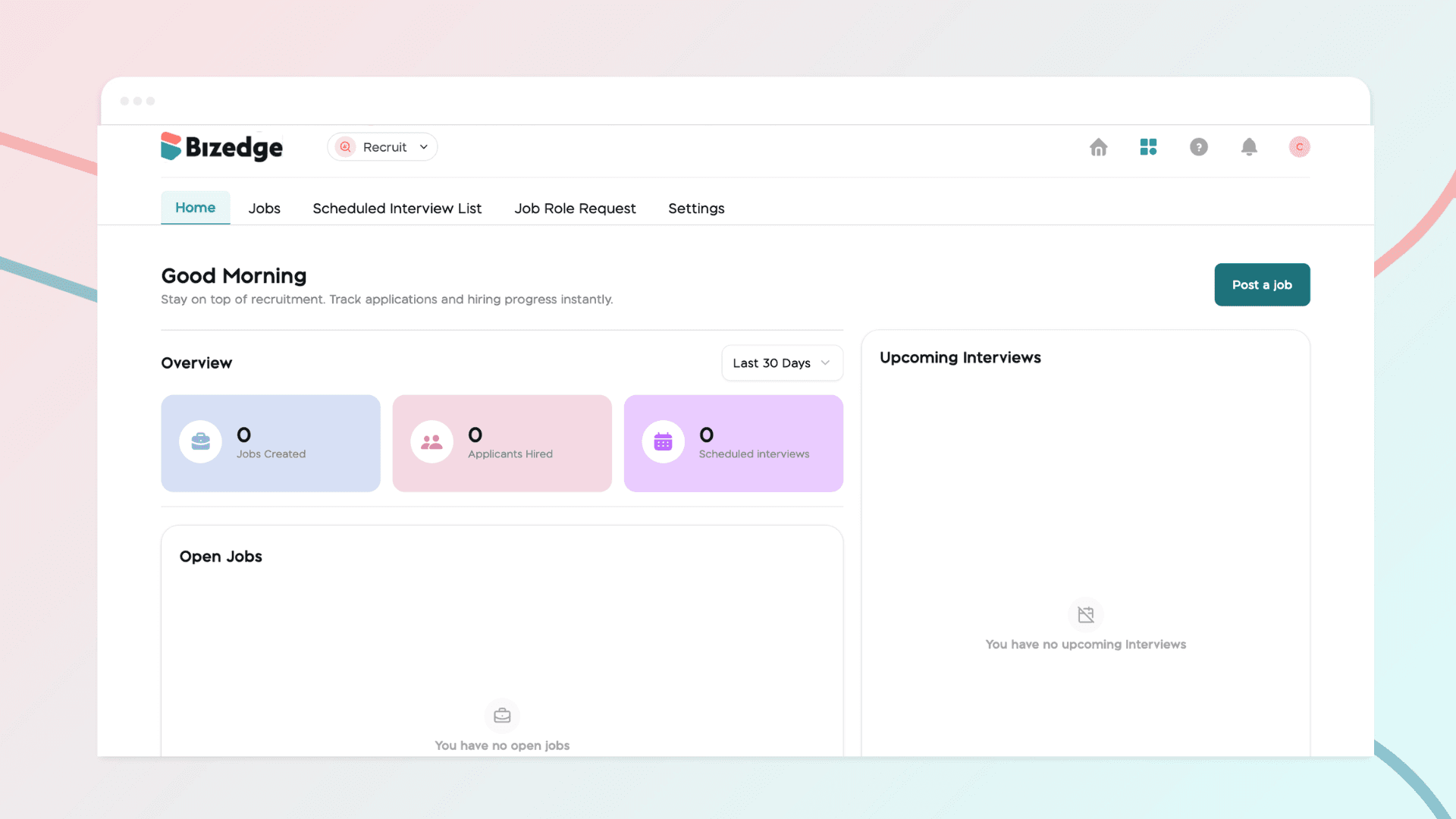
How to Schedule Interviews with Candidates
he Recruit App allows you to schedule interviews, track candidate progress, and collaborate with your hiring team all in one place. Once candidates have been reviewed and shortlisted, you can move them through the hiring stages seamlessly from start to finish.
Apr 13, 2026 · 1 min read
How to Review and Manage Candidate Applications
Once applications start coming in, the Recruit App gives you the tools to efficiently review and manage candidates. From viewing applicant lists to automatically shortlisting based on job fit, you can stay organized and make informed decisions throughout the process.
Apr 13, 2026 · 1 min read
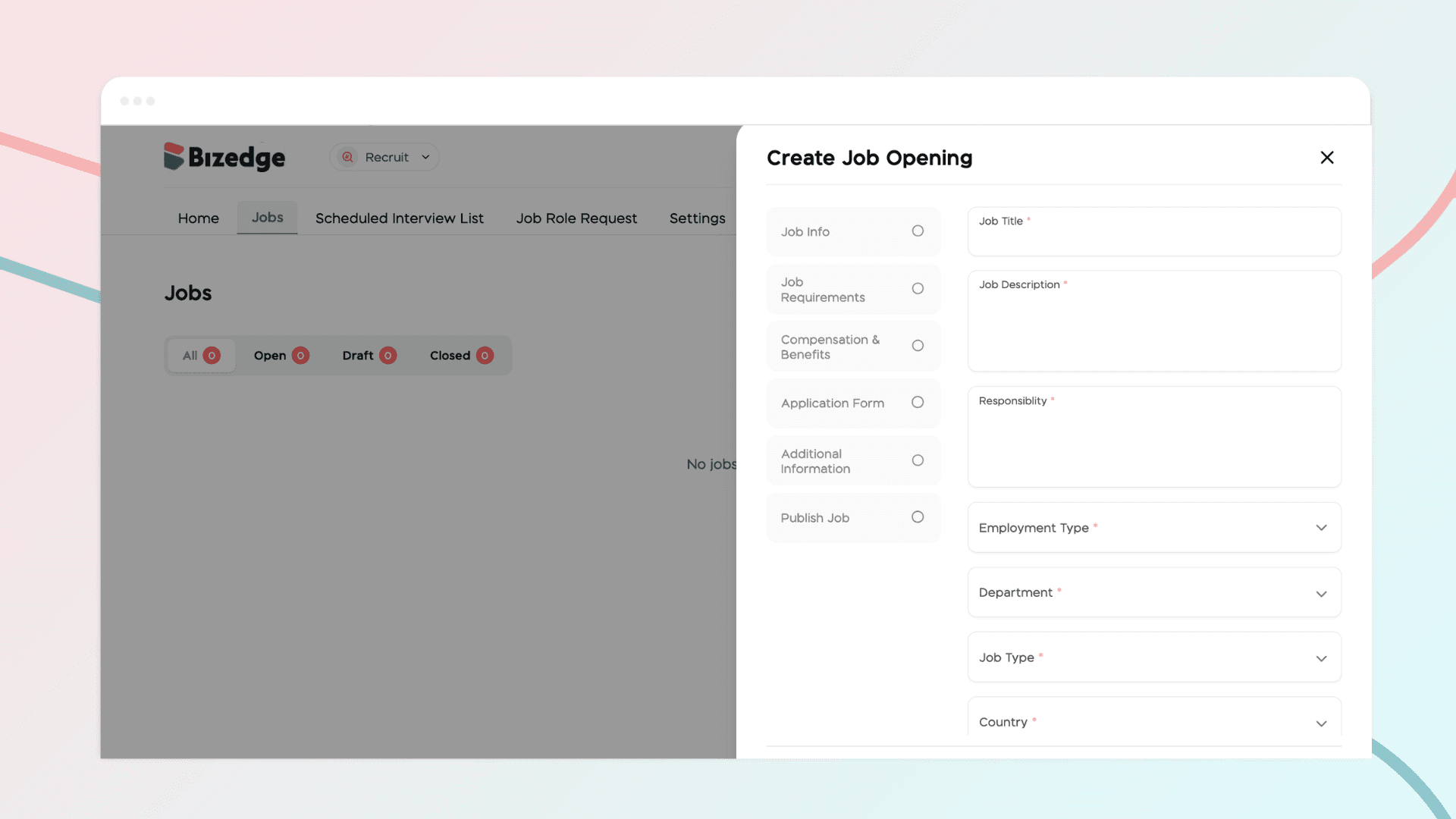
How to Create and Post a Job Opening on BizEdge
The Recruit App makes it easy to create and publish job openings directly from the BizEdge platform. You can customize the application process to suit your recruitment needs and have your job posting live and visible to candidates in just a few steps.
Apr 13, 2026 · 1 min read
BizEdge Recruit App — Overview
The BizEdge Recruit App is an end-to-end recruitment management tool that helps companies oversee their entire hiring process from a single platform. From posting job openings to evaluating final candidates, the app gives hiring teams full visibility and control over every stage of recruitment.
Apr 13, 2026 · 1 min read
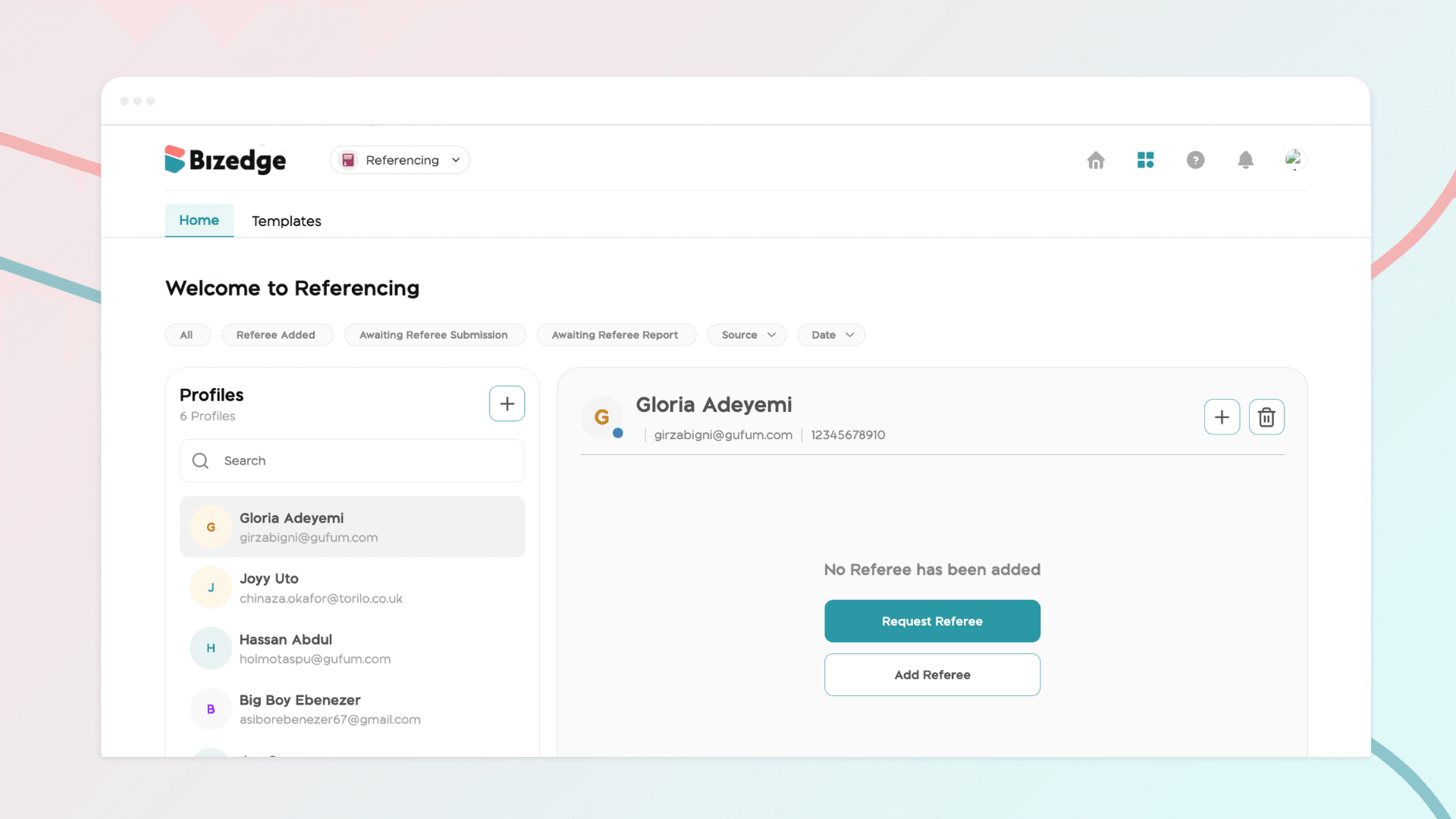
How to Create Reference Templates
Reference templates make it quick and easy to send consistent and professional reference requests. To get started, click on Templates within the Referencing app. You can either select an existing template for a Professional or Personal reference, or create a entirely new template tailored to your recruitment needs.
Apr 13, 2026 · 1 min read