
Getting started with MyEdge
Chinaza Okafor · Mar 7, 2024 · 1 min read
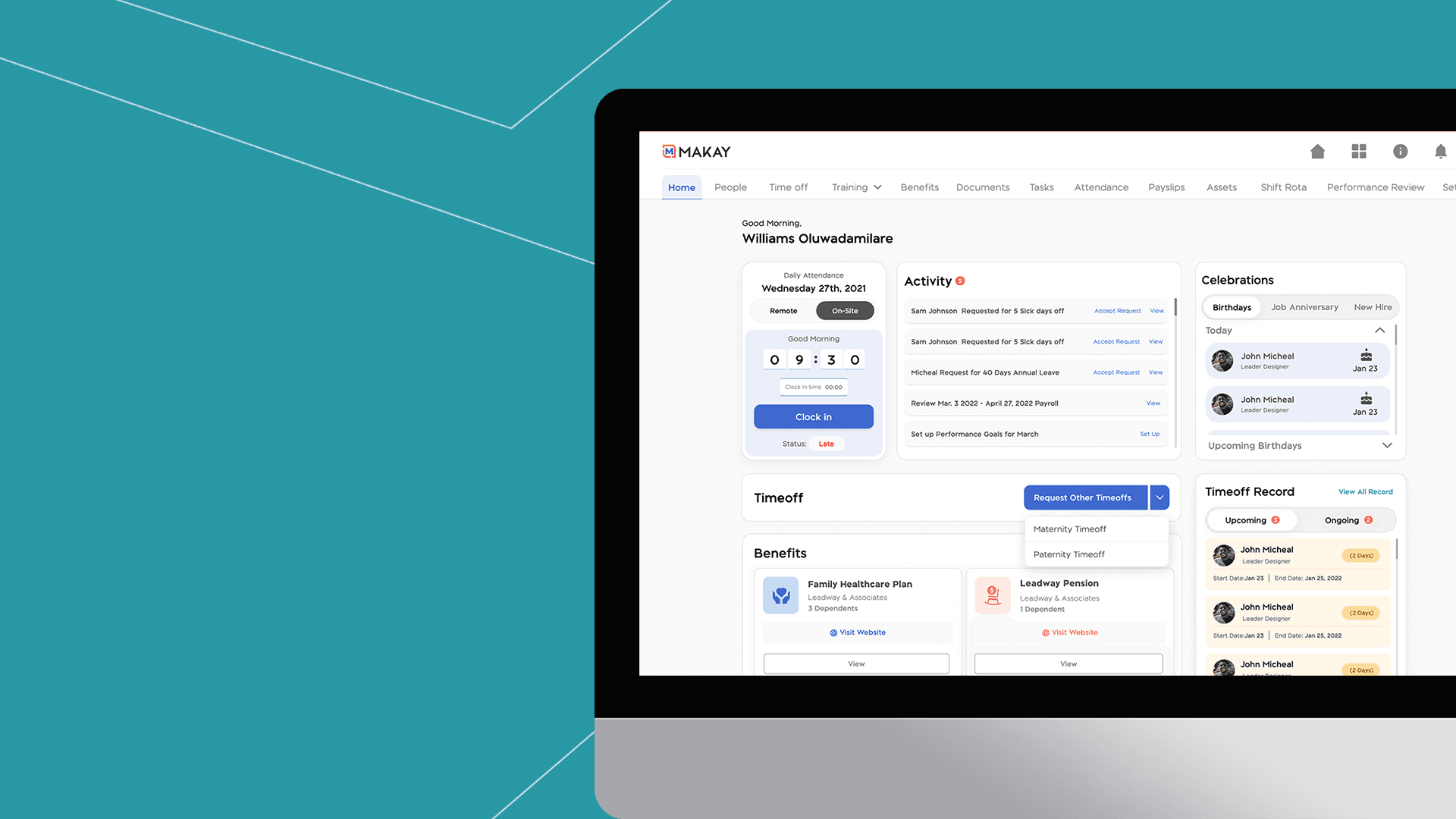
To get started with MyEdge (Employee Self-Service App), you must have been granted access by your HR or admin.
Onboarding
The first step to signing up on the MyEdge app as an employee is ensuring your HR or admin sends a MyEdge invite to you. Once an invite has been sent to your email, click the 'Welcome to MyEdge link' to sign up. The sign up page will show your prefilled email and you’ll need to create a password.
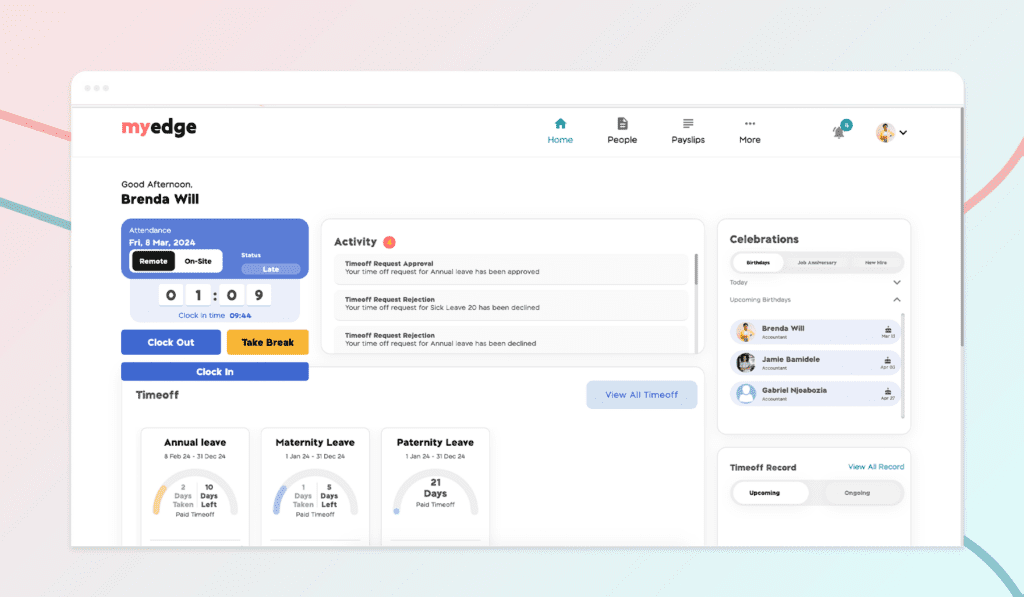
Once logged in, you will be welcomed with the MyEdge dashboard that consists of the clock-in screen, activity tab, benefits, celebration tab, time off record tab, my team tab, and assets tab; this will only appear when HR has assigned assets to employees.
Explore
From the top of your home screen, you can clock in and clock out onsite or remotely when you tap the clock-in button. If you are working at the location assigned to you by your admin, you are working on-site. If you work at an unassigned location, you must tap the Remote button to clock in.
You can request time off assigned to you from your home screen. Click on the request button right below the time off you are interested in. Fill in your leave start date and resumption date
You can get more done on MyEdge. Apart from the above, you can view and download your payslip, view requests, documents, and see team members’ work contacts. Have a spin on MyEdge today to see more
Note: Some of the features such as clock in will only show based on the plan the business has subscribed to.
Do you prefer a video walkthrough? Click the video below to watch a step-by-step guide.
Chinaza Okafor
Author
Comments
Leave a comment
Related posts

How to Use the MyTeam App
The MyTeam App on BizEdge helps line managers effectively oversee their teams. It provides visibility into team attendance, leave requests, time off schedules, and appraisal, making team supervision and approvals easier and more organized.
Apr 14, 2026 · 1 min read

How to Grant Line Managers Access to the MyTeam App
The MyTeam App on BizEdge helps line managers effectively oversee their teams. It provides visibility into team attendance, leave requests, time off schedules, and appraisal, making team supervision and approvals easier and more organized.
Apr 14, 2026 · 1 min read

How to Set Up Your Workspace Name on BizEdge
Your Workspace Name is how your business appears to employees across the BizEdge platform. Setting it up correctly ensures that your organization is easily recognizable to your team from the moment they log in. Follow these simple steps to update it:
Apr 14, 2026 · 1 min read