April 13, 2026

How to Schedule Interviews with Candidates

he Recruit App allows you to schedule interviews, track candidate progress, and collaborate with your hiring team all in one place. Once candidates have been reviewed and shortlisted, you can move them through the hiring stages seamlessly from start to finish.
April 13, 2026

How to Review and Manage Candidate Applications

Once applications start coming in, the Recruit App gives you the tools to efficiently review and manage candidates. From viewing applicant lists to automatically shortlisting based on job fit, you can stay organized and make informed decisions throughout the process.
April 13, 2026

How to Create and Post a Job Opening on BizEdge

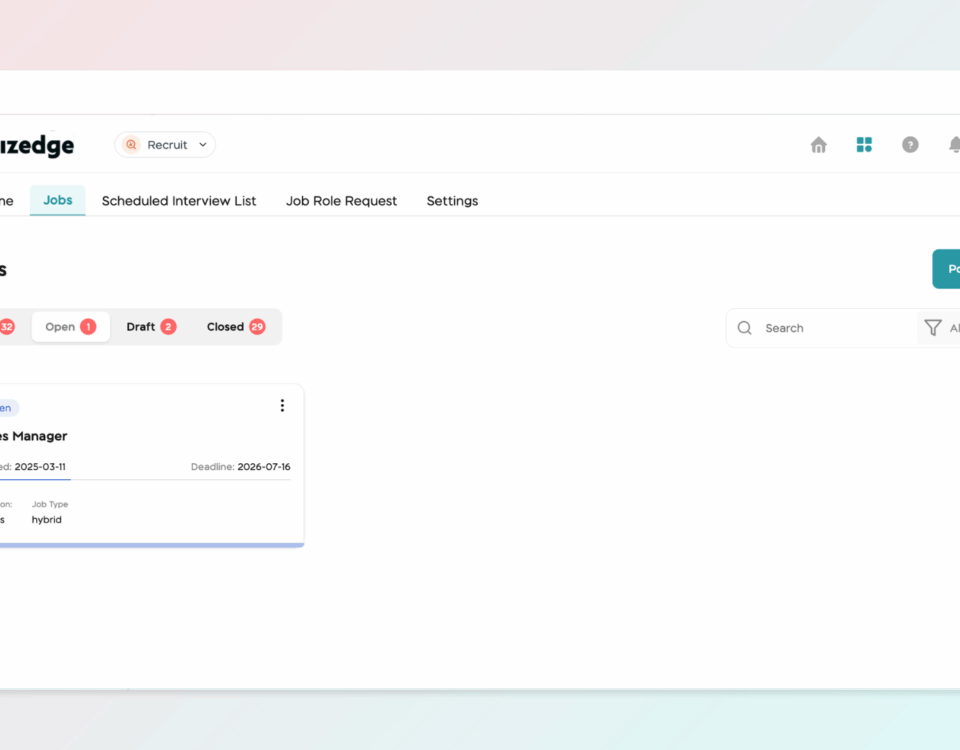
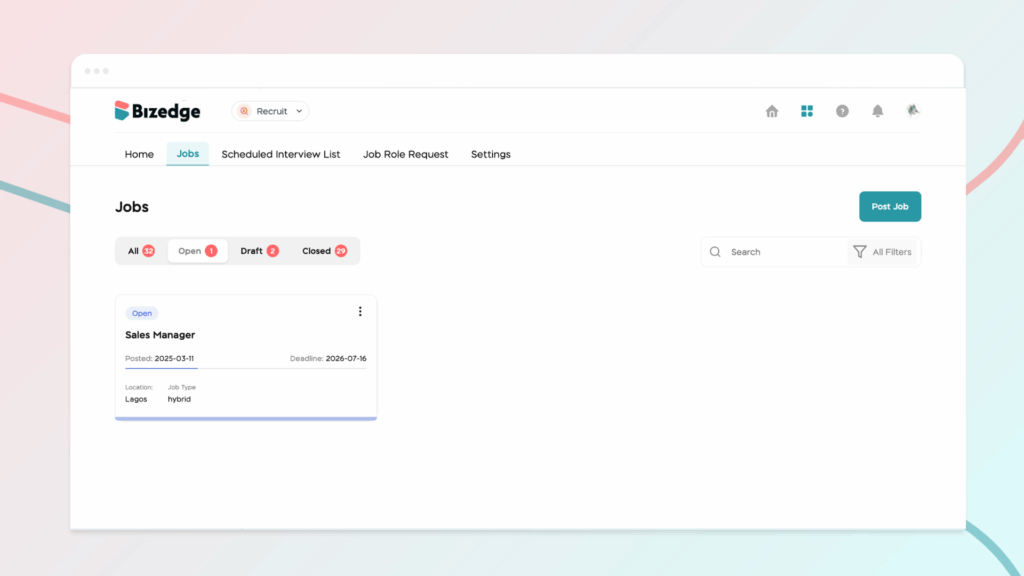
The Recruit App makes it easy to create and publish job openings directly from the BizEdge platform. You can customize the application process to suit your recruitment needs and have your job posting live and visible to candidates in just a few steps.
April 13, 2026

BizEdge Recruit App — Overview

The BizEdge Recruit App is an end-to-end recruitment management tool that helps companies oversee their entire hiring process from a single platform. From posting job openings to evaluating final candidates, the app gives hiring teams full visibility and control over every stage of recruitment.
April 13, 2026

How to Create Reference Templates

Reference templates make it quick and easy to send consistent and professional reference requests. To get started, click on Templates within the Referencing app. You can either select an existing template for a Professional or Personal reference, or create a entirely new template tailored to your recruitment needs.
April 13, 2026

How to Send a Reference Request to a Candidate or Employee

The Referencing App allows you to request and collect candidate references quickly and efficiently. Once a candidate has been added, you can send reference requests directly through the platform and track responses from your dashboard.
April 13, 2026

BizEdge Referencing App

The Referencing app is a powerful tool designed to streamline your recruitment process by making it easy to collect and manage candidate references. In this guide, we’ll show you step-by-step how to get started with the BizEdge Referencing app on the web.
April 11, 2026

Employees on Payroll Showing Duplicate Entries

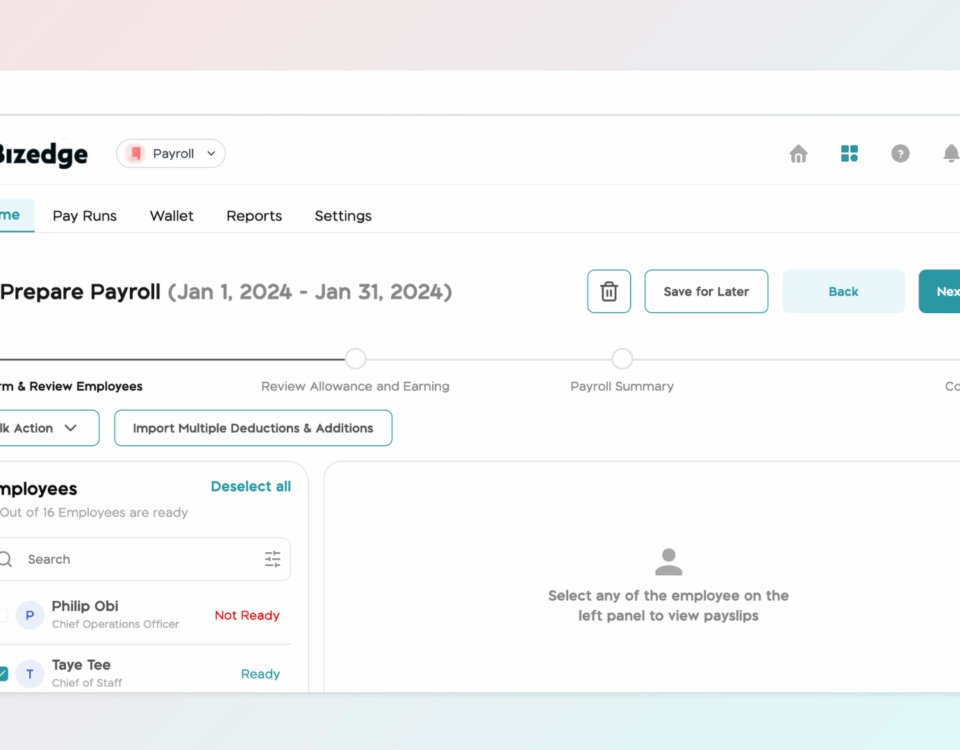
Duplicate entries for an employee can appear during payroll processing. This typically occurs when an employee's compensation has multiple effective dates within the same pay period, meaning their salary was updated or reviewed more than once. Follow the steps below to identify and resolve the issue.