How to Set Up and Use the BizEdge Kiosk App
How to Reset Kiosk PIN and Admin PIN
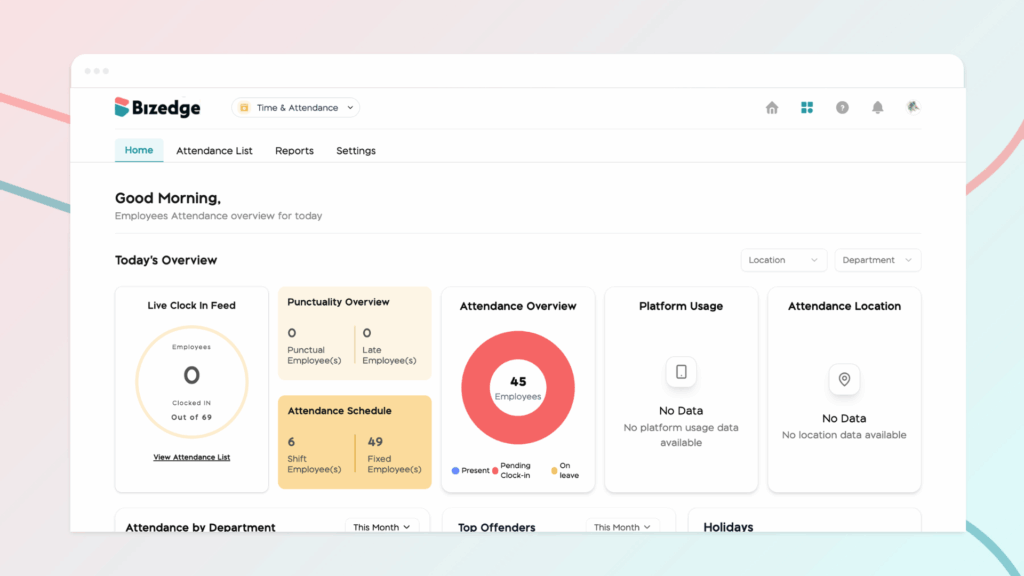
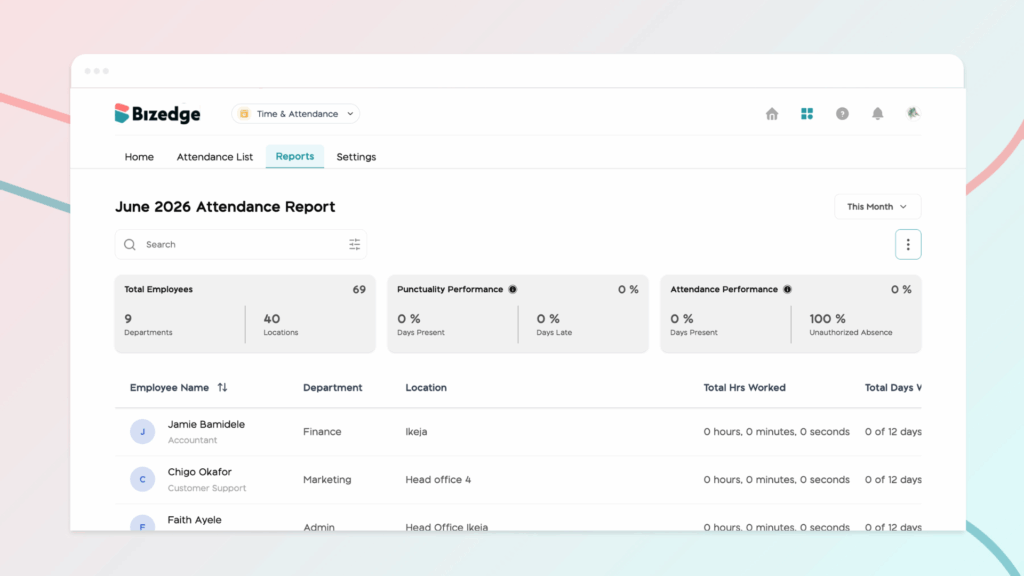
The Attendance App provides detailed reports that give administrators a comprehensive view of employee attendance over any selected time period. These reports can also be exported for further analysis or record-keeping purposes.
Step 1: Access the Attendance Report
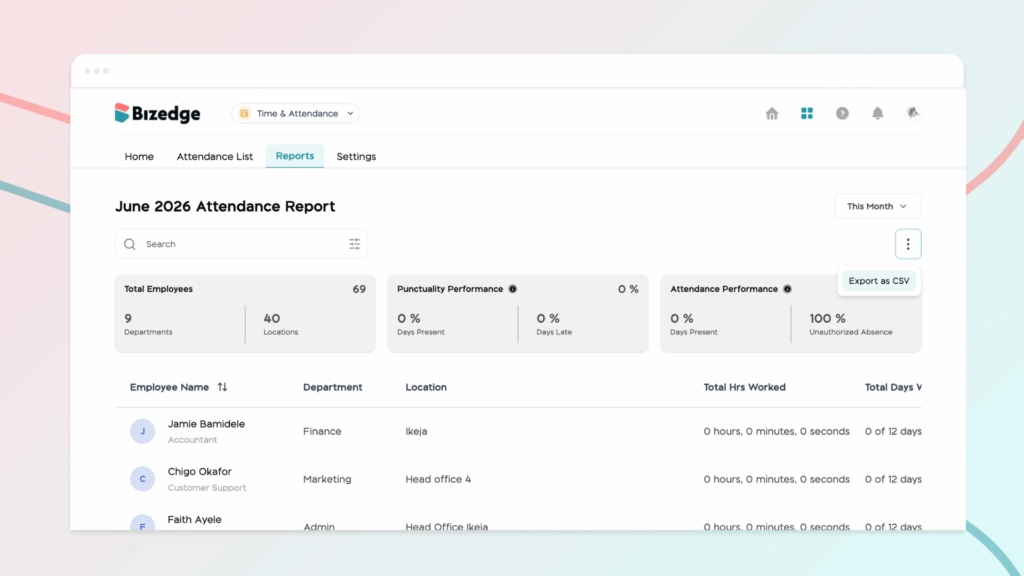
Log in to BizEdge and navigate to the Attendance App. Click on Reports to open the Attendance Report, where you can view a comprehensive breakdown of employee attendance for the selected time period.
Step 2: Export the Report
To export the data, click the three dots (…) at the top right of the Reports page and select Export as CSV. The report will automatically download as a CSV file, which can be opened and analyzed in Excel or any other spreadsheet software.