



How to Use the MyTeam App
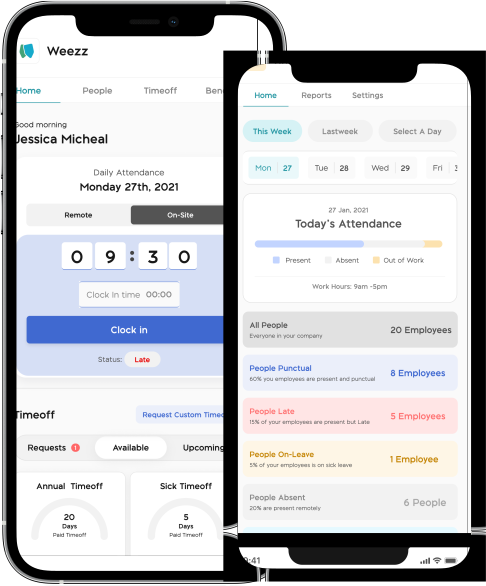
The MyTeam App on BizEdge helps line managers effectively oversee their teams. It provides visibility into team attendance, leave requests, time off schedules, and appraisal, making team supervision and approvals easier and more organized.
How to Grant Line Managers Access to the MyTeam App
The MyTeam App on BizEdge helps line managers effectively oversee their teams. It provides visibility into team attendance, leave requests, time off schedules, and appraisal, making team supervision and approvals easier and more organized.
How to Set Up Your Workspace Name on BizEdge
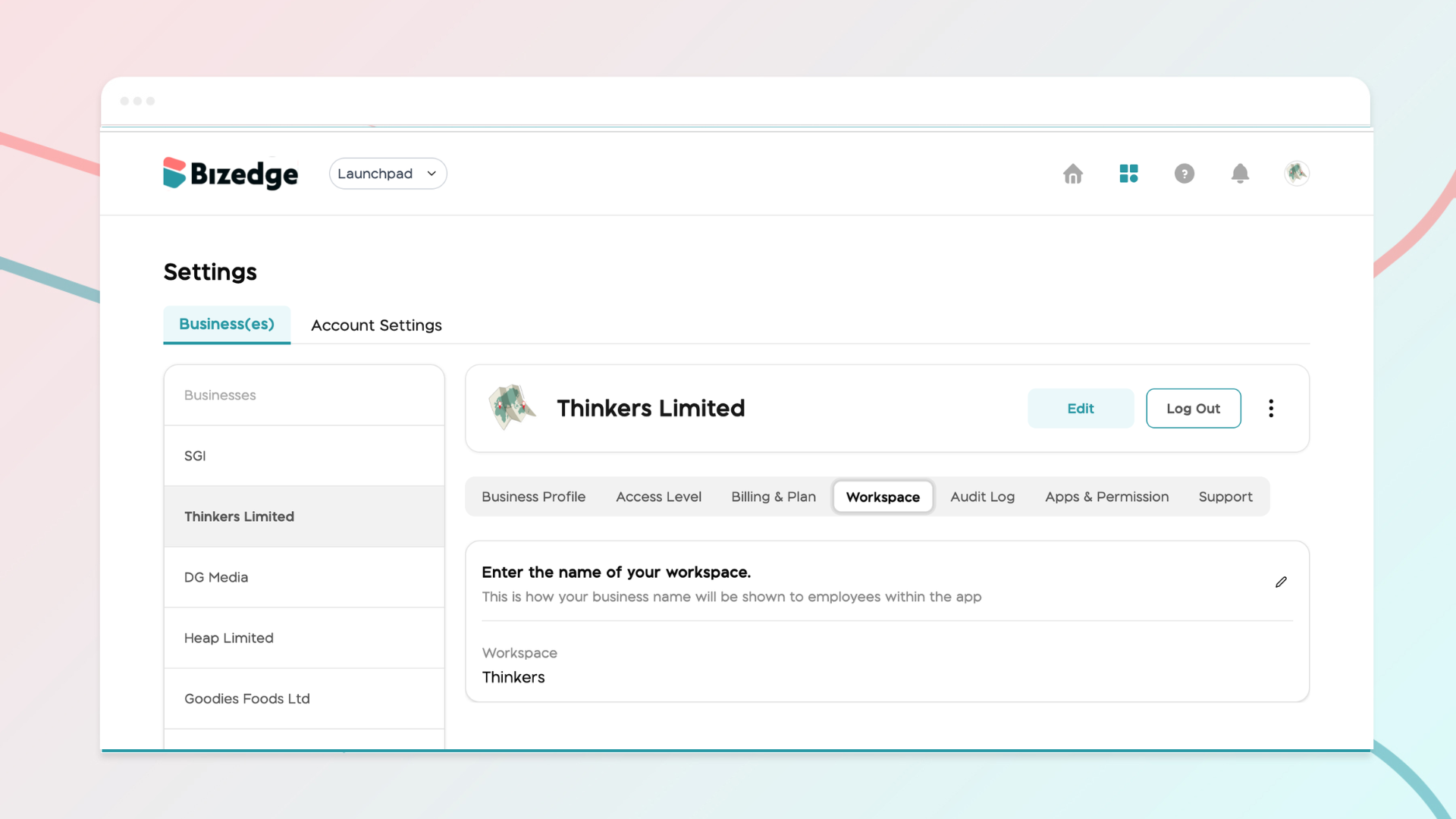
Your Workspace Name is how your business appears to employees across the BizEdge platform. Setting it up correctly ensures that your organization is easily recognizable to your team from the moment they log in. Follow these simple steps to update it:
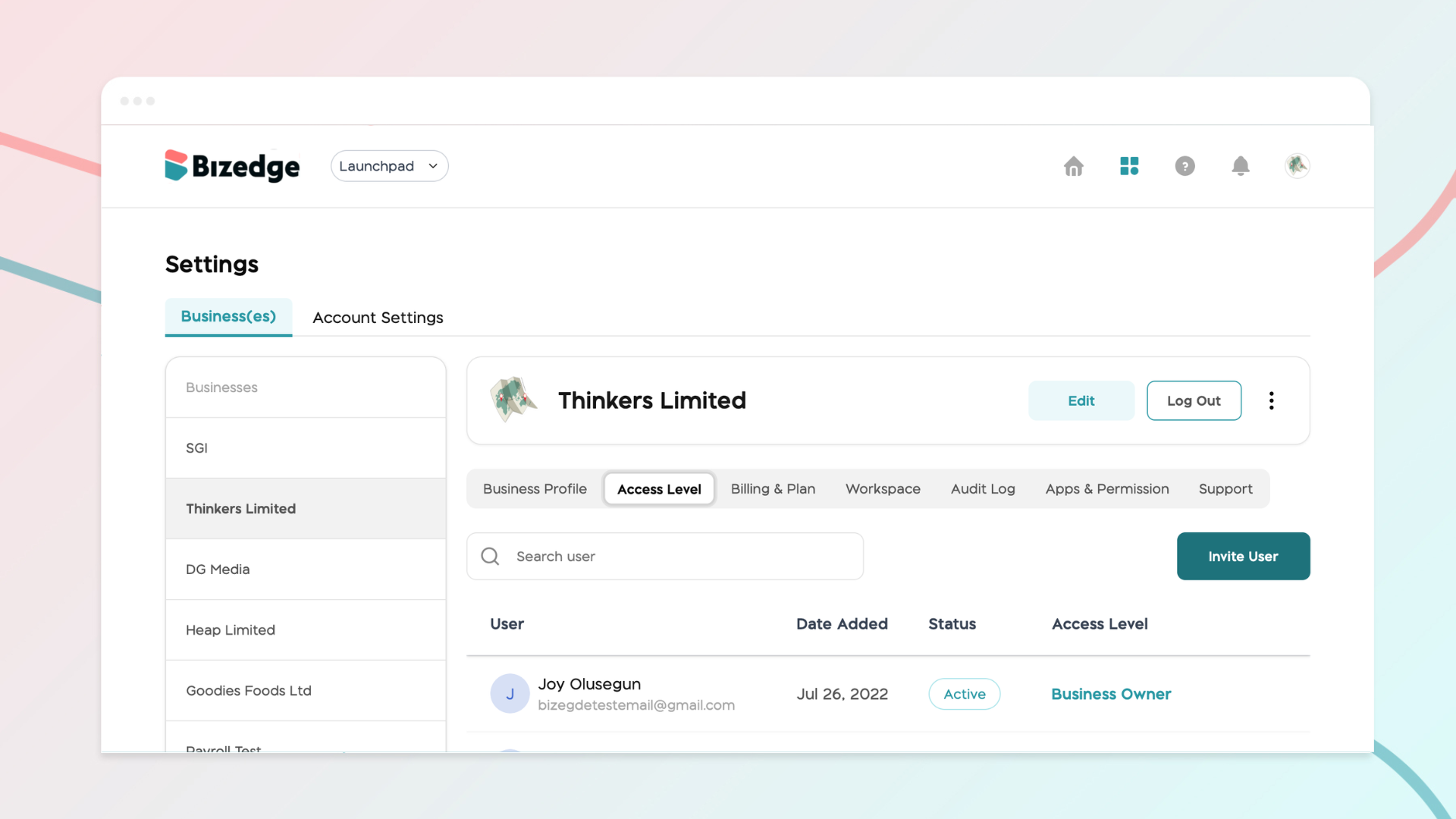
How to Set up Access Levels in BizEdge
Managing access levels ensures that each user within your organization has the right permissions for their role. BizEdge allows administrators to invite users, assign appropriate access levels, and control which apps and features each person can view and interact with, keeping your company data secure and well-organized.
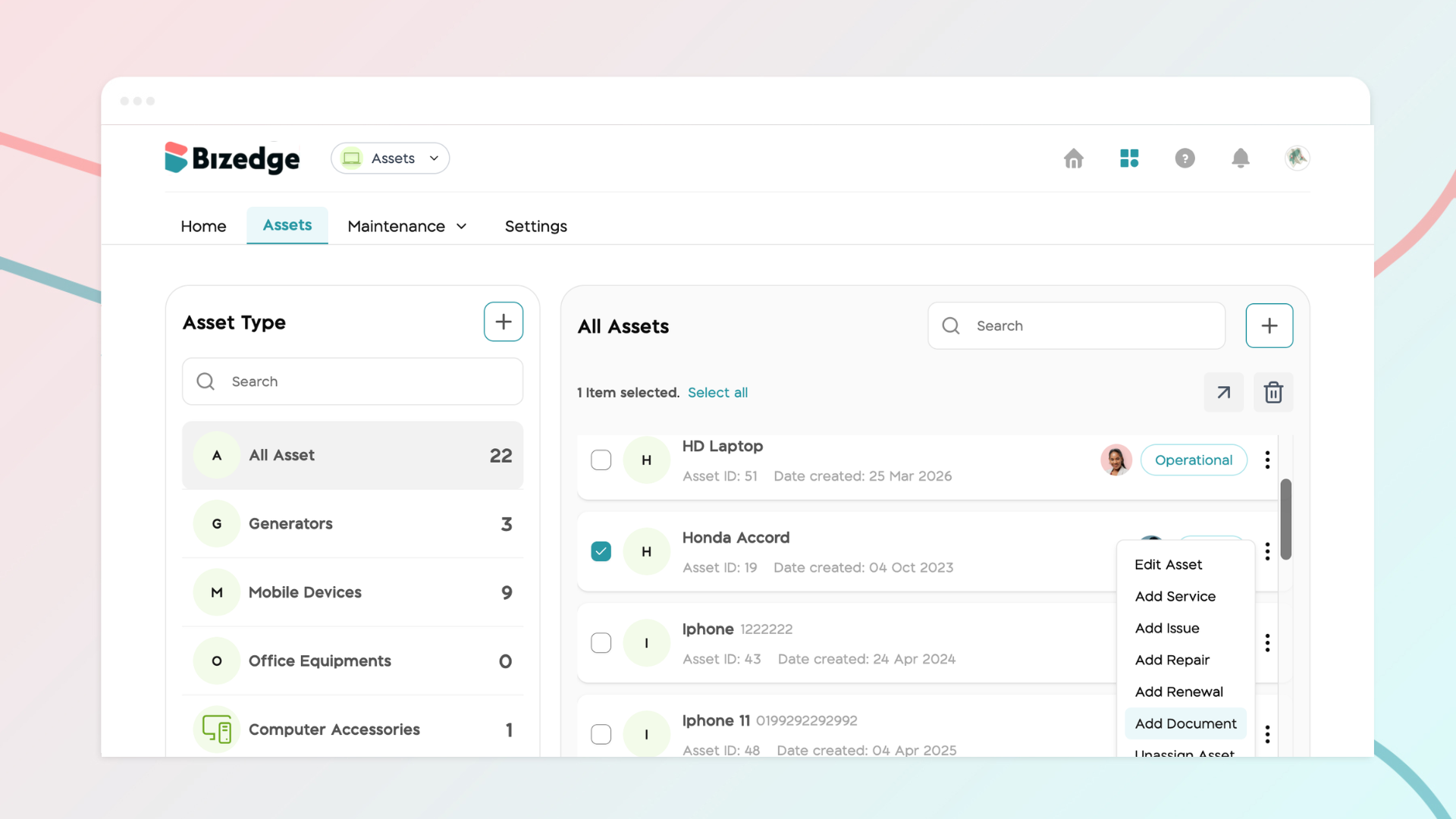
How to add a New Vehicle Document
Keeping your vehicle documents up to date is essential for compliance and smooth operations. The Assets App allows you to store all vehicle-related documents in one place, set renewal reminders, and easily access them whenever needed.
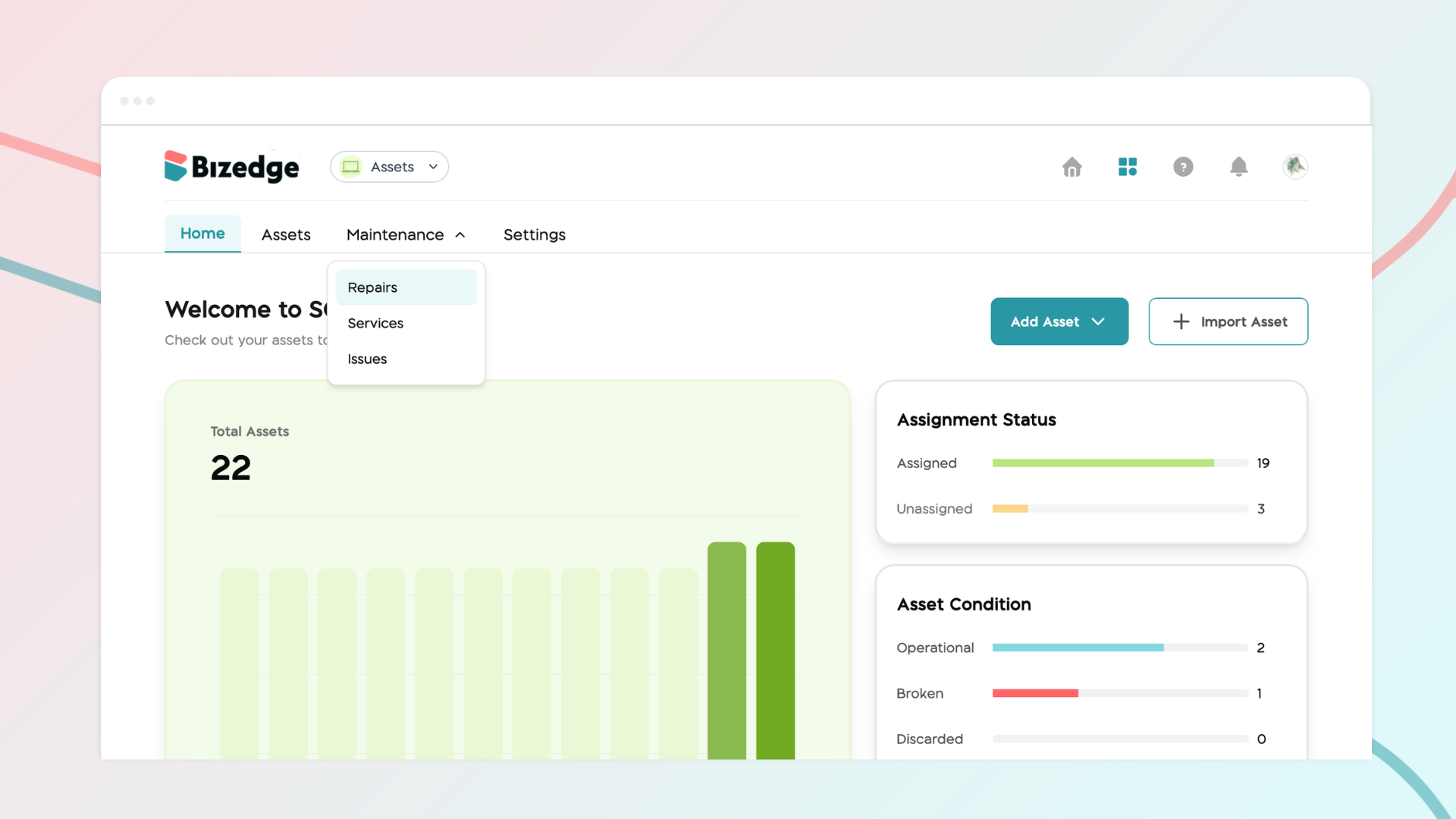
How to Add a New Repair
The Assets App allows you to log and track maintenance and repair activities for all your vehicles, keeping a complete service history in one place.
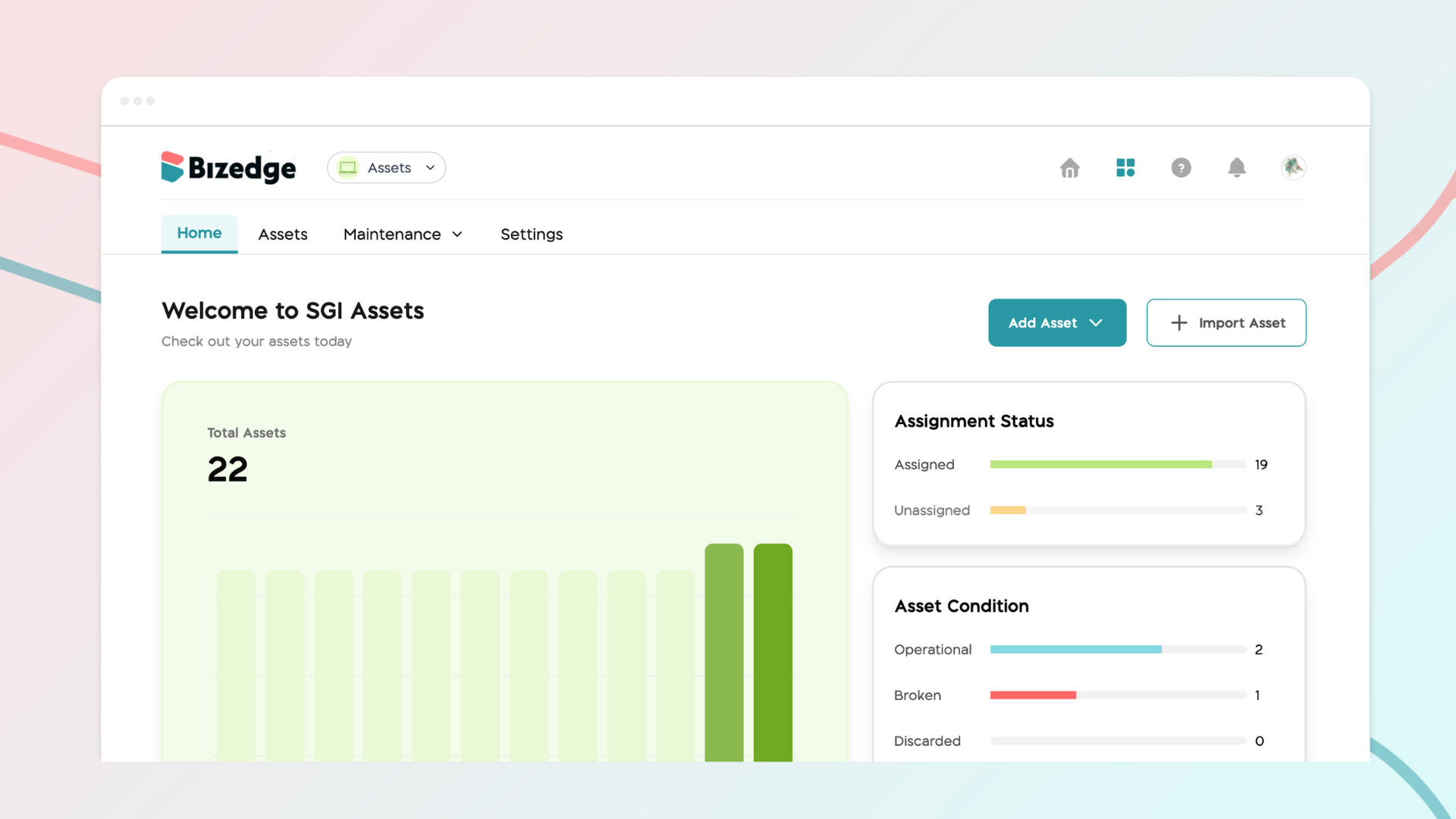
How to Add and Assign Vehicles
The Assets App makes it easy to add and manage your company’s vehicles in one place. Once a vehicle has been added, it can be assigned to an employee, ensuring clear accountability and accurate tracking across your organization.
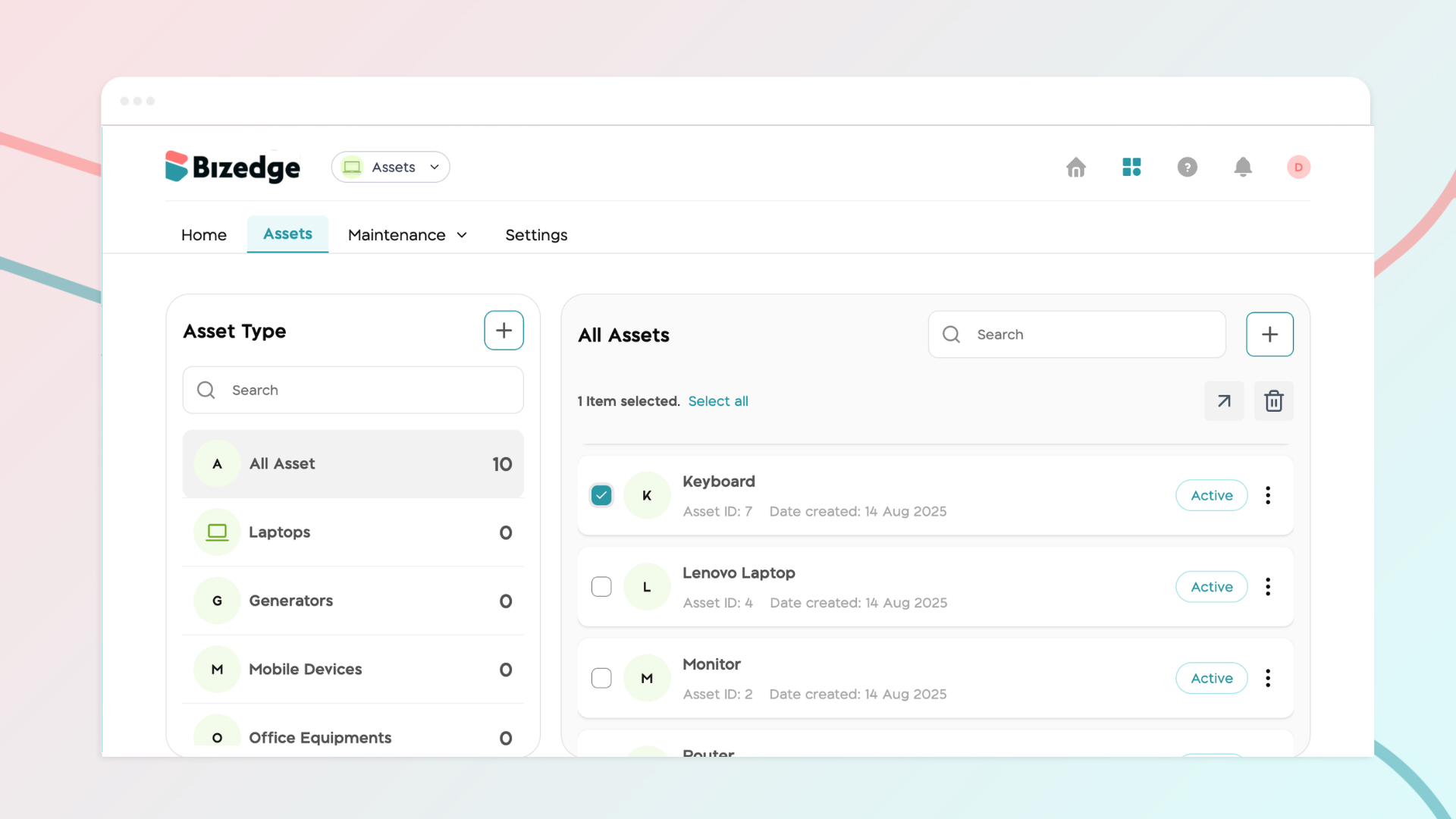
How to Add a New Asset Document
The Assets App allows you to attach and store important documents directly against each asset, keeping all relevant records organized and easily accessible. This ensures that asset documentation is always up to date and available whenever it is needed.
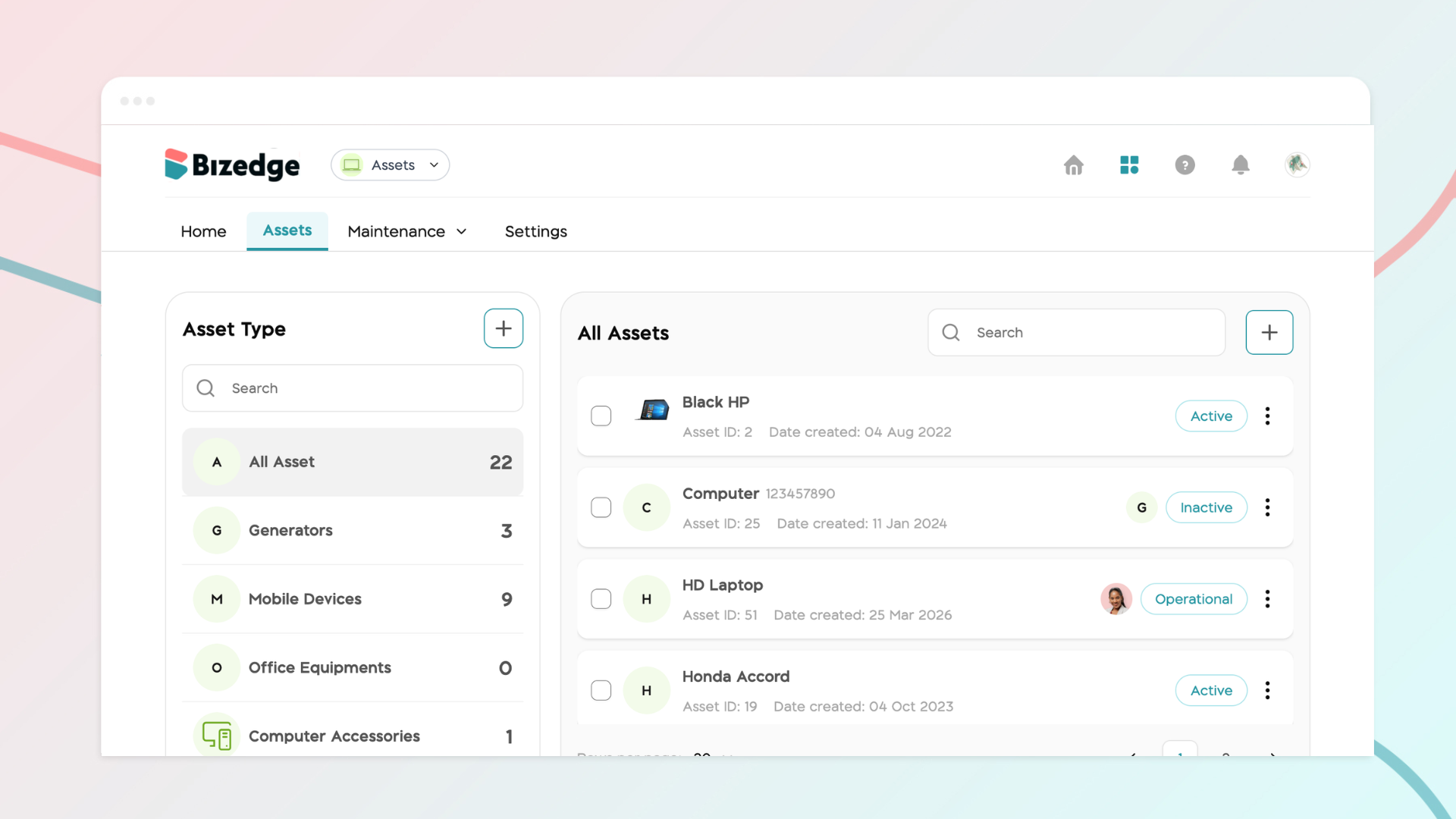
How to Add and Assign Assets
The Assets App enables you to add and manage all company assets in one centralized place. Once an asset has been created, it can be assigned to a specific employee, making it easy to track ownership, monitor usage, and maintain accountability across your organization.