
How to Configure Attendance Settings and Work Schedules
How to Set Up and Use the BizEdge Kiosk App
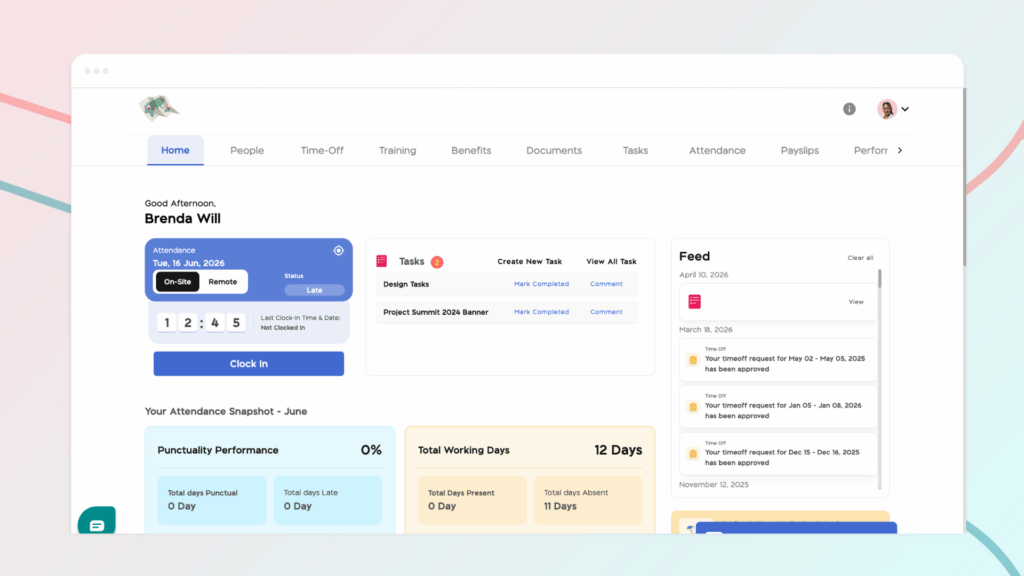
Before employees can begin clocking in and out, a few key settings need to be configured to ensure accurate attendance tracking. This includes assigning employees to a company location and setting their workdays and work hours within the BizEdge platform.
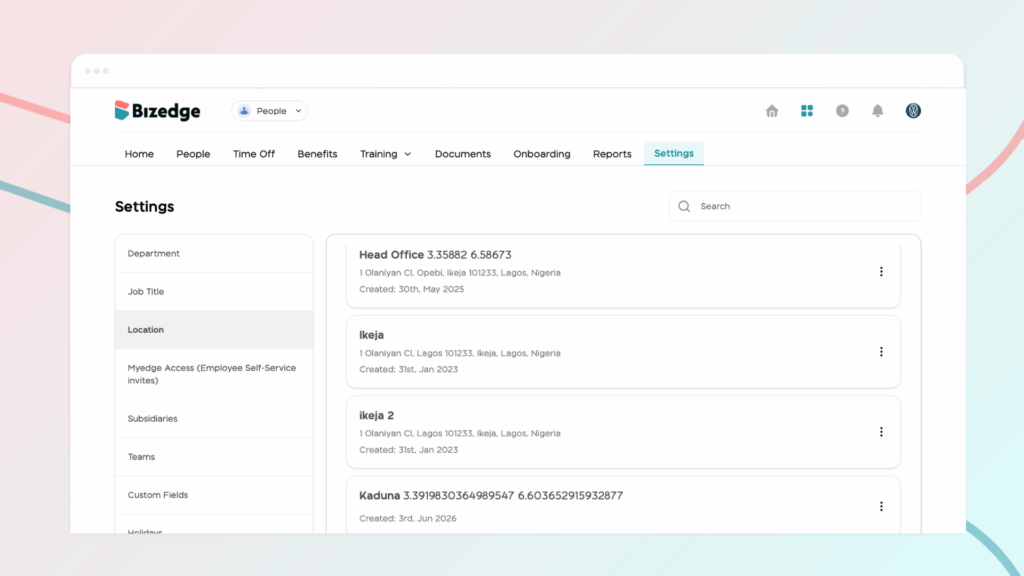
Step 1: Assign Employees to a Company Location
Before employees can clock in, they must first be assigned to a company location. This ensures that their attendance is tracked against the correct workplace.
Step 2: Set Workdays and Work Hours
Once the location has been assigned, configure each employee’s workdays and work hours. This defines when employees are expected to clock in and out, allowing the system to accurately track attendance and punctuality.
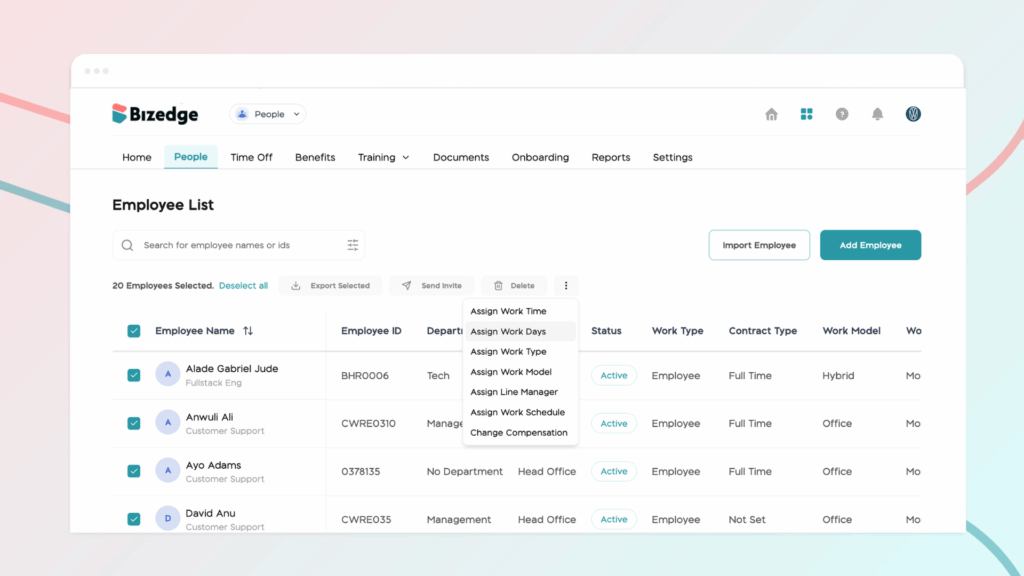
Step 3: Use Bulk Assign for Large Teams
If you have a large number of employees to configure, use the Bulk Assign feature to assign workdays and work hours to multiple employees at once, saving time and ensuring consistency across your workforce.
Step 4: Employees Clock In via MyEdge
Once all settings have been configured, employees can clock in and out through the MyEdge platform. Their attendance will be recorded and reflected in the Attendance App in real time.



