
How to Upload Rent Relief Information for an Employee

How Nigerian Businesses can Manage Employee Time Off Requests Better
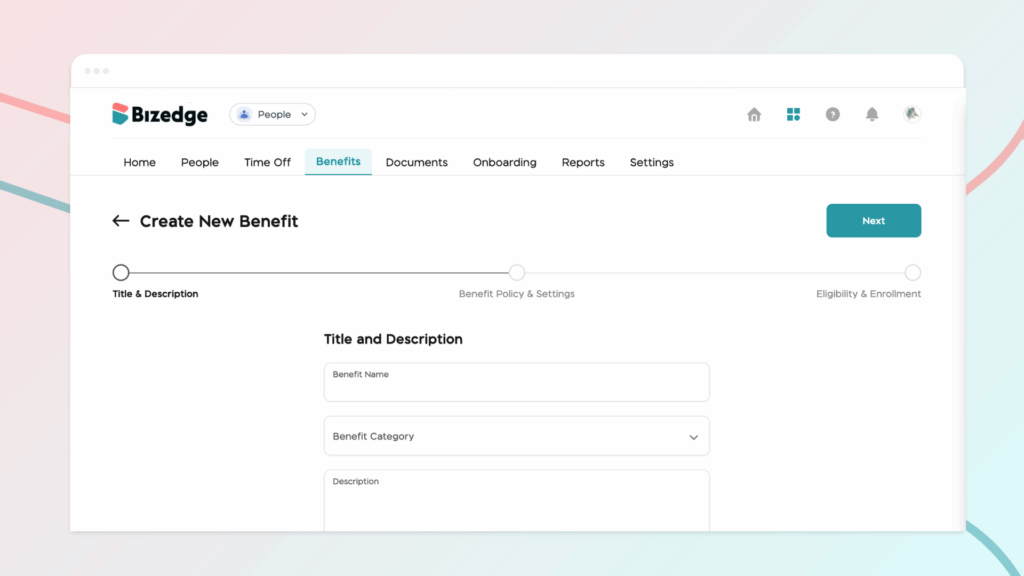
Step 1: To create a new benefit, begin by entering the benefit title and description in the designated fields provided.
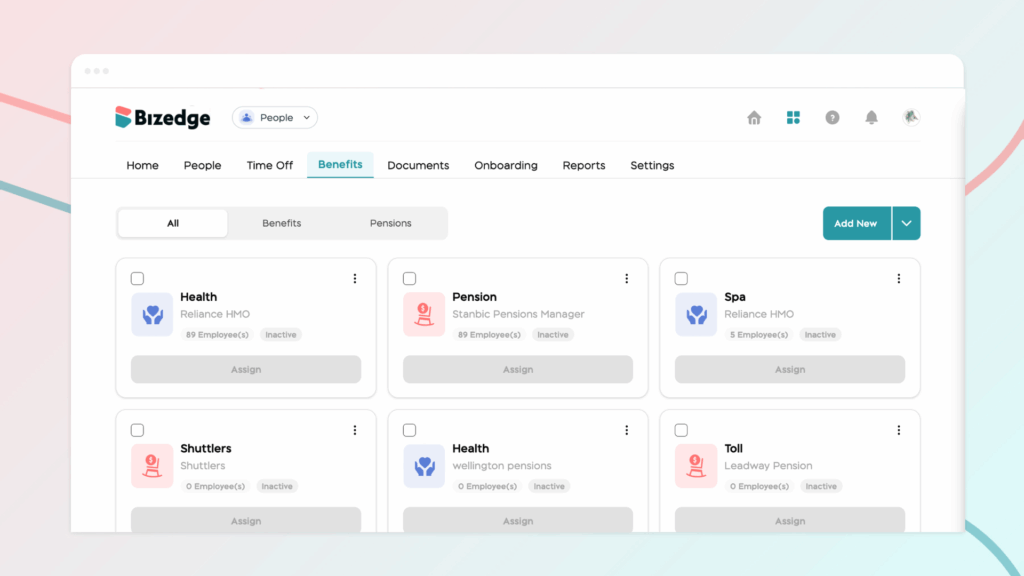
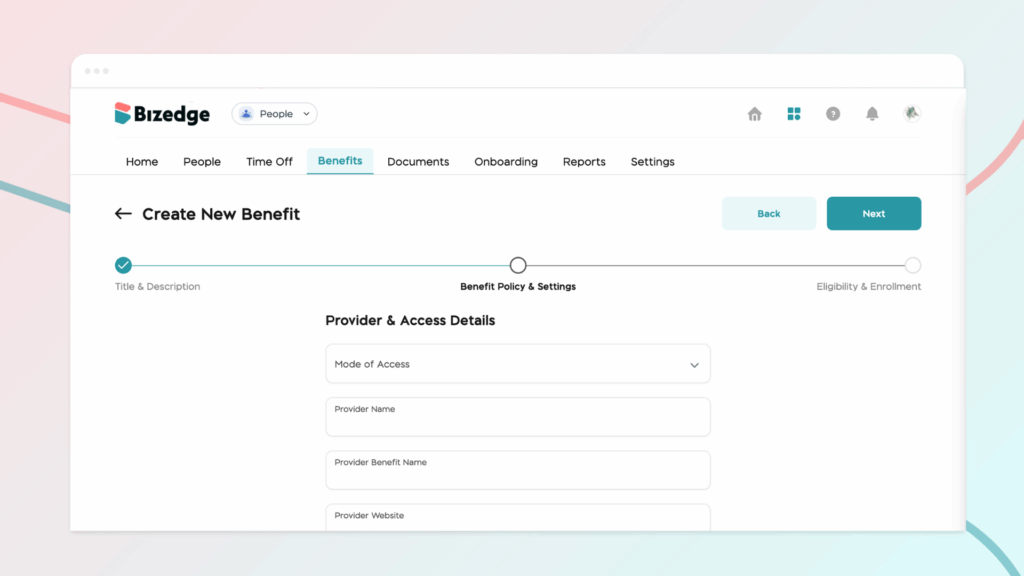
Step 2: After completing this section, click Next to proceed to the Benefit Policy and Settings section. In this stage, you will configure the main rules that govern how the benefit will operate.
Step 3: click Next again to move to the Eligibility and Enrollment section and assign to employees. This section allows you to determine which employees are eligible to receive the benefit. Step 4: Once all the required details have been completed and reviewed for accuracy, click Save to finalize the setup. This will successfully create the benefit and make it available according to the policies and eligibility rules you have defined.
Closing: Now you know how to manage employee benefits using the BizEdge People App



