Shift Rota App: Overview
How to Create Shift
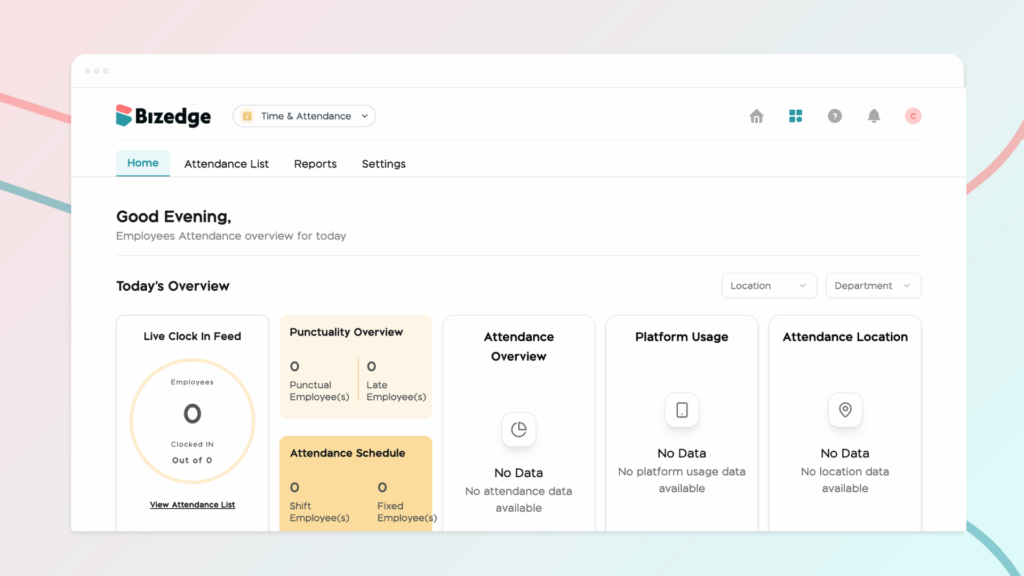
Properly configuring attendance settings and work schedules is essential for accurate time tracking and punctuality monitoring across your organization. BizEdge allows administrators to define lateness policies and assign work schedules to employees, ensuring that the system correctly reflects each employee’s working pattern and calculates attendance data accordingly.
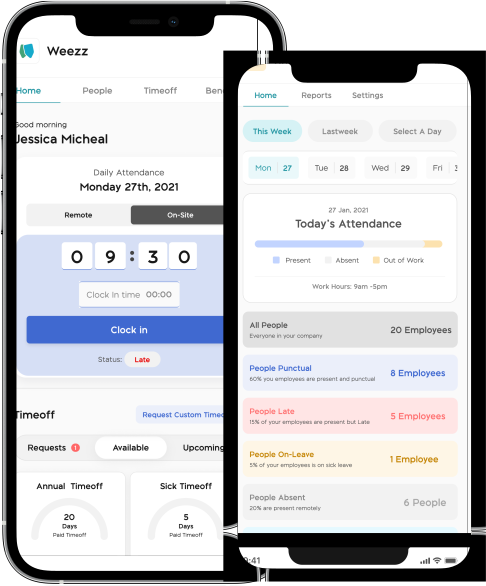
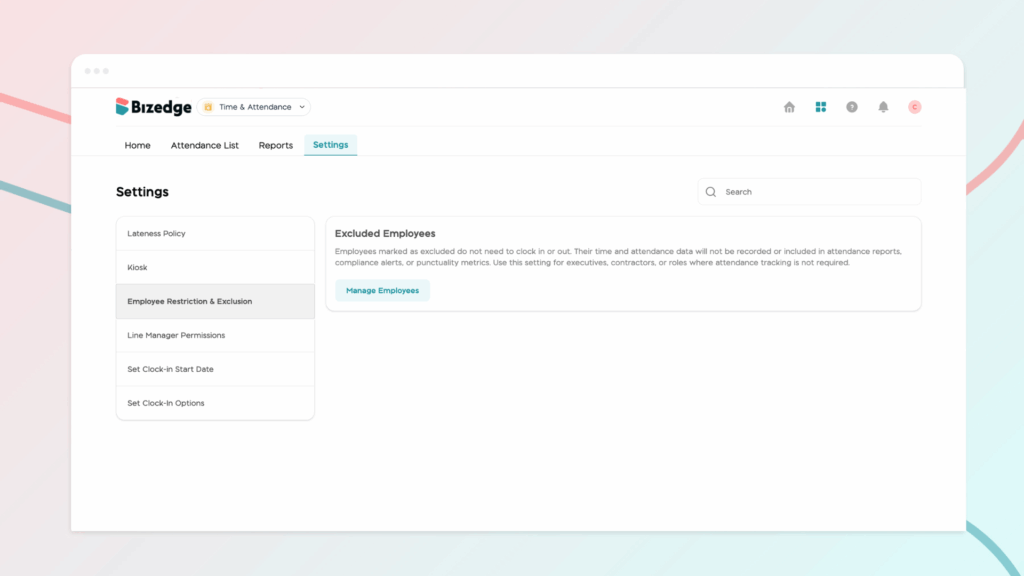
Step 1: To configure attendance, navigate to the Attendance app on the BizEdge Dashboard and click on the Settings tab. This section helps you clearly define and monitor attendance standards within your organization.
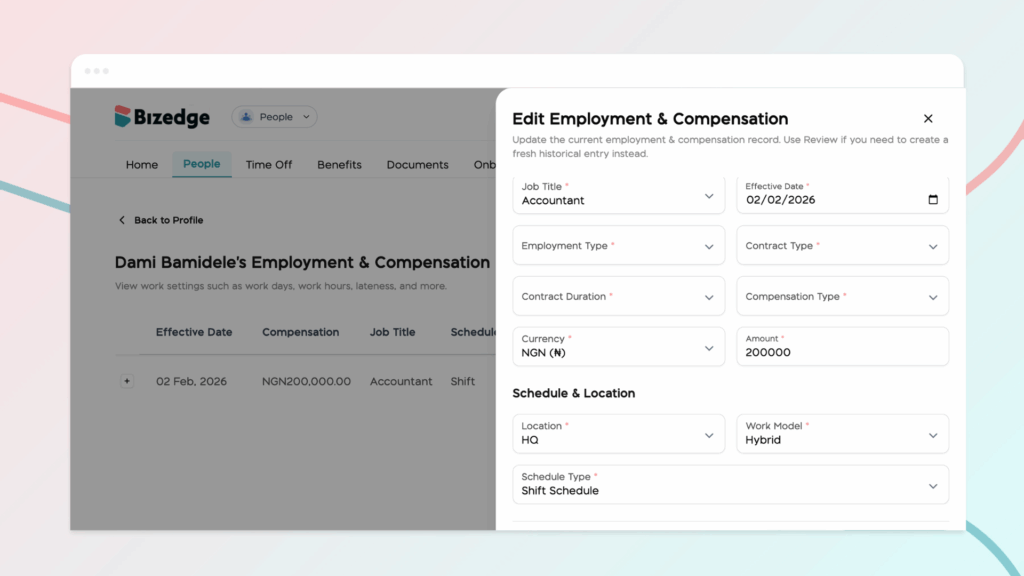
Step 2: To update an employee’s work schedule, navigate to the People App on the BizEdge Dashboard and open the employee’s profile. Within the profile, locate the Work Schedule section and ensure that the correct schedule is selected and properly configured to ‘Shift.’ It is important to ensure that the schedule reflects the employee’s actual working pattern. This helps the system track working days, calculate work hours correctly, and ensure that employees can request leave or time off for the appropriate dates.