

How Nigerian Businesses can Manage Employee Time Off Requests Better
How to Send MyEdge Invite
Step 1: From the People App, proceed to the Documents section, which serves as a centralized location where administrators can upload and manage documents for easy access and record keeping.
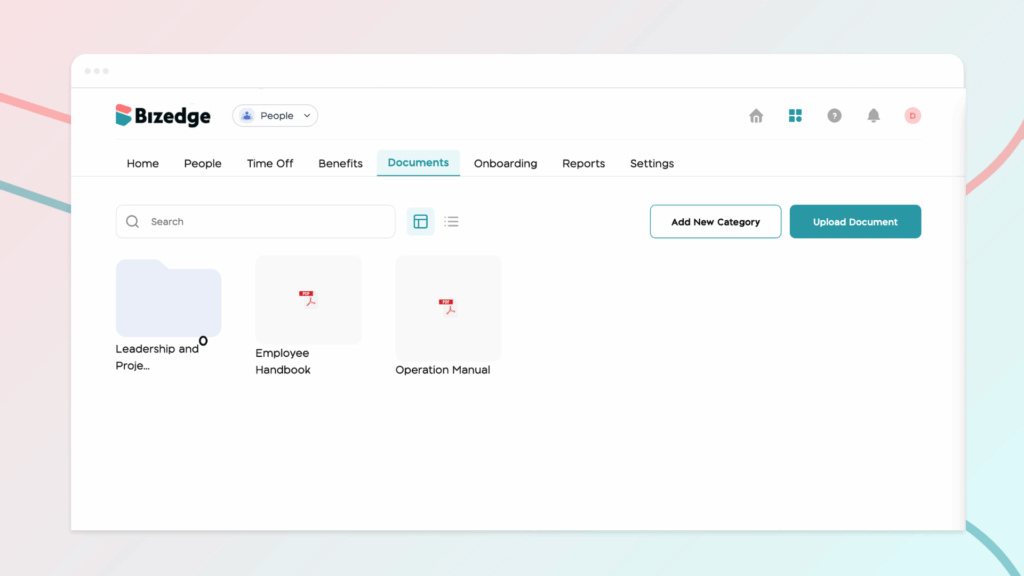
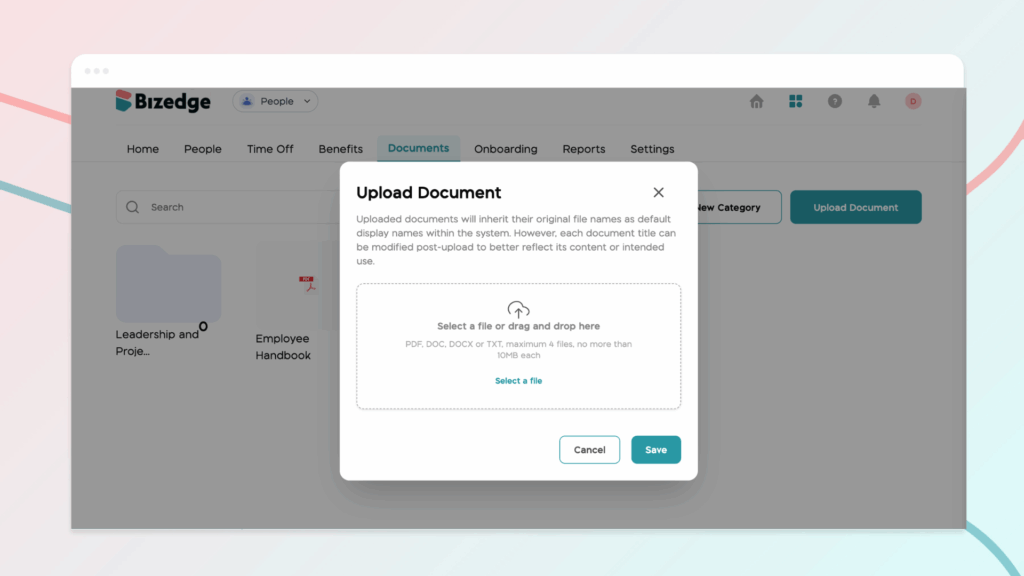
Step 2: To upload a document, click on Upload Document and select the file you wish to add from your device. After selecting the file, click Save to complete the upload process. Once saved, the document will be stored in the system and will be available for assignment or sharing.
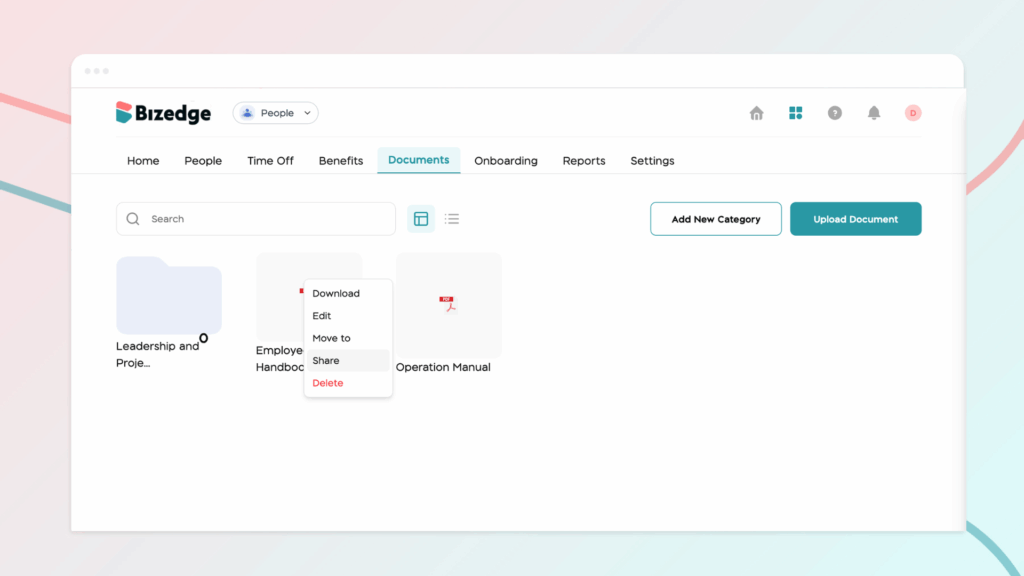
Step 3: After uploading the document, you can assign or share it with specific employees. To do this, locate and click on the uploaded document in the Documents section. Next, click on the Options button to access additional settings for the document. From the available options, select Share.
Step 4: In the sharing section, choose the employee or employees you want to grant access to the document. Sharing documents in this way ensures that important information is distributed to the right employees while keeping all records organized within the system.
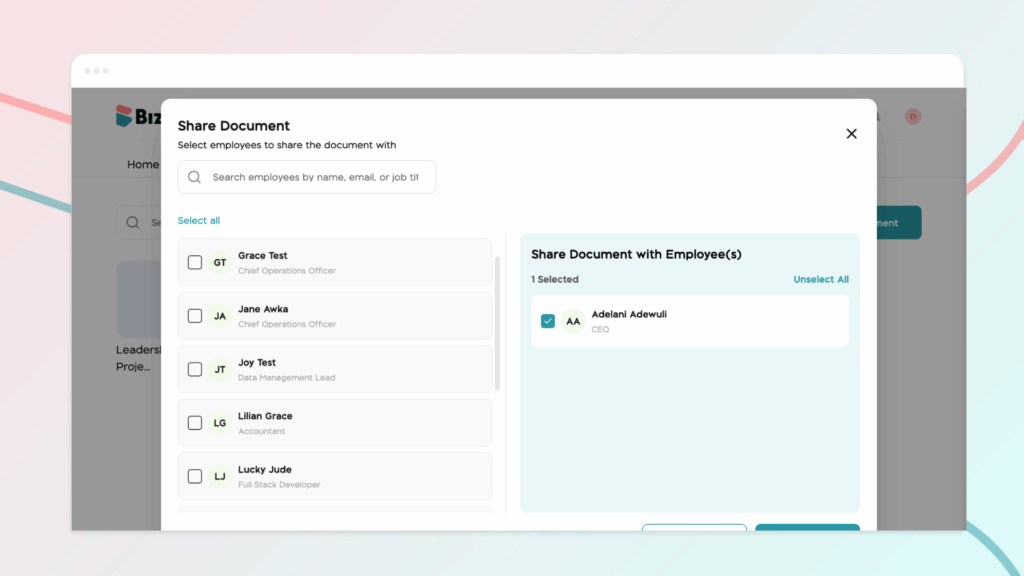
Step 5: Once you have selected the appropriate employees, confirm your selection to complete the process. The document will then be successfully shared, and the chosen employees will be able to access it from their account when needed.



