
How to Schedule Interviews with Candidates
Time & Attendance App- Overview
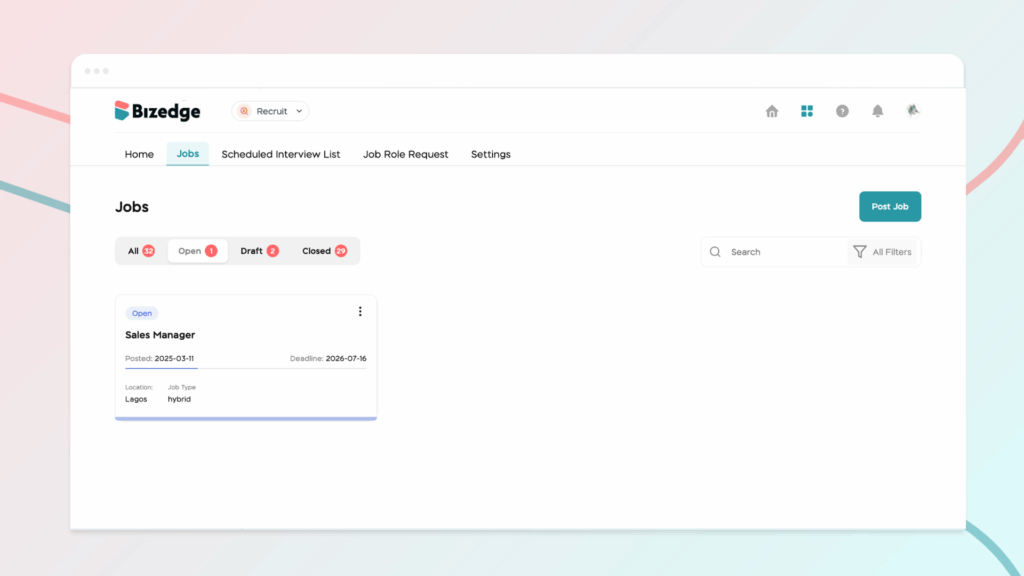
Scorecards help hiring teams evaluate candidates consistently and objectively throughout the recruitment process.
Step 1: Set Up Skill Evaluation
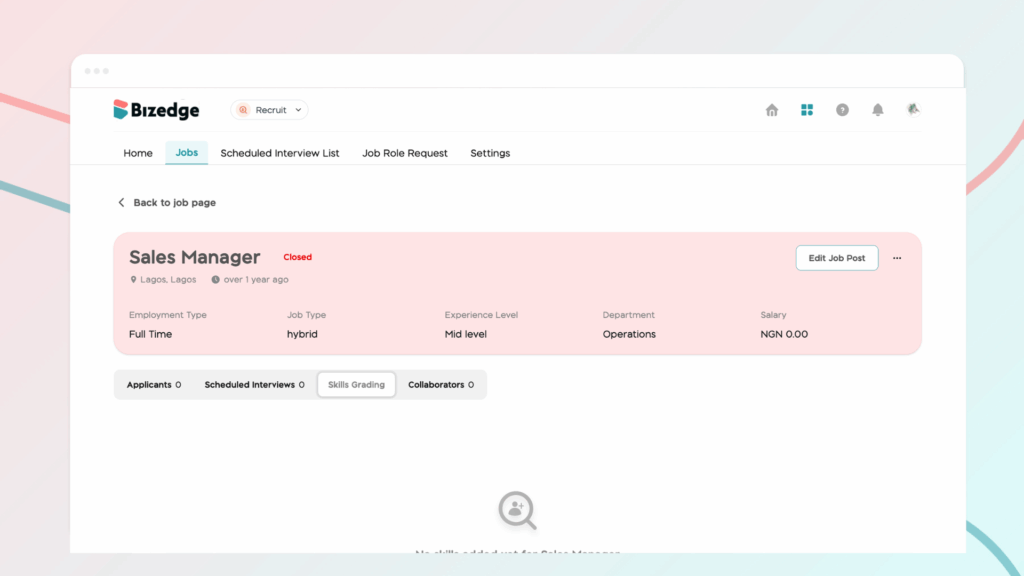
Navigate to the relevant Job Opening and click Skill Grading to begin setting up the evaluation criteria for the role.
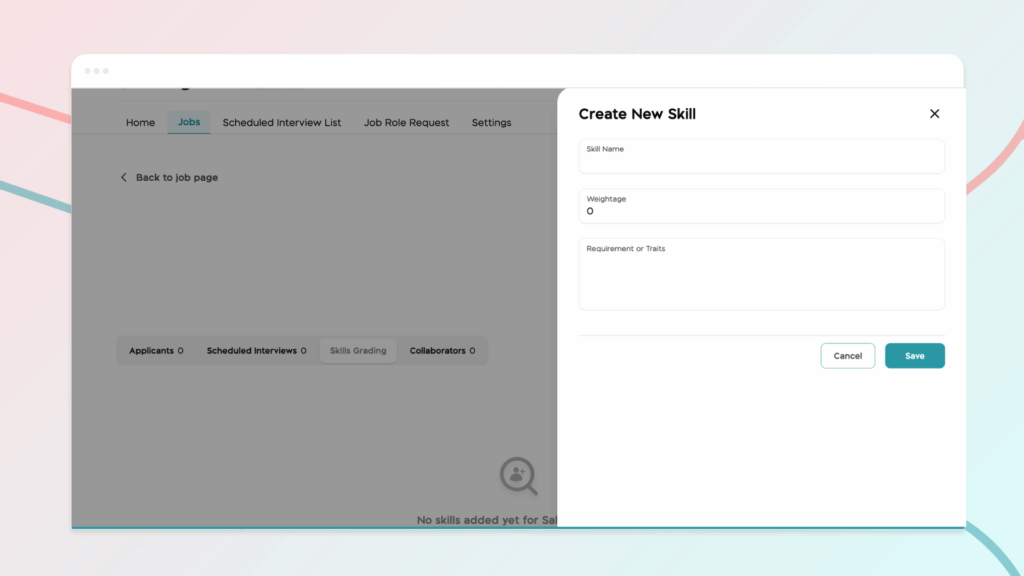
Step 2: Add Skills
Add the required skills for the position or create custom skills tailored to your specific evaluation needs. This ensures that all candidates are assessed against the same relevant criteria.
Step 3: Evaluate Candidates
After interviews have been conducted, recruiters can complete structured scorecards based on the predefined criteria. This provides a consistent and standardized way to assess each candidate’s performance and suitability for the role.



