How to Review and Manage Candidate Applications
How to Use Scorecards to Evaluate Candidates
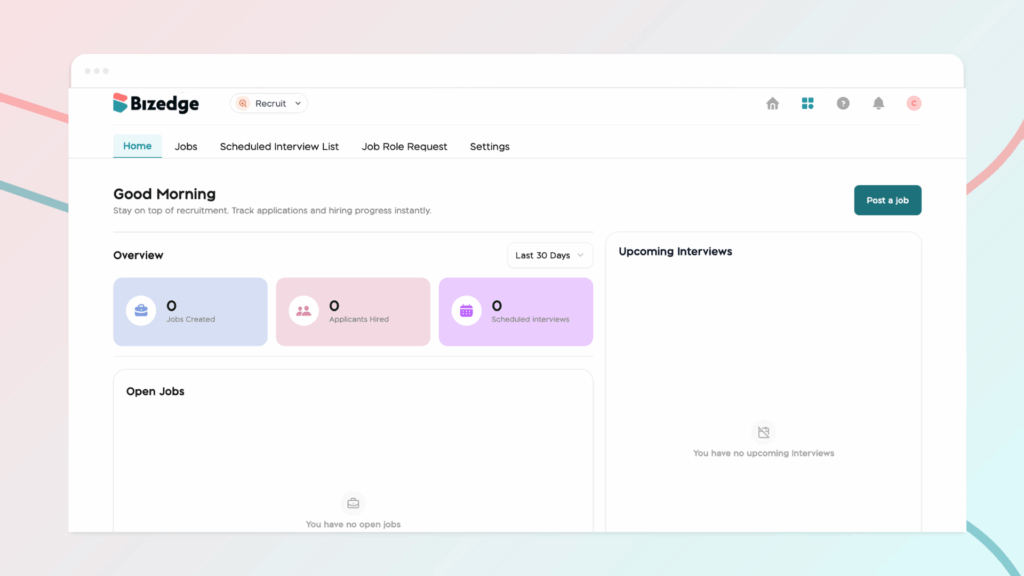
The Recruit App allows you to schedule interviews, track candidate progress, and collaborate with your hiring team all in one place. Once candidates have been reviewed and shortlisted, you can move them through the hiring stages seamlessly from start to finish.
Step 1: Access the Interview Schedule: Navigate to the Scheduled Interview List and click Add Interview to begin setting up an interview with your chosen candidate.
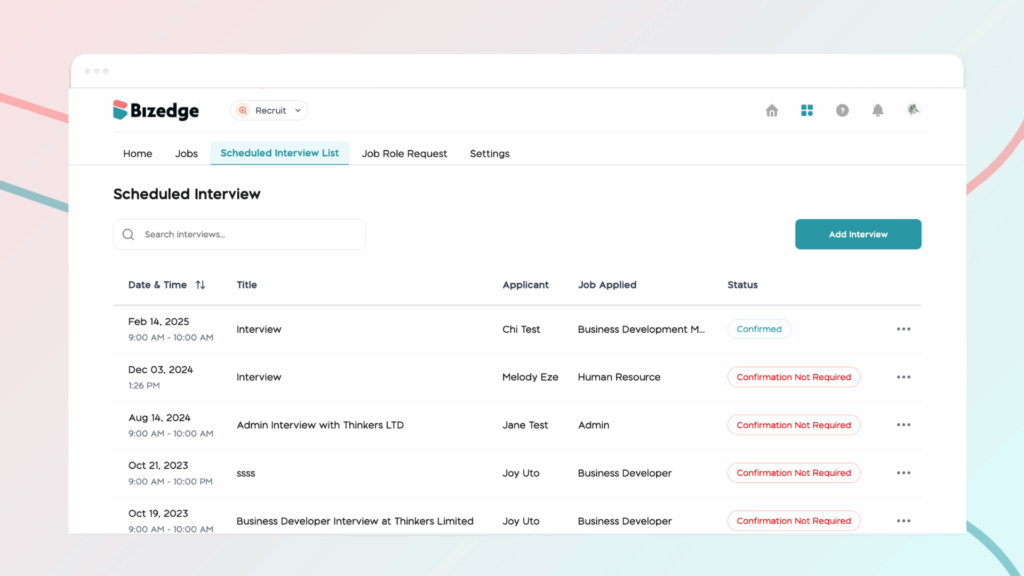
Step 2: Manage the Hiring Process: As candidates progress, you can move them through the relevant hiring stages within the app. These stages include Shortlist, Interview, Offer, Hired, and Declined, giving you a clear and organized view of where each candidate stands in the process.
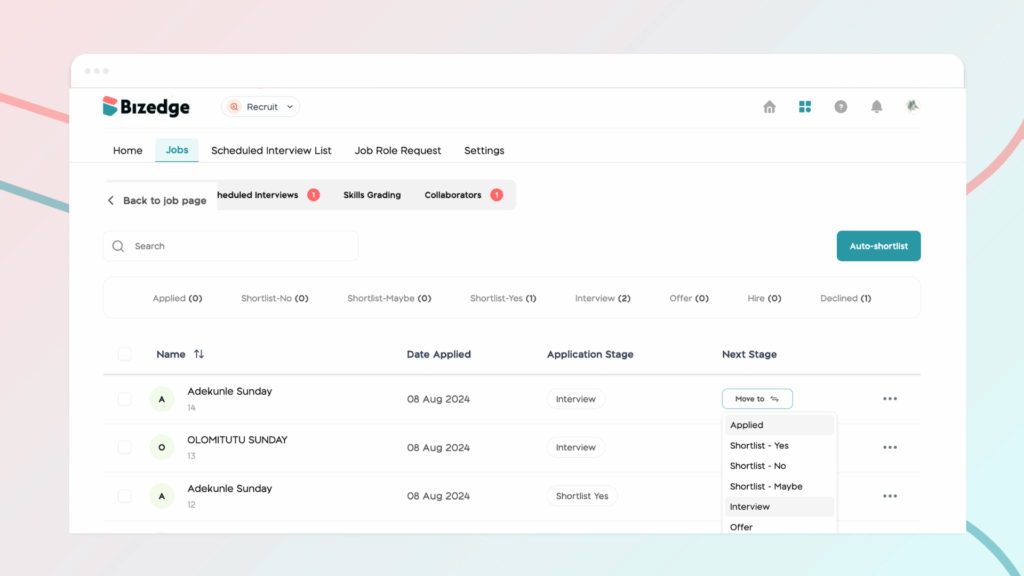
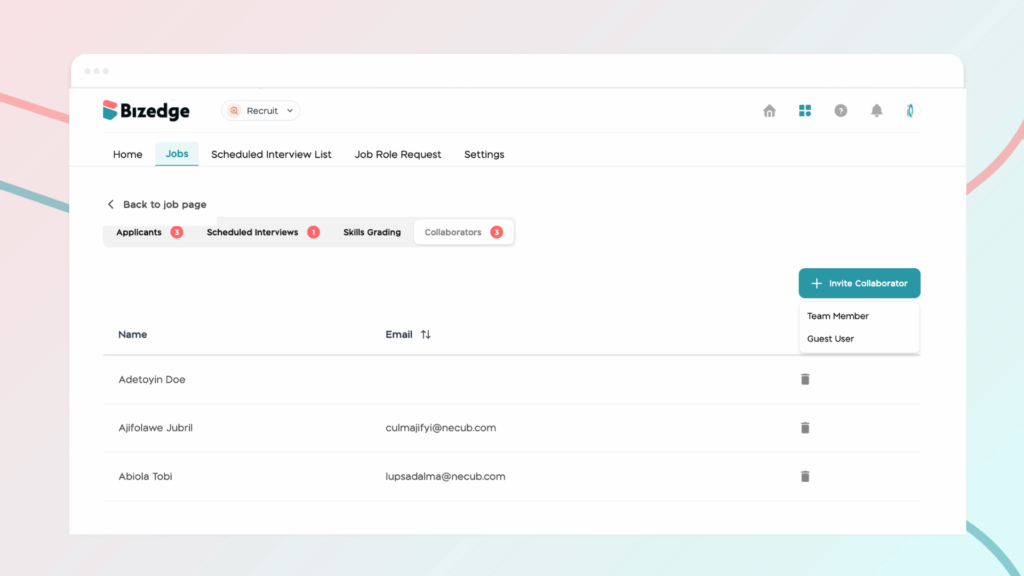
Step 3: Collaborate and Communicate: To ensure a smooth and well-coordinated hiring process, you can add collaborators to interviews, leave notes on candidate profiles for your team’s reference, and send offer letters directly from within the app. This keeps all hiring activity centralized and accessible to everyone involved.