How to Create and Post a Job Opening on BizEdge
How to Schedule Interviews with Candidates
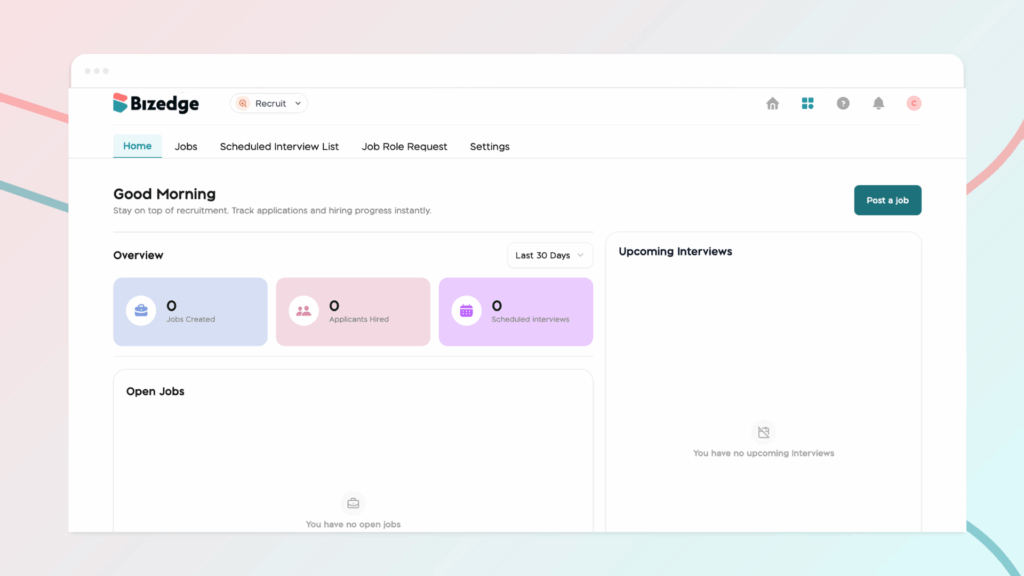
Once applications start coming in, the Recruit App gives you the tools to efficiently review and manage candidates. From viewing applicant lists to automatically shortlisting based on job fit, you can stay organized and make informed decisions throughout the process.
Step 1: View Applicants
Navigate to the Applicants tab to see the full list of candidates who have applied for the role. From here, you can begin reviewing and managing each application.
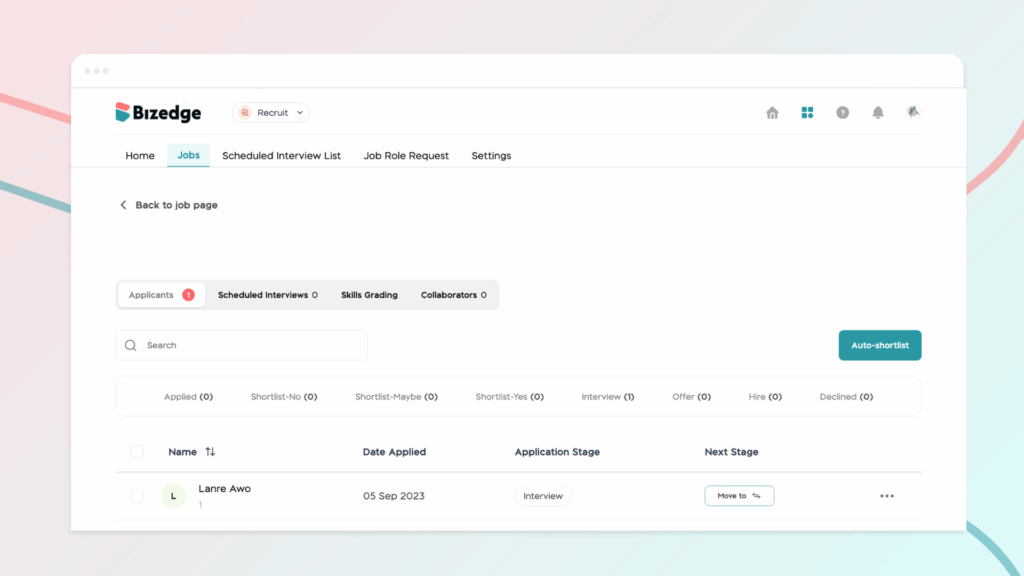
Step 2: Use Auto Shortlist
To quickly filter candidates, select an applicant with a pending job match and click Auto Shortlist. The system will automatically categorize each applicant as a Poor Match, Average Match, or Good Match, helping you prioritize the most suitable candidates efficiently.
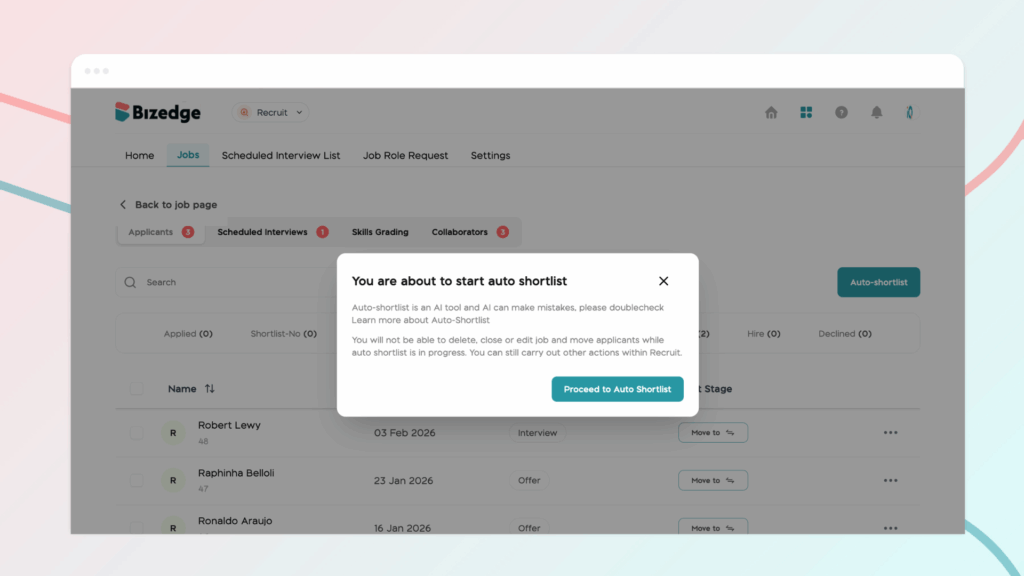
Step 3: Review Candidate Details
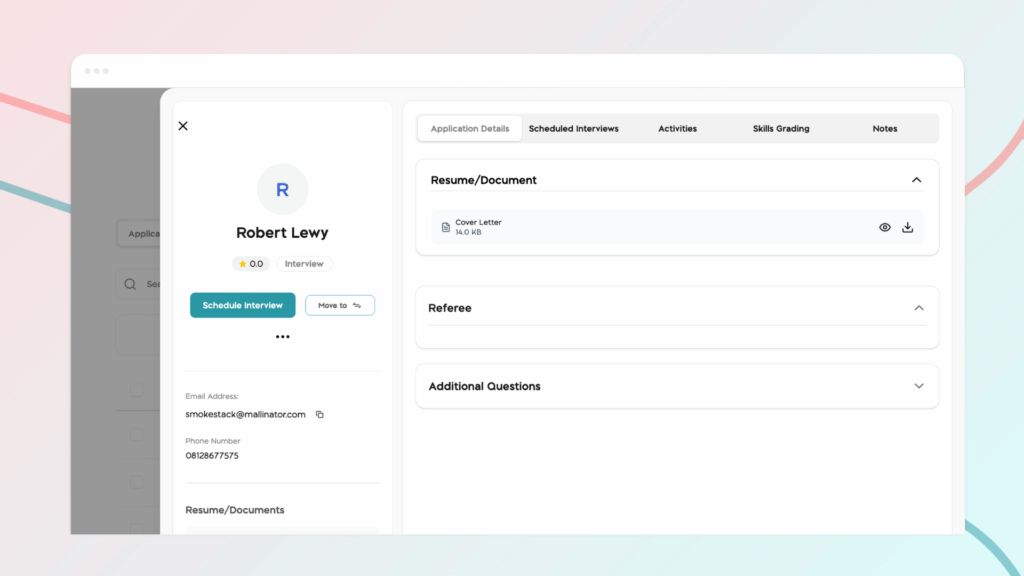
Click on any candidate to open their full profile. Here you can review their personal information, work experience, educational background, responses to additional application questions, as well as their resume and any submitted document links. This gives you a comprehensive view of each candidate before making any decisions.