
BizEdge Recruit App — Overview
How to Review and Manage Candidate Applications
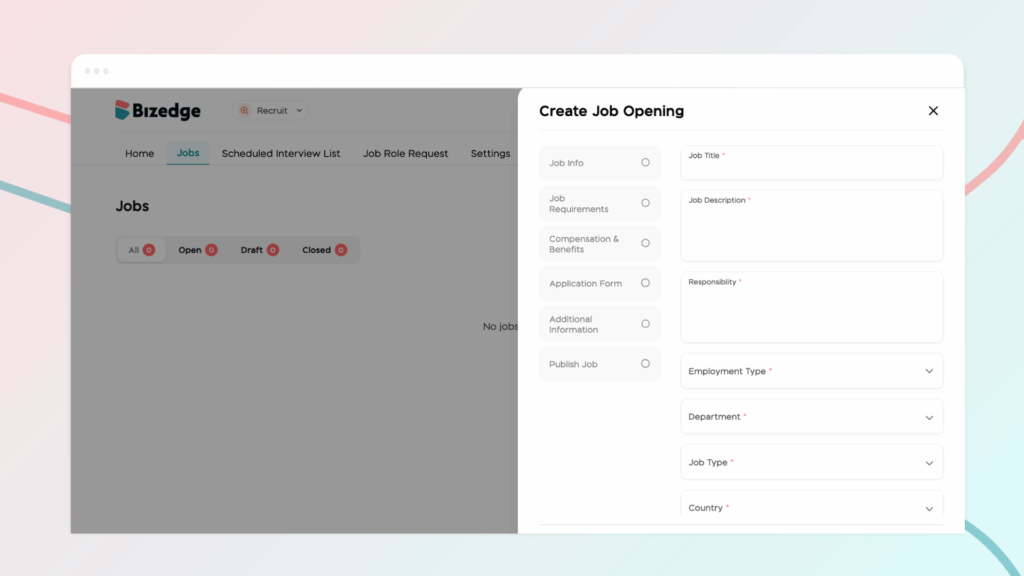
The Recruit App makes it easy to create and publish job openings directly from the BizEdge platform. You can customize the application process to suit your recruitment needs and have your job posting live and visible to candidates in just a few steps.
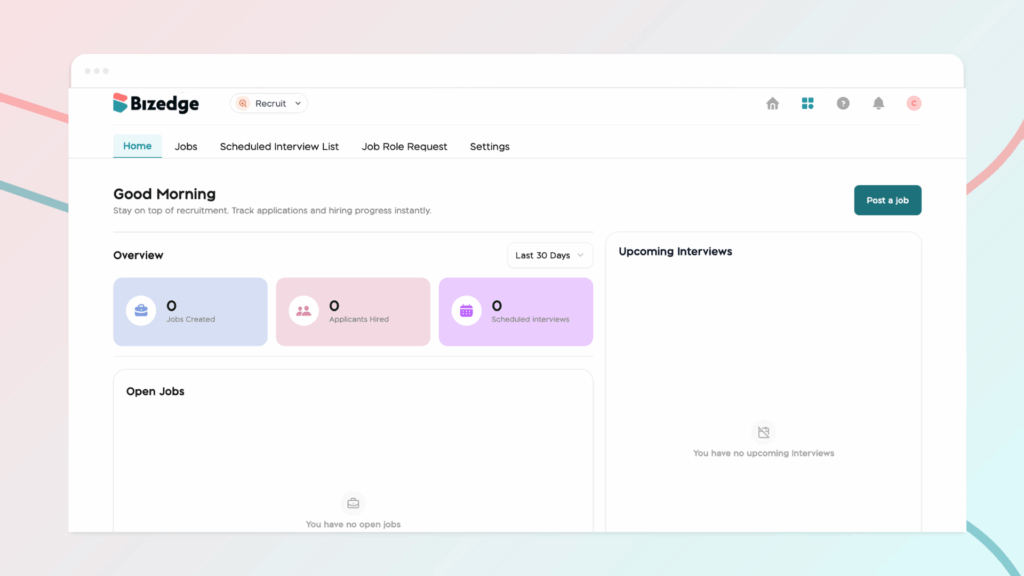
Step 1: Open the Recruit App
From the BizEdge dashboard, open the Recruit app and click Post a Job Opening to begin.
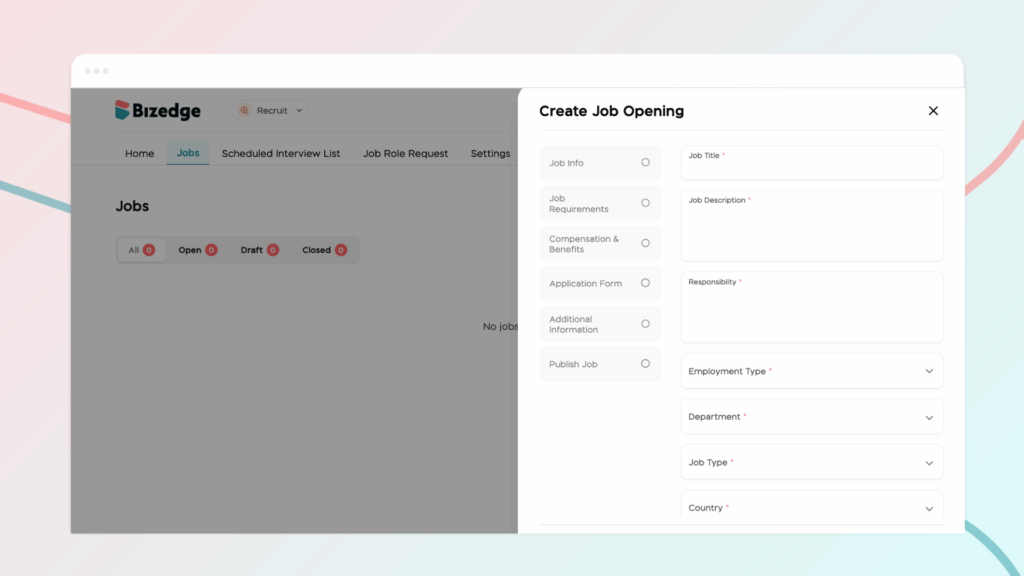
Step 2: Fill in Job Information
Complete all required fields in the Job Details section. This includes the job description, responsibilities, salary information, and job requirements. Ensure all details are accurate before moving on.
Step 3: Customize the Application Process
Tailor the application process to suit your recruitment needs. You can specify the personal details applicants must provide and choose how candidates will apply, whether through resume and document submission only, an online application form, or both. You can also request specific documents, require references, and enable the Auto Unpublish/Archive feature so the job posting automatically closes once the deadline has passed.
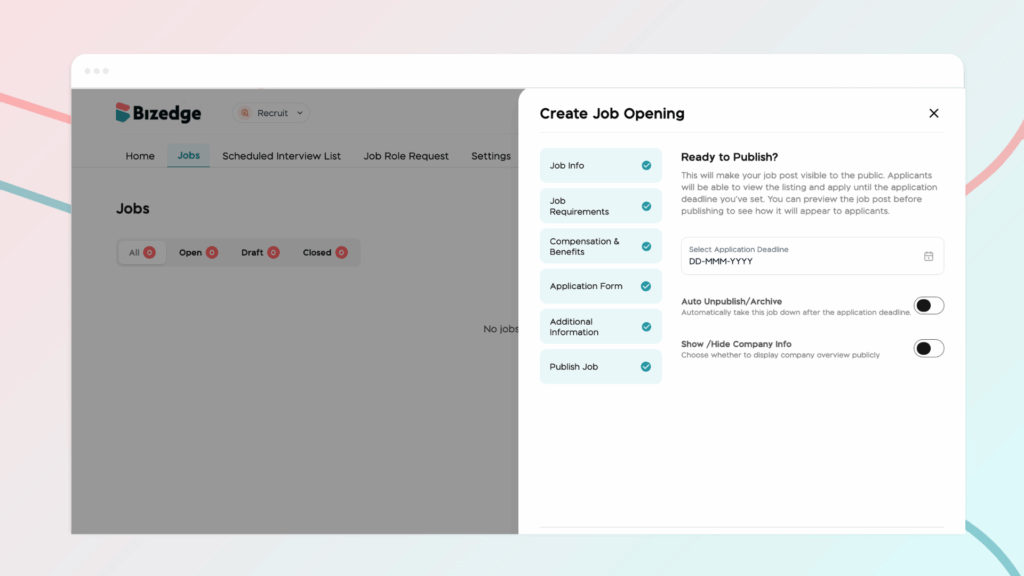
Step 4: Preview and Publish the Job
Once all details have been filled in and the application process has been configured, click Next to preview the job posting. If everything looks correct, click Publish to make the role live and visible to candidates.



