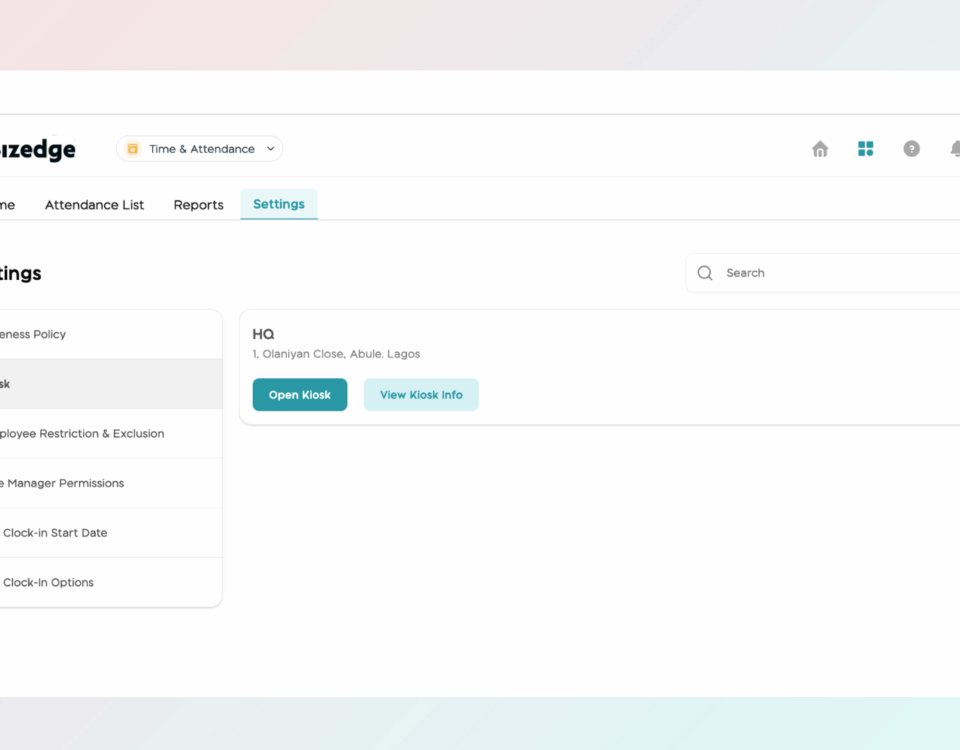
If a Kiosk PIN or admin PIN needs to be changed or has been forgotten, BizEdge makes it straightforward to reset both directly from the Attendance App. Follow the steps below depending on which PIN you need to reset.
The Attendance App provides detailed reports that give administrators a comprehensive view of employee attendance over any selected time period. These reports can also be exported for further analysis or record-keeping purposes.
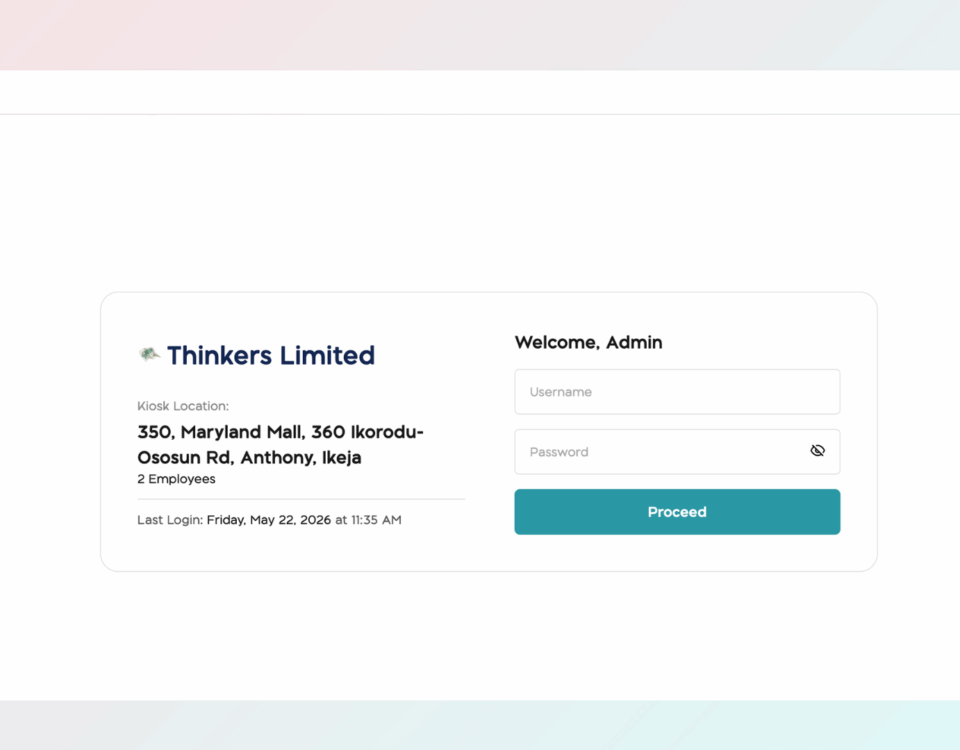
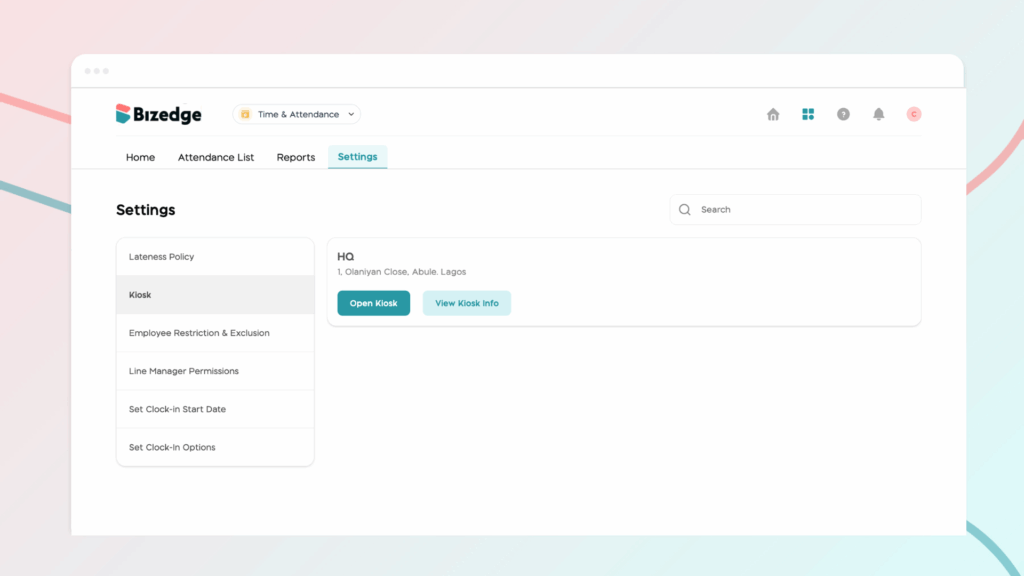
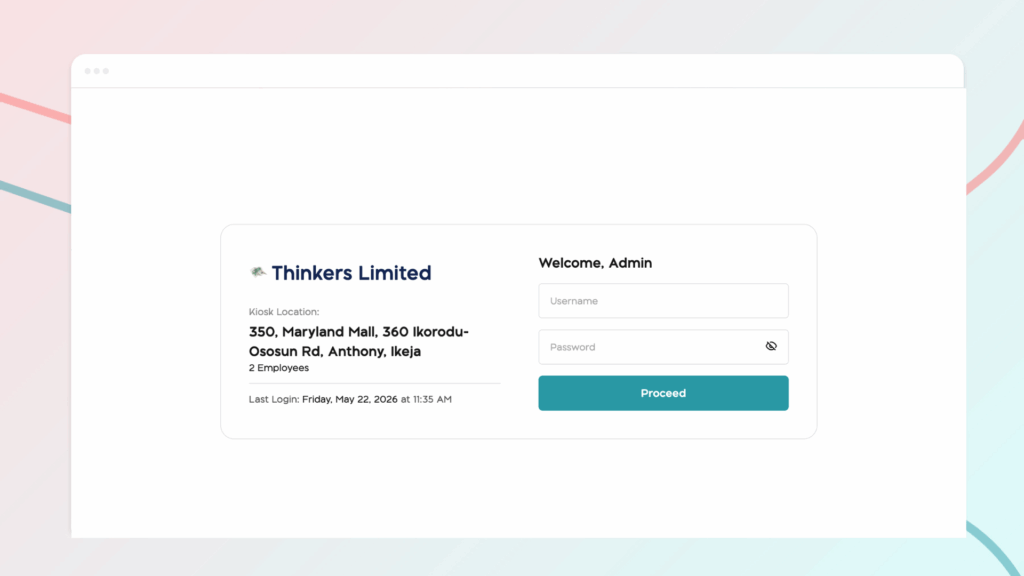
The Kiosk App allows employees to clock in and out using a shared device such as a tablet or laptop placed at the workplace. Each company location has its own unique kiosk URL and login credentials, keeping attendance tracking organized across multiple sites.
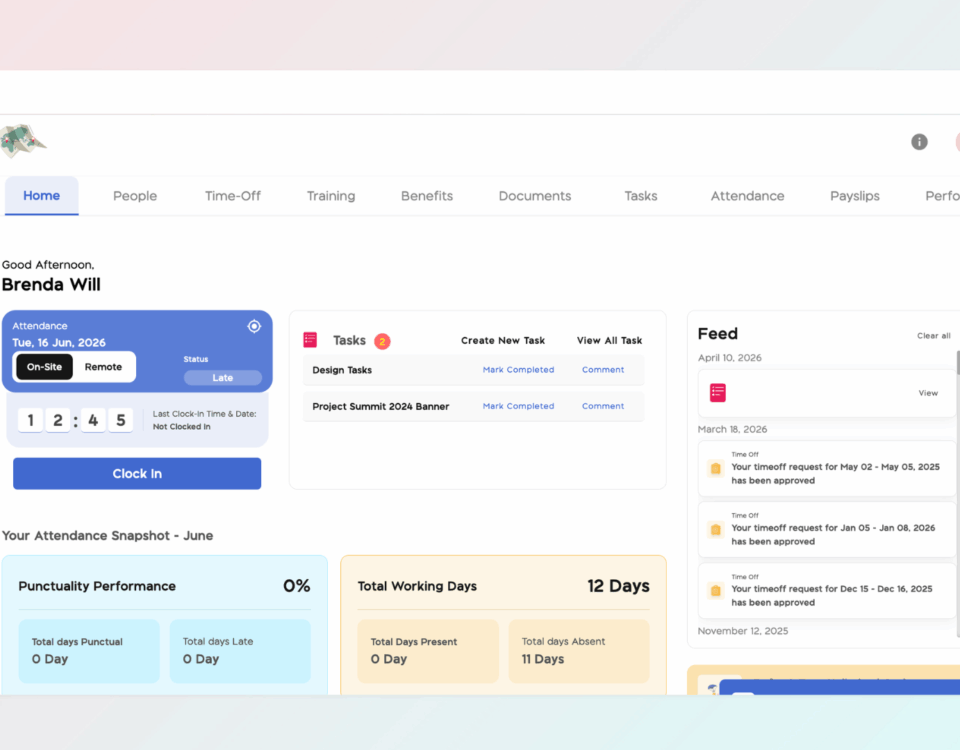
Properly configuring attendance settings and work schedules is essential for accurate time tracking and punctuality monitoring across your organization. BizEdge allows administrators to define lateness policies and assign work schedules to employees, ensuring that the system correctly reflects each employee's working pattern and calculates attendance data accordingly.
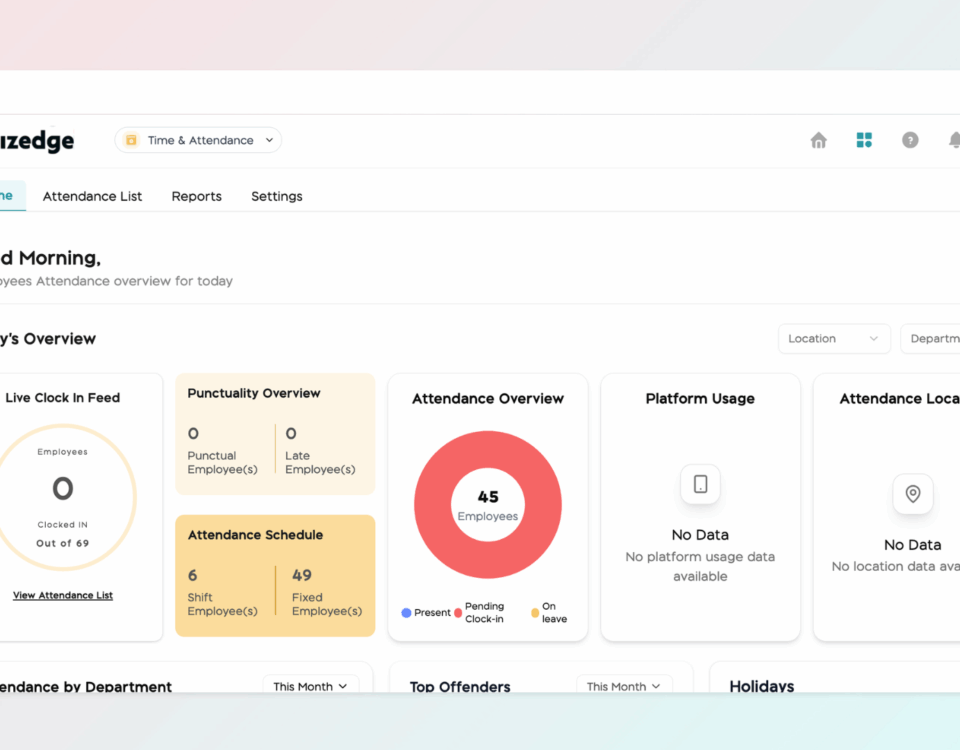
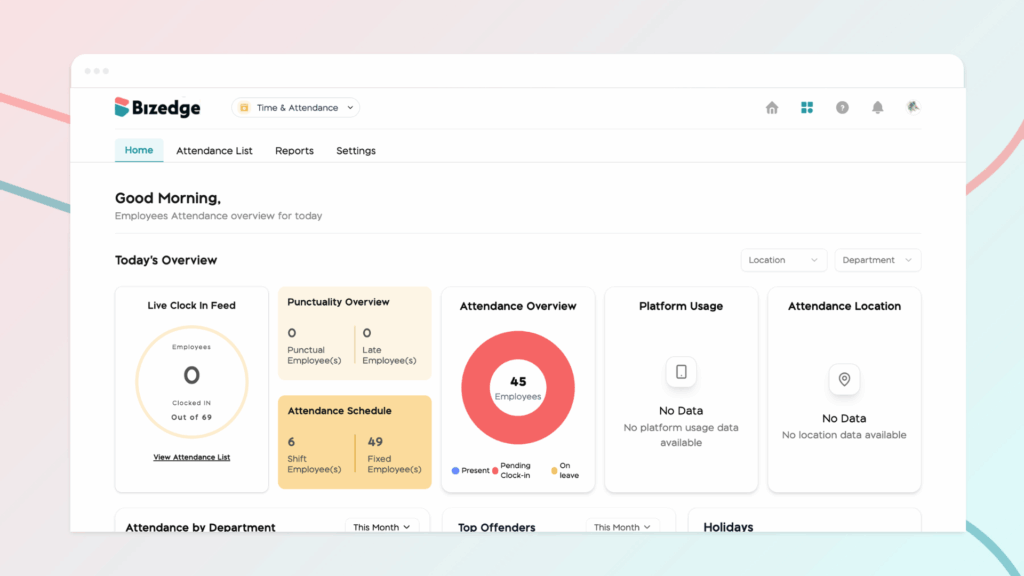
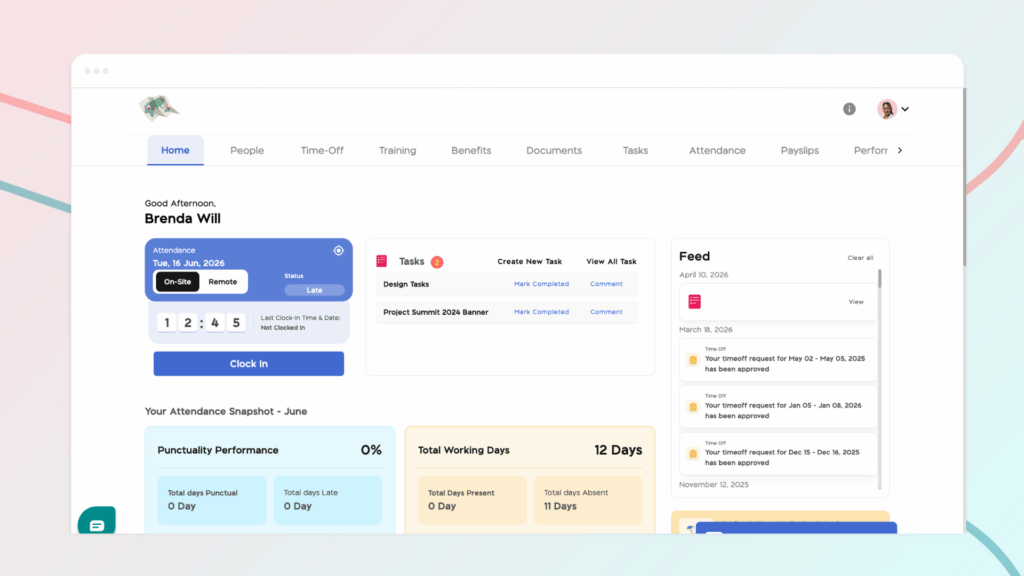
The BizEdge Time and Attendance app gives administrators and HR teams real-time visibility into employee attendance across the organization. The app is organized into four sections: Home, Attendance List, Reports, and Settings.
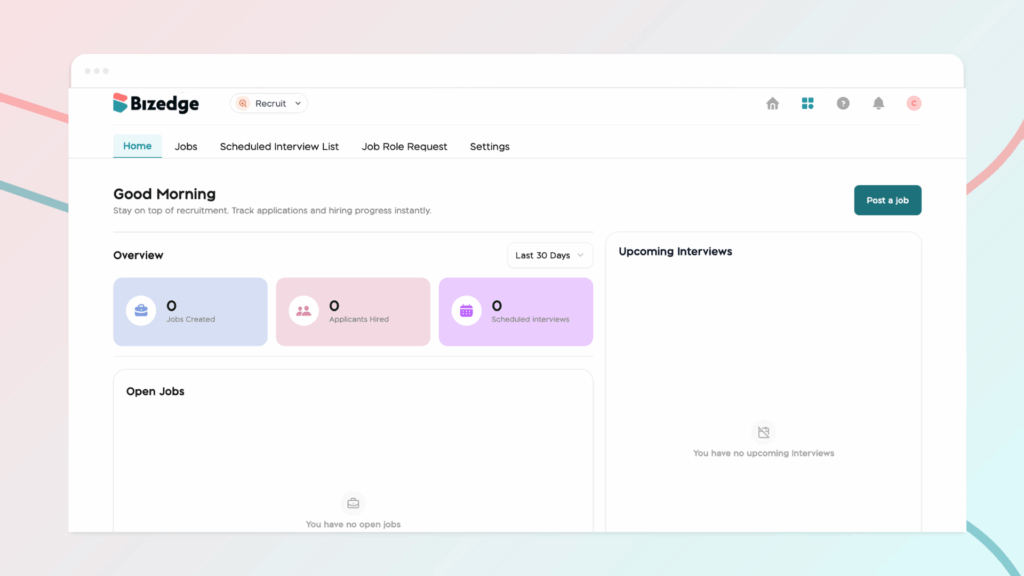
he Recruit App allows you to schedule interviews, track candidate progress, and collaborate with your hiring team all in one place. Once candidates have been reviewed and shortlisted, you can move them through the hiring stages seamlessly from start to finish.
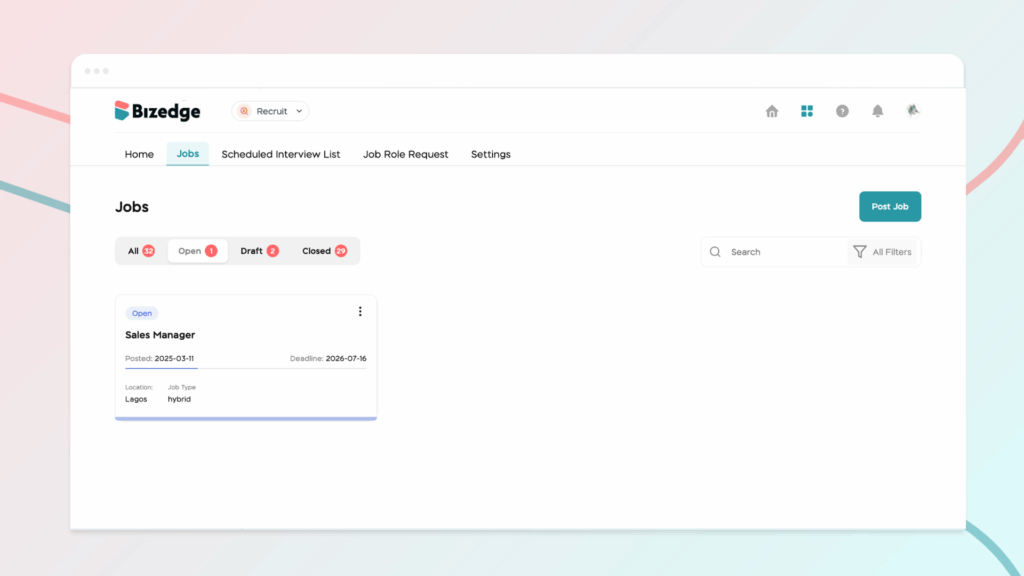
Once applications start coming in, the Recruit App gives you the tools to efficiently review and manage candidates. From viewing applicant lists to automatically shortlisting based on job fit, you can stay organized and make informed decisions throughout the process.