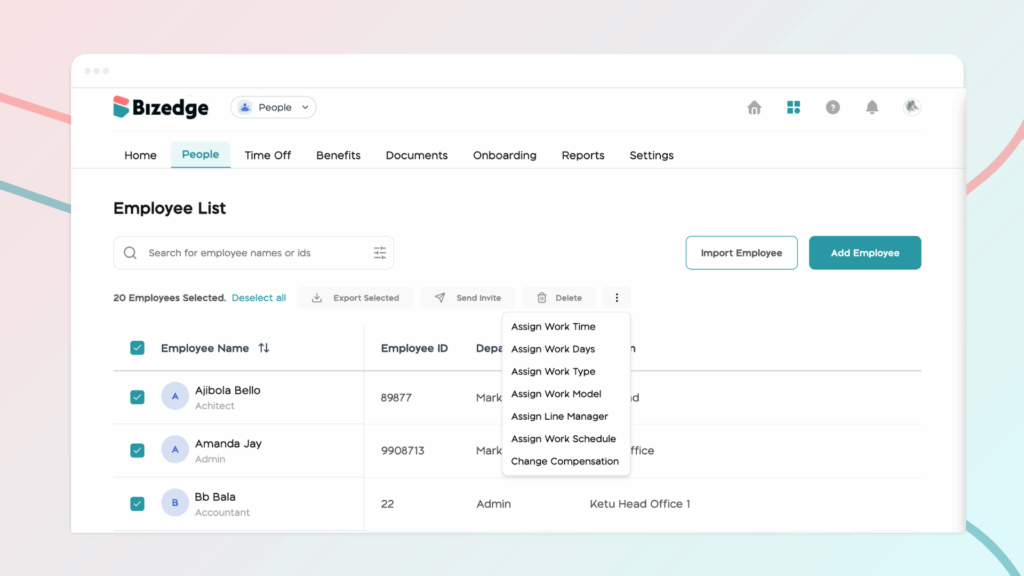
How to Update an Employee’s Profile
How to Bulk Update Compensation
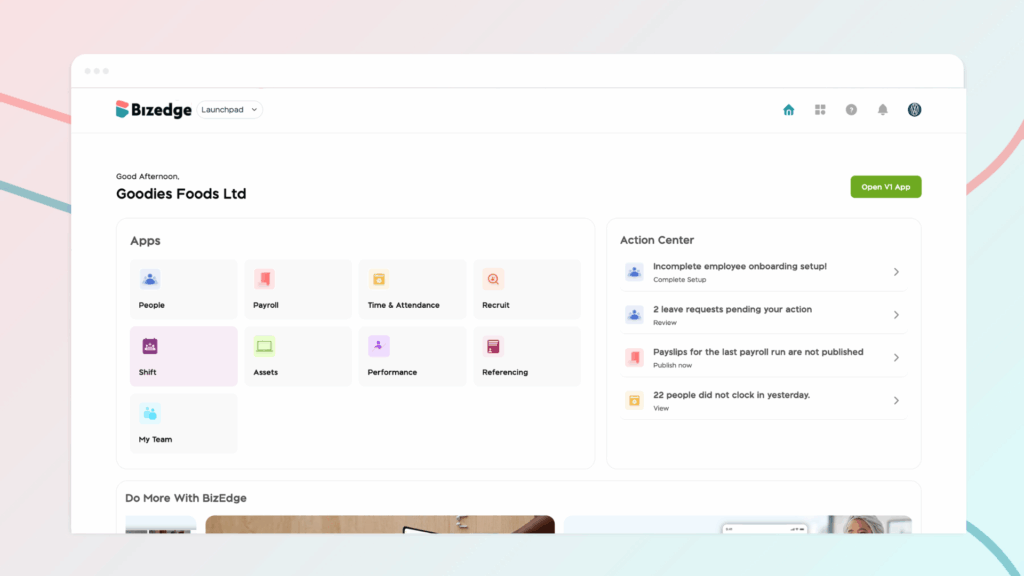
Step 1: To update work details or compensation for multiple employees at once, navigate to the People section within the People App on the BizEdge Dashboard. This feature allows you to apply the same updates to multiple employees at the same time, making the process faster and more efficient.
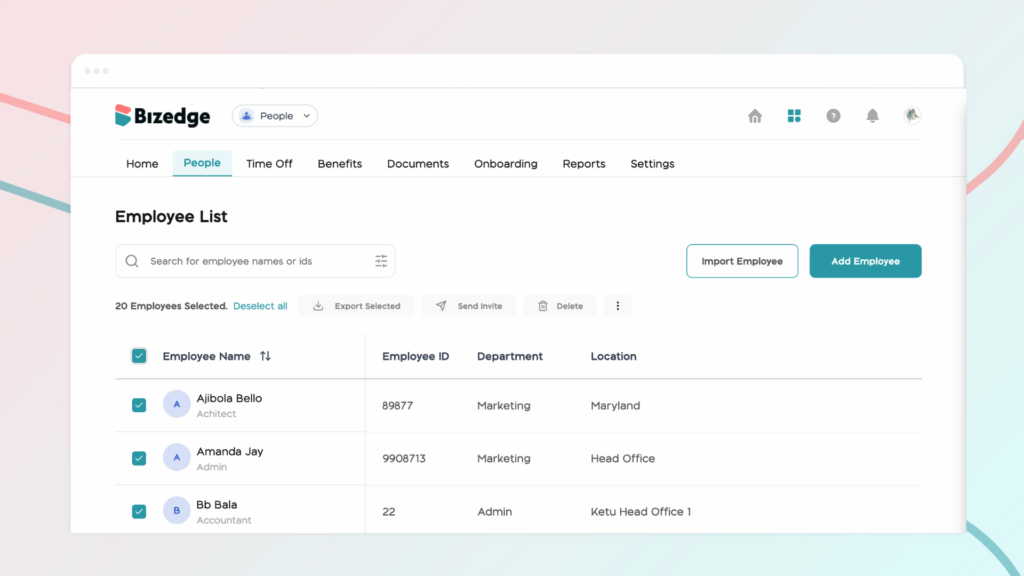
Step 2: Select the employees you wish to update by choosing them from the list provided. Once the employees have been selected, you can proceed to click on the ellipses button to assign or update specific work-related settings based on your organization’s requirements.