
How to Bulk Add Shifts
Asset and Vehicle App Overview
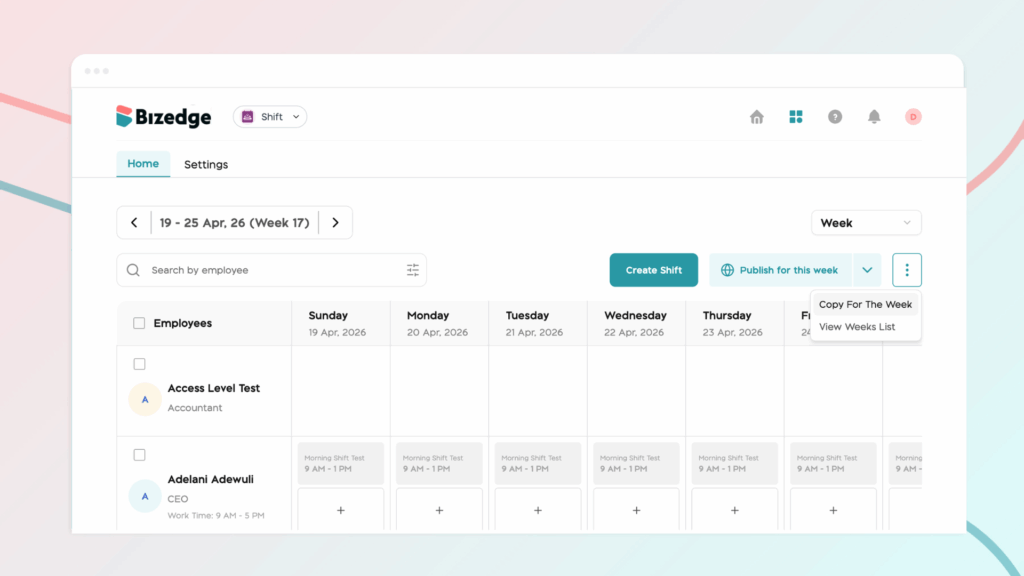
The Copy Shift feature allows administrators to duplicate an existing weekly shift schedule and apply it to a new time period, eliminating the need to recreate schedules from scratch each week.
Step 1: From the people list on the shift app, click on the dropdown button and select Copy for the week. This feature allows you to duplicate an existing weekly shift schedule
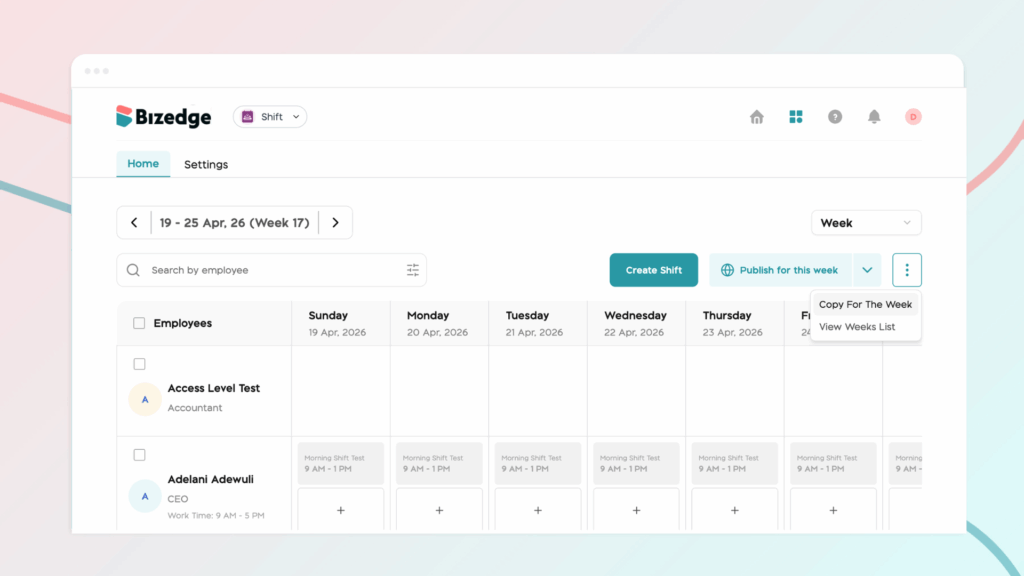
Step 2: Enter or select the time period you want to copy shifts from and the period where you want the shifts to be pasted.
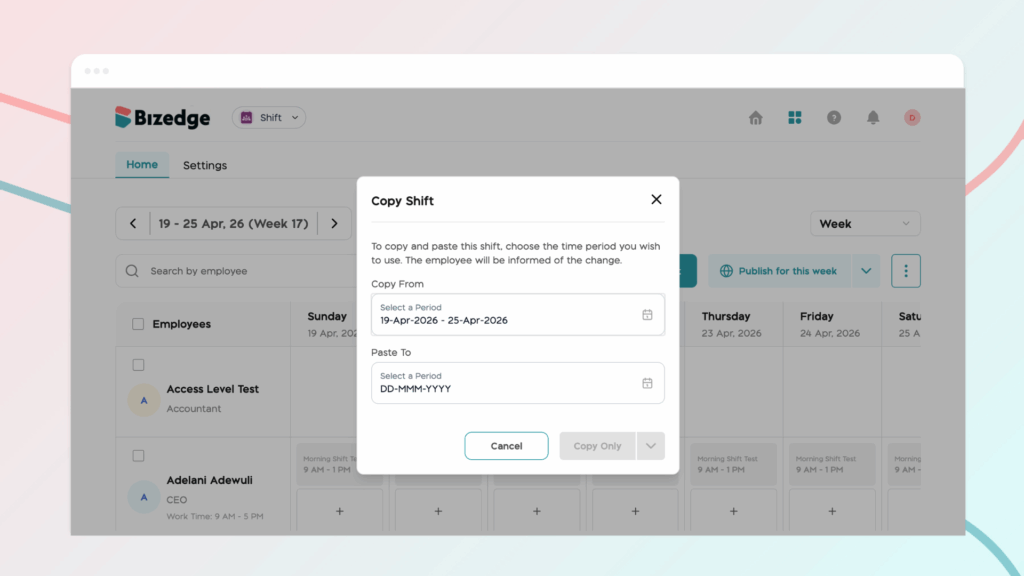
Step 3: Finally, click on the drop down button beside copy to select copy and publish. This finalizes the process, ensuring the new schedule is successfully duplicated and made available to employees.



