
How to Add New Employee Record
How to Update an Employee’s Profile
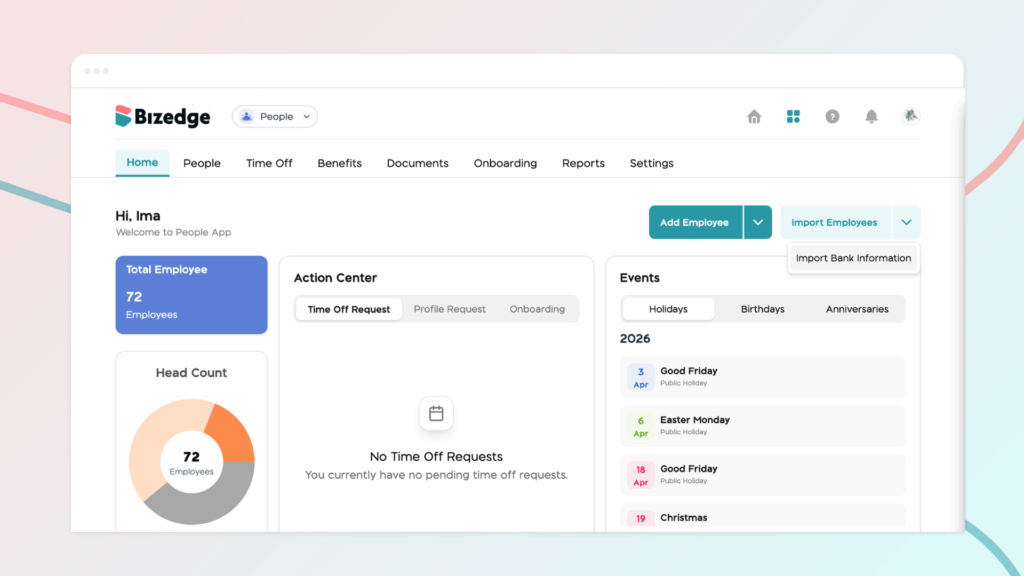
Step 1: To import employees’ bank information, navigate to the People home page. Next, click on the drop-down button beside the Import Employee option and click on ‘Import Bank Information’.
Step 2: Download the Bank Code List and the CSV template. These templates are provided to ensure that all bank information is entered in the correct format required by the system.
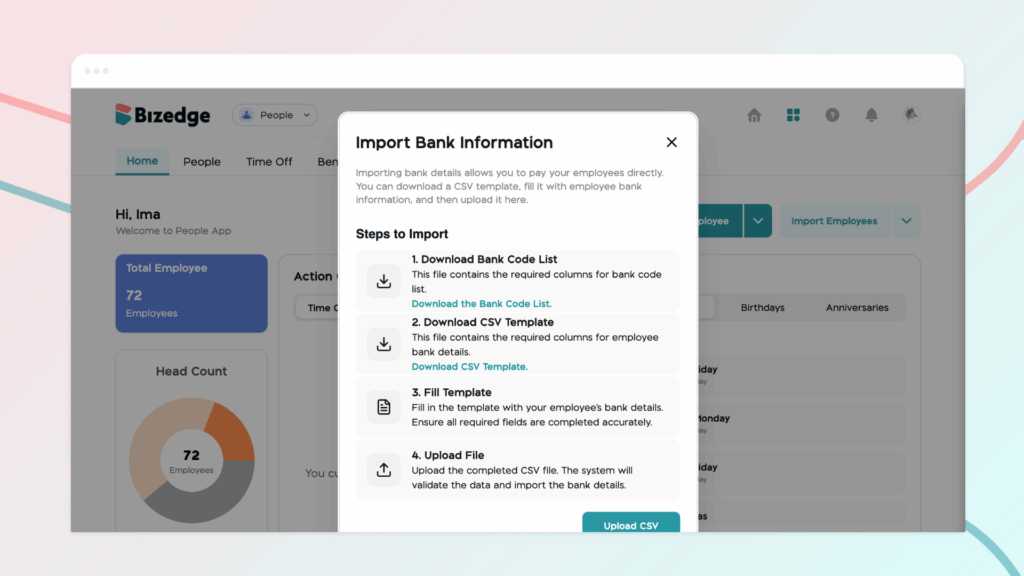
Step 3: Once the template has been downloaded, open the CSV file on your system. The template contains predefined columns designed to capture important banking details for each employee. Carefully enter the employees’ bank information into the appropriate fields. It is important to ensure that all information is entered accurately and that the format of the sheet is not altered, as this may affect the upload process.
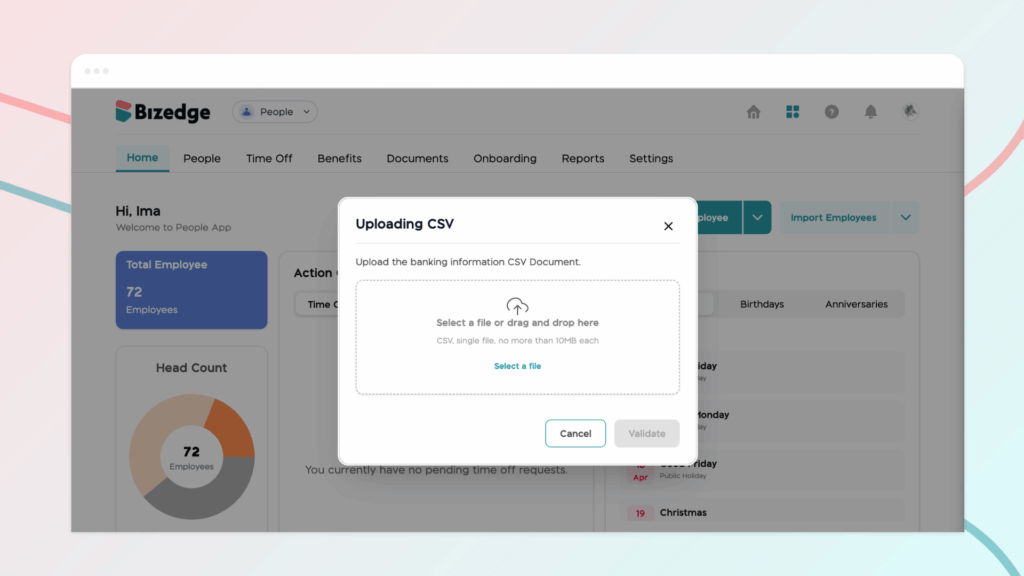
Step 4: After entering all the necessary bank details, save the completed file on your system. Make sure the file remains in CSV format, as this is the required format for the system to process the data correctly.
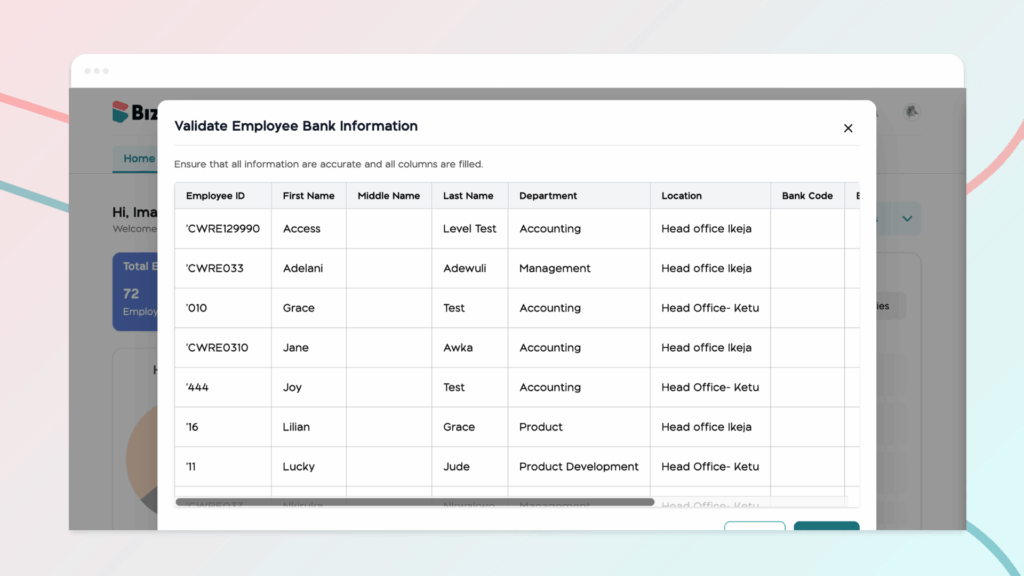
Step 5: Finally, return to the BizEdge Dashboard to proceed with uploading the completed template. Once uploaded, the system will process the information and update the employees’ bank details accordingly.



