How Digital Tools Improve On-the-Job Training for New Hires in Nigeria
How to Run Off-Cycle Payroll
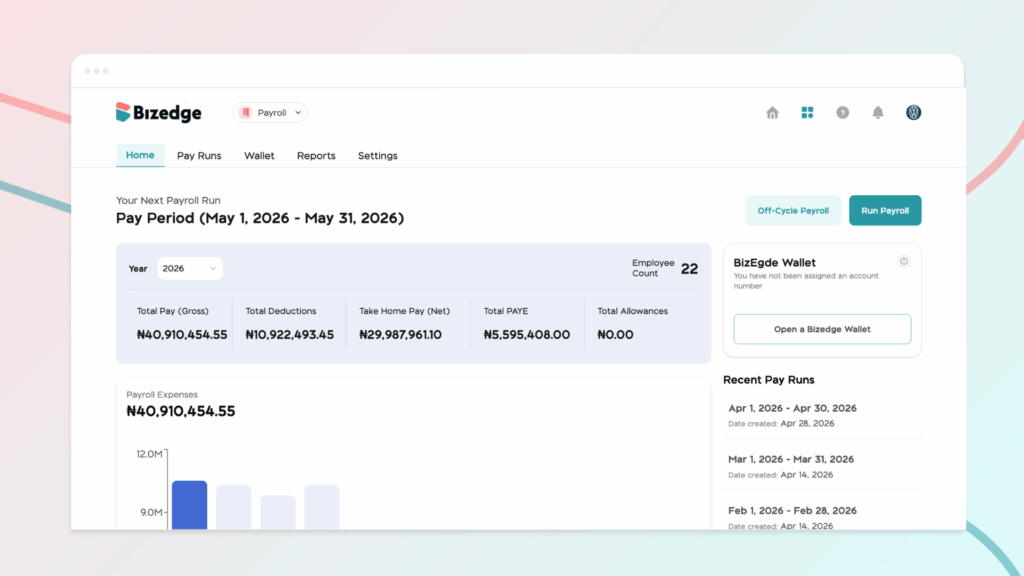
Setting up payroll additions and deductions allows organizations to accurately manage extra earnings and required reductions in employee pay. Additions may include bonuses, allowances, or reimbursements, while deductions can cover taxes, pensions, loans, or other statutory and voluntary contributions.
Creating a Deduction
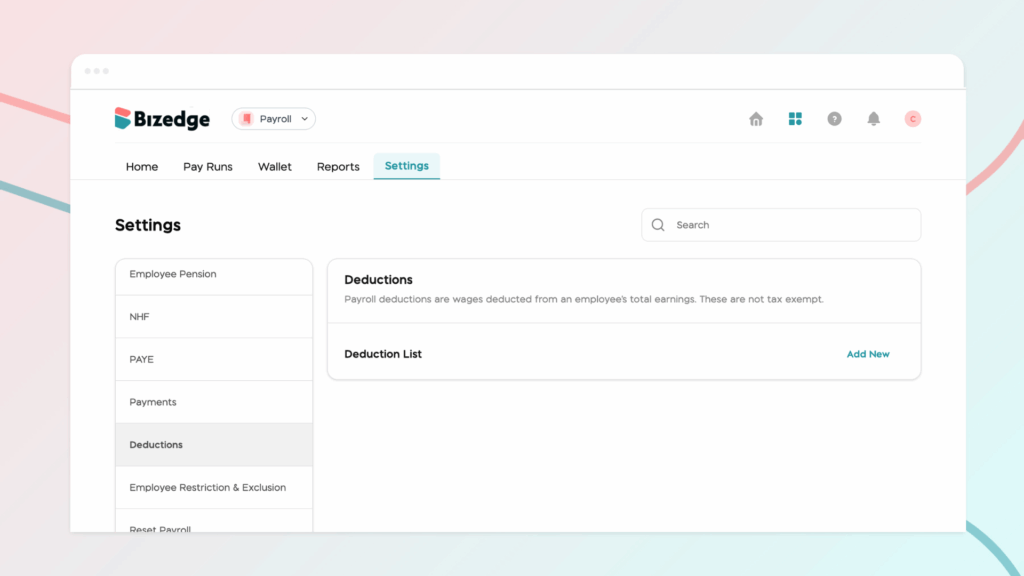
To create a deduction, begin by going to Payroll Settings and navigating to the Deductions section. From there, click Create New, enter all the required details, and click Save.
Creating an Addition
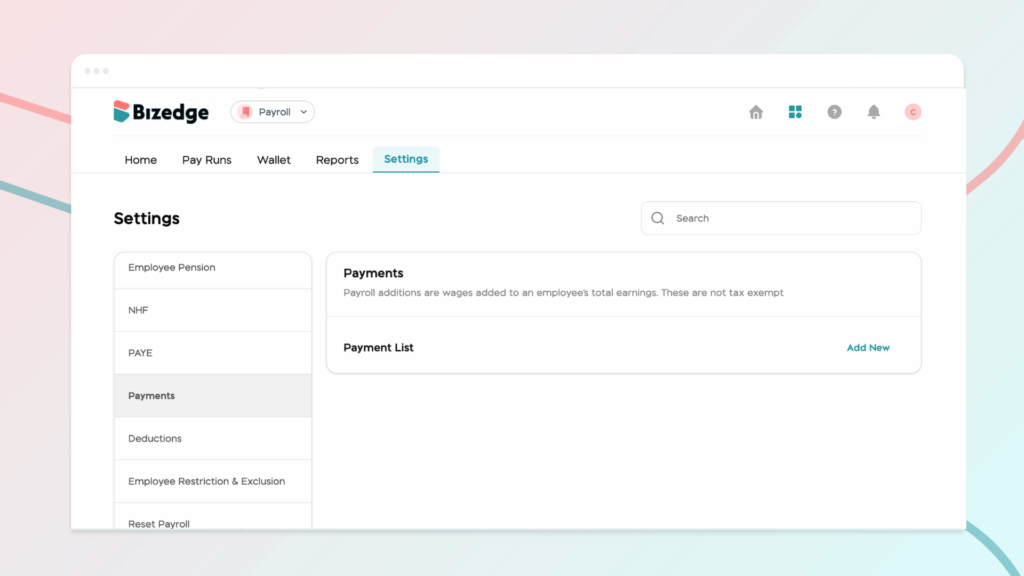
To create an addition, go to Payments and click Create New Addition. Enter the name and all relevant details, then click Save.
Assigning a Deduction or Addition to an Employee
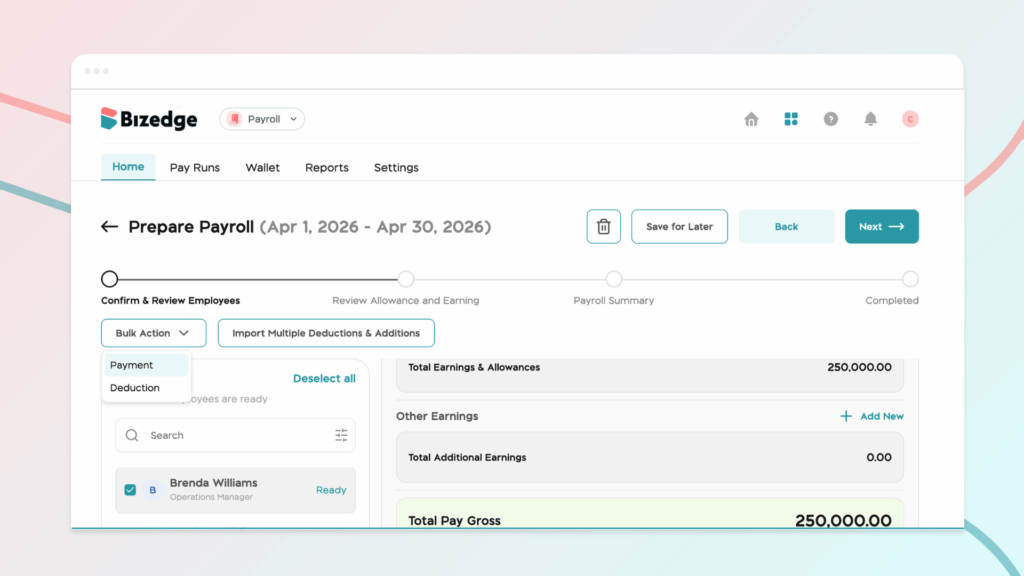
To assign a deduction or addition to an employee, go to Confirm & Review Employees page during a pay run and select the relevant employee. Add the applicable Deduction or Addition, enter the amount, and click Save. The change will automatically reflect in the employee’s salary breakdown.
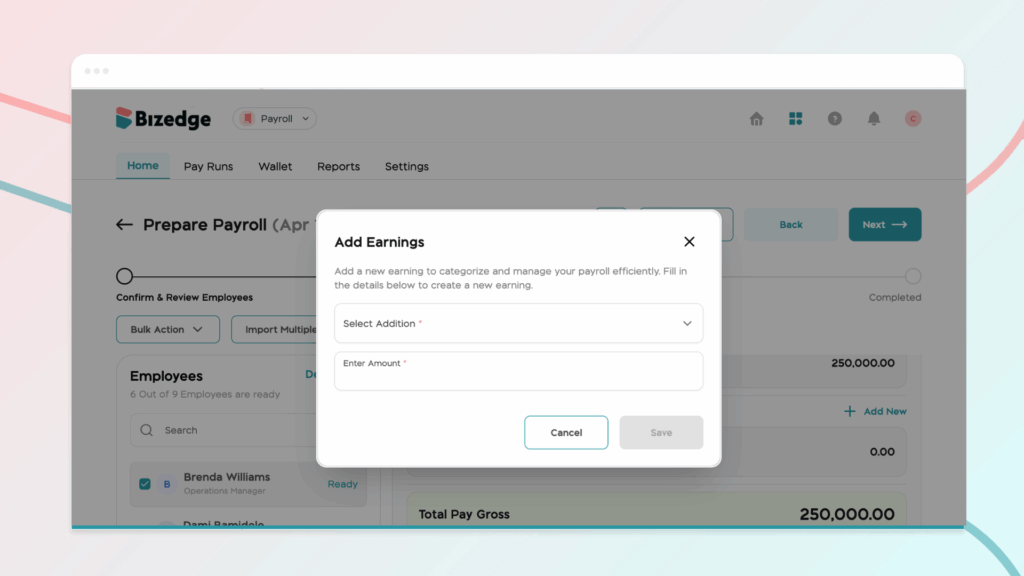
Note: Use the bulk action option to assign additions and deductions to multiple employees at once, saving time for large teams.