

10 Ways a Hybrid Workplace Makes Life Better for Businesses and Employees
How to Add New Employee Record
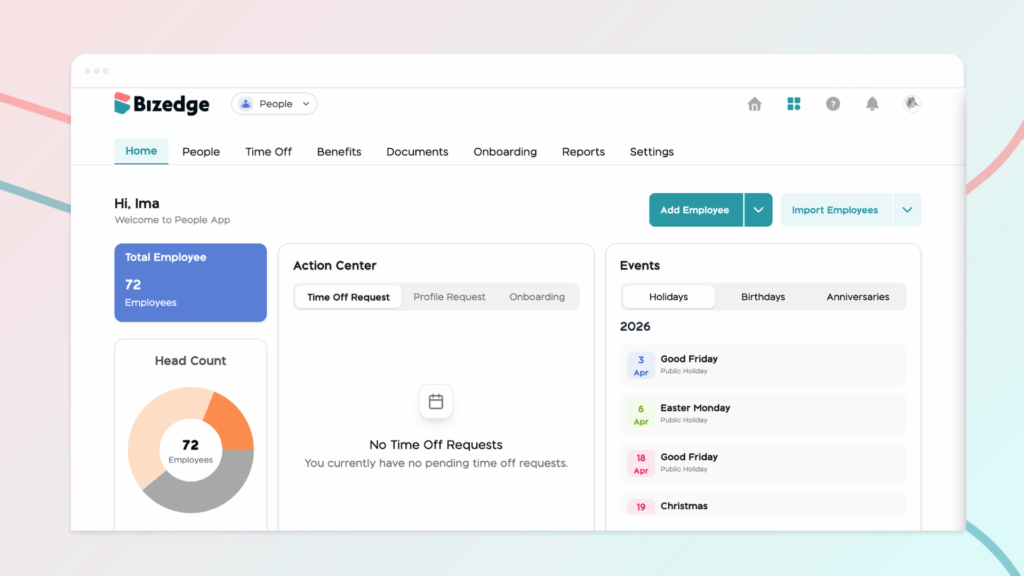
The People App serves as a centralized hub for managing your organization’s workforce. It provides HR teams and administrators with the tools needed to organize employee records, manage policies, and oversee important workforce processes efficiently.
People
This section displays the complete list of employees within your organization. It allows HR teams to manage employee profiles and maintain accurate records.
Key functions include:
- Viewing employee details and employment information
- Editing and updating employee profiles
- Adding new employees individually
- Importing multiple employees at once using bulk upload
This ensures all employee records are stored and managed in one organized system.
Time-Off
The Time-Off section helps organizations manage employee leave and absence policies.
Here, administrators can:
- Create new time-off policies (e.g., annual leave, sick leave, maternity leave)
- Define leave rules such as duration, eligibility, and approval workflow
- Assign time-off policies to specific employees or groups
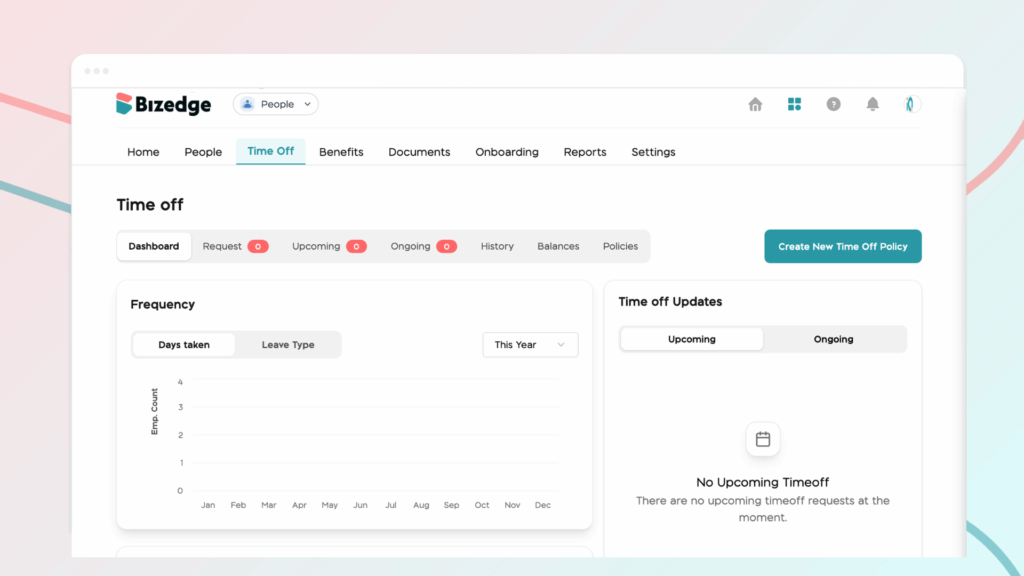
This feature ensures leave management is structured, transparent, and easy to track.
Benefits
This section allows organizations to manage employee benefit programs efficiently.
Administrators can:
- Create and configure benefit plans (e.g., health insurance, allowances, bonuses)
- Assign benefits to eligible employees
- Track benefit allocations across the workforce
It helps ensure employees receive the correct benefits based on company policies.
Documents
The Documents section is used for managing and distributing important employee-related files.
Key capabilities include:
- Uploading company or employee-specific documents
- Sharing documents with selected employees or the entire organization
- Storing policies, contracts, handbooks, and compliance documents securely
This ensures important documents are centralized and easily accessible.
Onboarding
The Onboarding section simplifies the process of welcoming and setting up new hires.
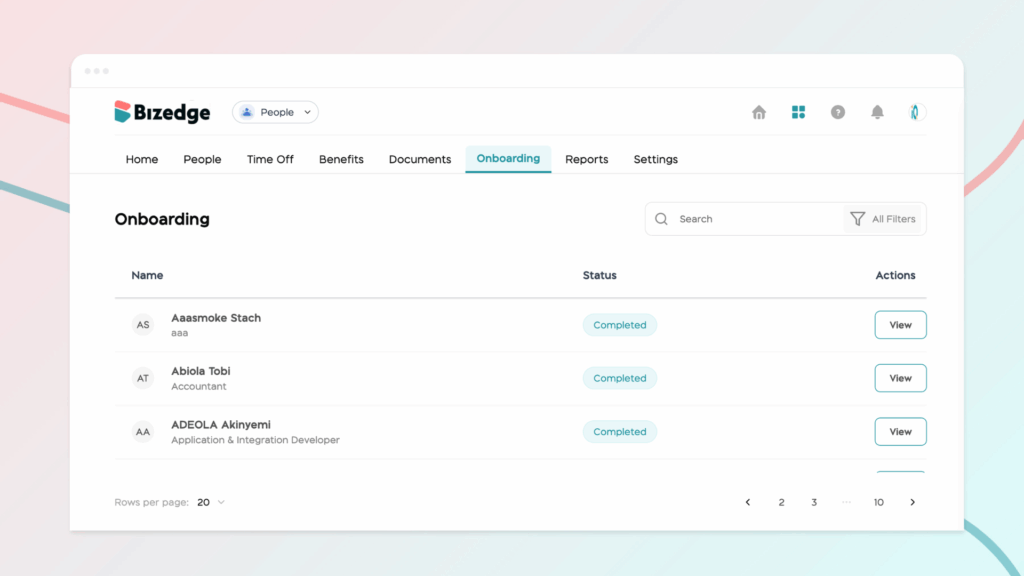
HR teams can:
- Create structured onboarding workflows
- Assign onboarding tasks and requirements
- Track onboarding progress for new employees
This helps new hires transition smoothly into the organization.
Reports
The Reports section provides workforce insights through detailed analytics and downloadable reports.
Available reports include:
- Headcount Report — Overview of total employees in the organization
- Age Profile Report — Workforce distribution by age groups
- Turnover Report — Employee exit trends over time
- Diversity/Demographic Report — Workforce composition by demographic data
- Employee Report — Comprehensive employee information summary
- Compensation Report — Overview of salary structures and payments
- Salary History Report — Record of employee salary changes over time
These reports support informed decision-making and workforce planning.
Settings
The Settings section allows administrators to configure the organizational structure and employee classifications.
Here, you can set up:
- Departments
- Job titles and roles
- Work locations and branches
- Other structural and organizational details
This ensures consistency and proper categorization of employees across the system.
The People App helps you manage your workforce efficiently by keeping employee information organized and HR processes streamlined in one central place.



