Employees on Payroll Showing Duplicate Entries
How to Send a Reference Request to a Candidate or Employee
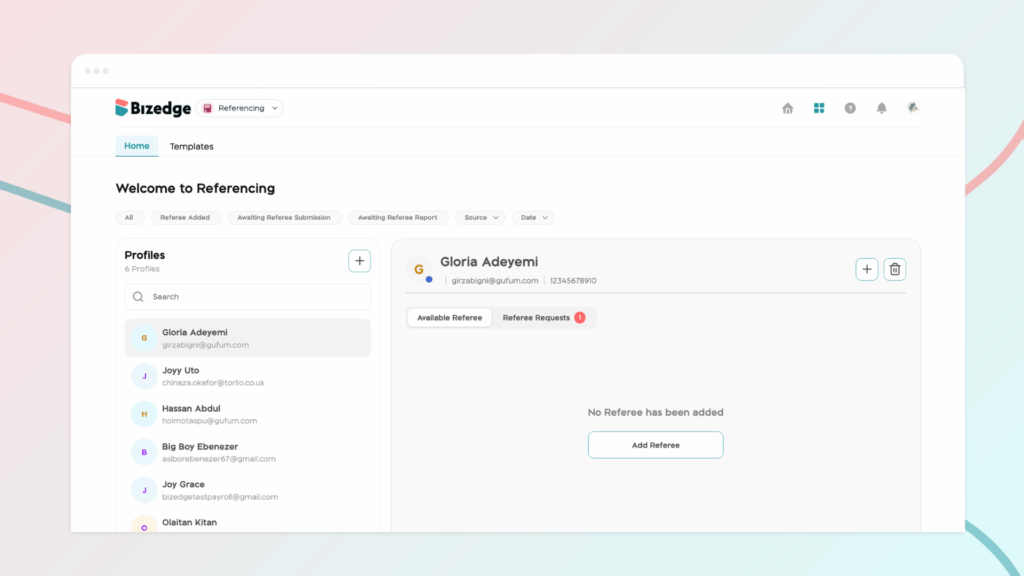
The Referencing app is a powerful tool designed to streamline your recruitment process by making it easy to collect and manage candidate references. In this guide, we’ll show you step-by-step how to get started with the BizEdge Referencing app on the web.
Getting Started with the BizEdge Referencing App
Step 1: Navigate to the Referencing App
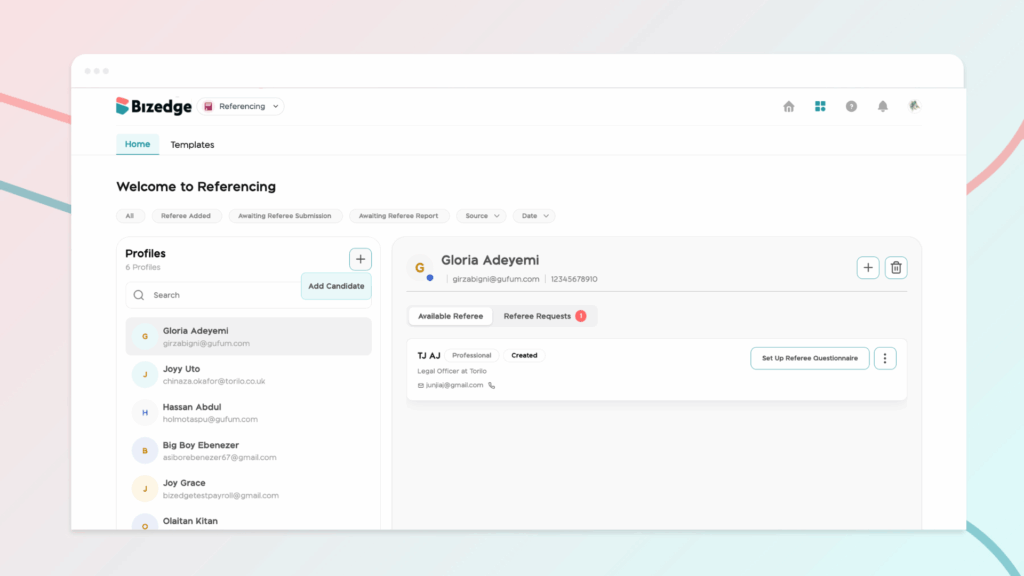
From your BizEdge dashboard, locate and open the Referencing app.
Step 2: Add a New Candidate
Once inside the app, click the ‘Add New Candidate’ button to begin the referencing process.
Step 3: Select the Type of Candidate
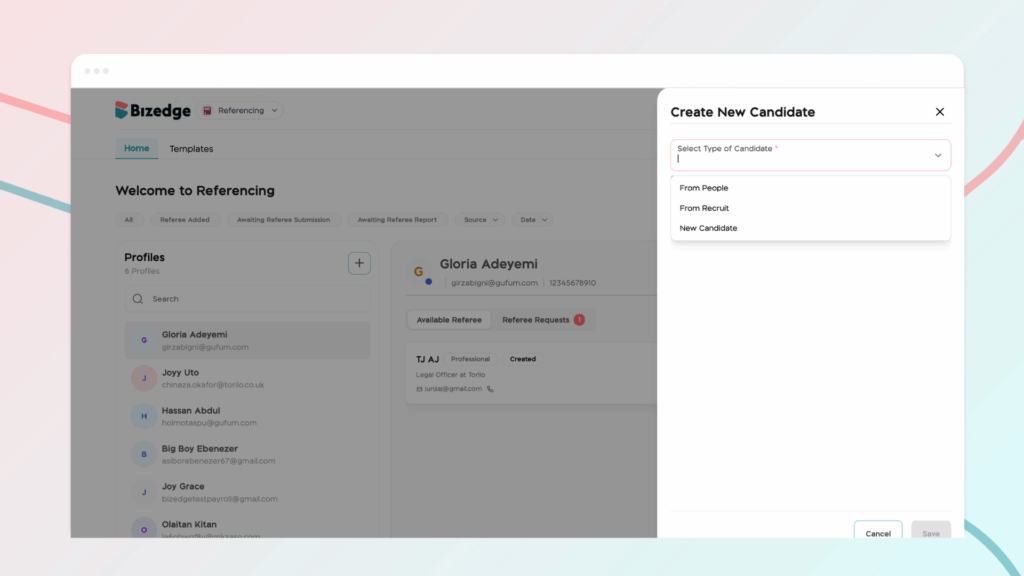
You will be prompted to choose the type of candidate you would like to reference. You can select directly from applicants already on Recruit, choose from your existing list of employees, or manually add a new candidate by entering their details.