How to Add and Assign Assets
How to Add and Assign Vehicles
The Assets App allows you to attach and store important documents directly against each asset, keeping all relevant records organized and easily accessible. This ensures that asset documentation is always up to date and available whenever it is needed.
Step 1: Navigate to the Asset App.
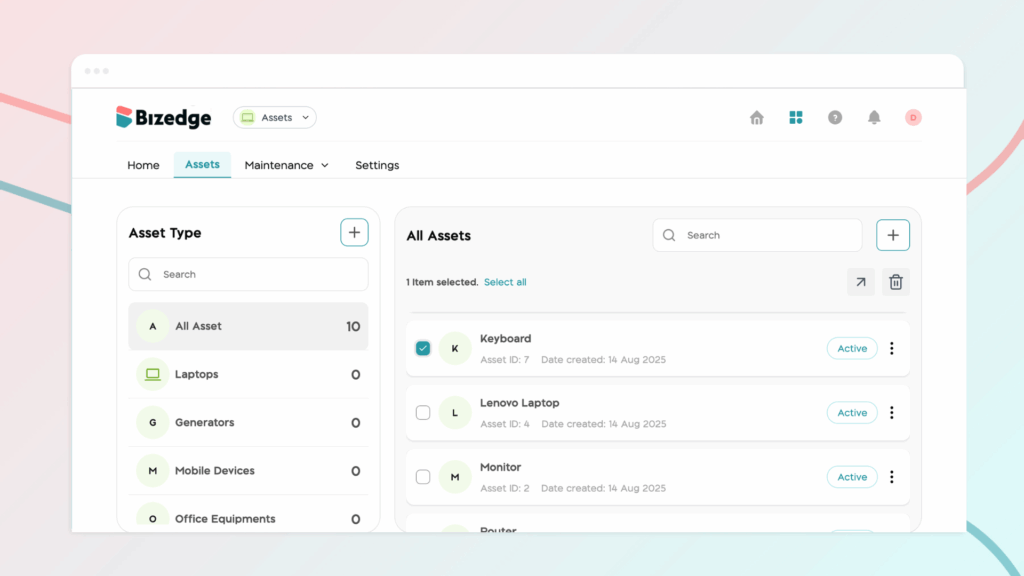
From the Assets App dashboard, go to the Assets section and select the relevant asset type and the specific asset you would like to add a document to.
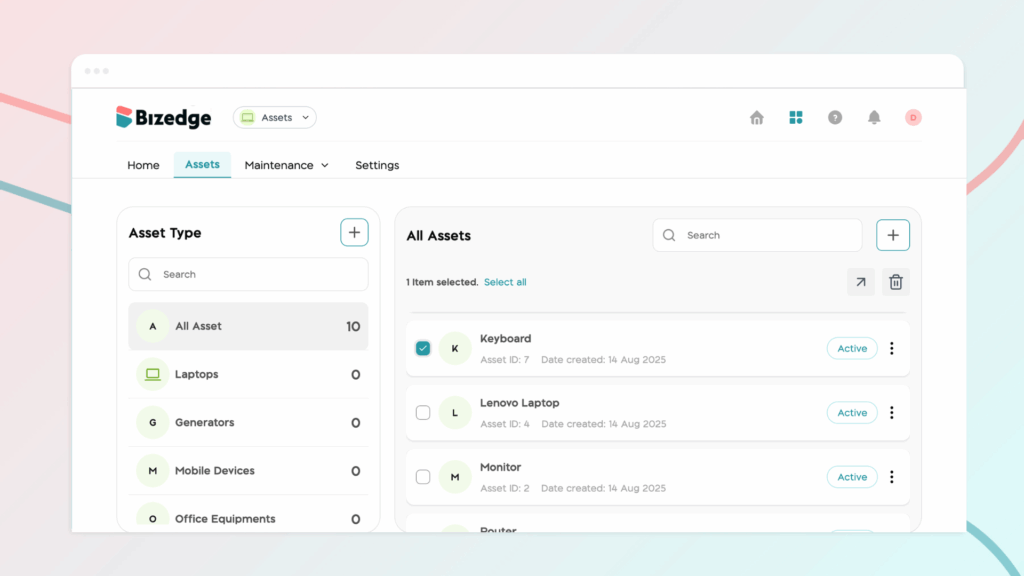
Step 2: Open the Document Section
Once the asset has been selected, click on Document at the bottom right corner of the asset’s profile to access the document management area.
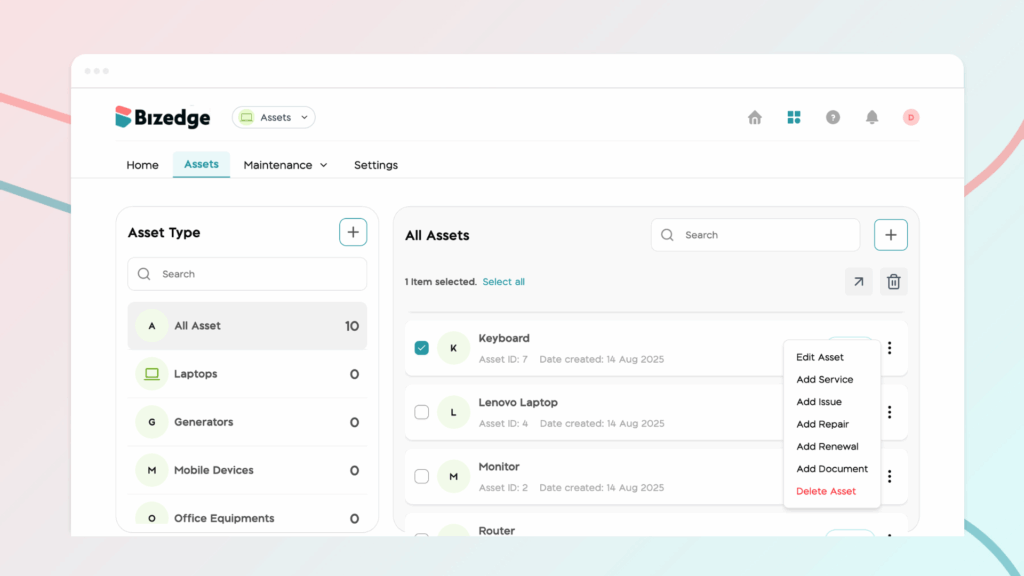
Step 3: Upload the Document
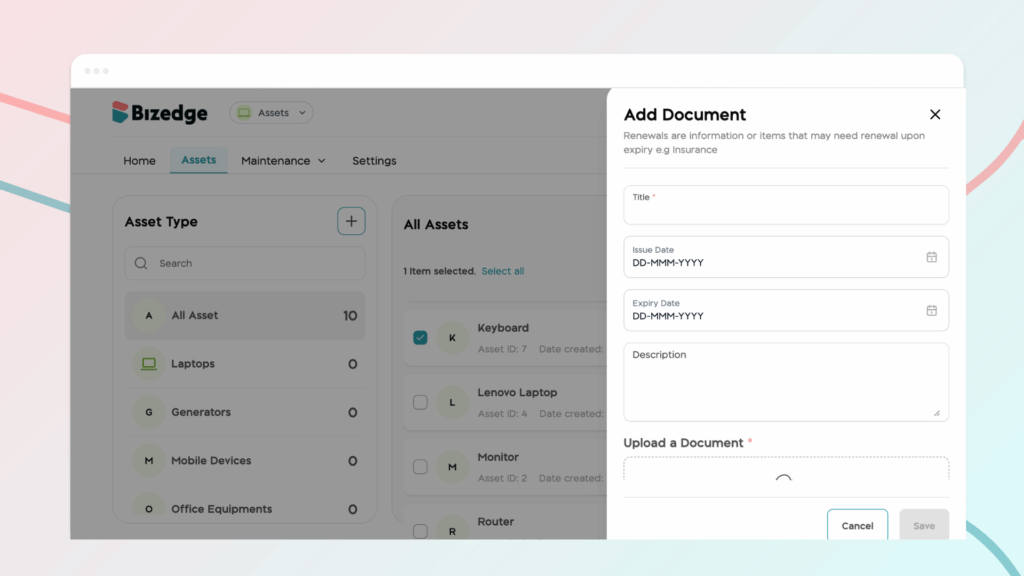
Click Upload Document and fill in the relevant document details in the form provided.Step 4: Save the Document
Once all the details have been entered, click Save. The document will be successfully added to the selected asset and stored for future reference.