
How to Set up Access Levels in BizEdge
How to Grant Line Managers Access to the MyTeam App
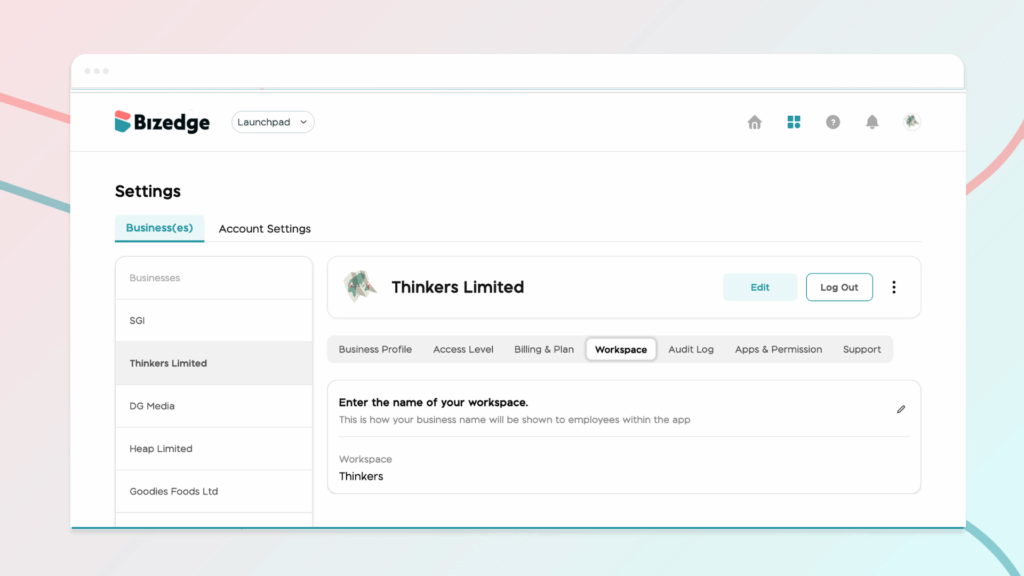
Your Workspace Name is how your business appears to employees across the BizEdge platform. Setting it up correctly ensures that your organization is easily recognizable to your team from the moment they log in. Follow these simple steps to update it:
Step 1: From the BizEdge Dashboard, click on your Company Profile Picture or Logo. This will open the Company Settings page, located at the top section of the dashboard where administrative and user management options are available.
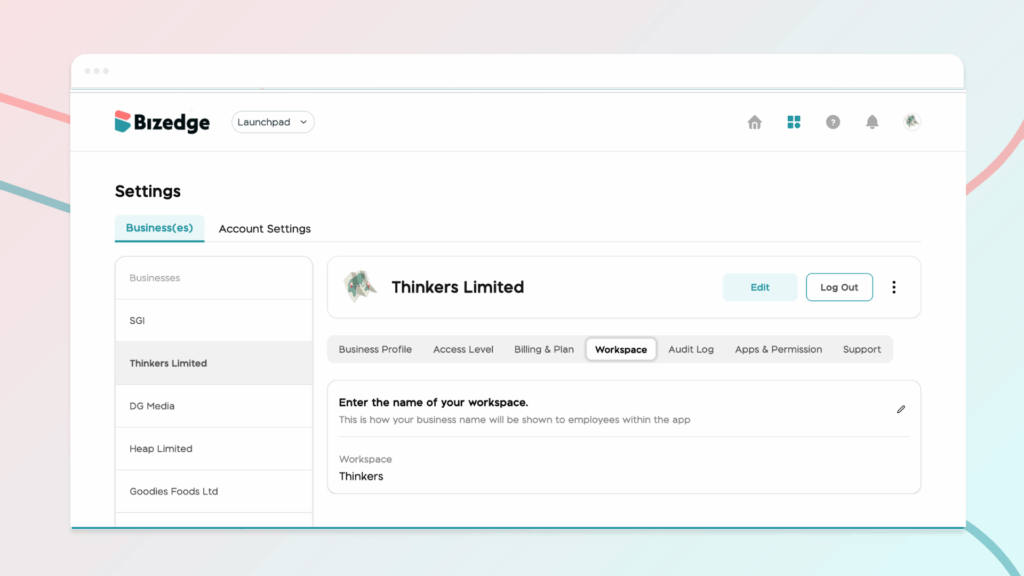
Step 2: Go to the Workspace section and click the edit (pen) icon next to the current name.
Step 3: Enter your preferred Workspace Name and click Save Changes.
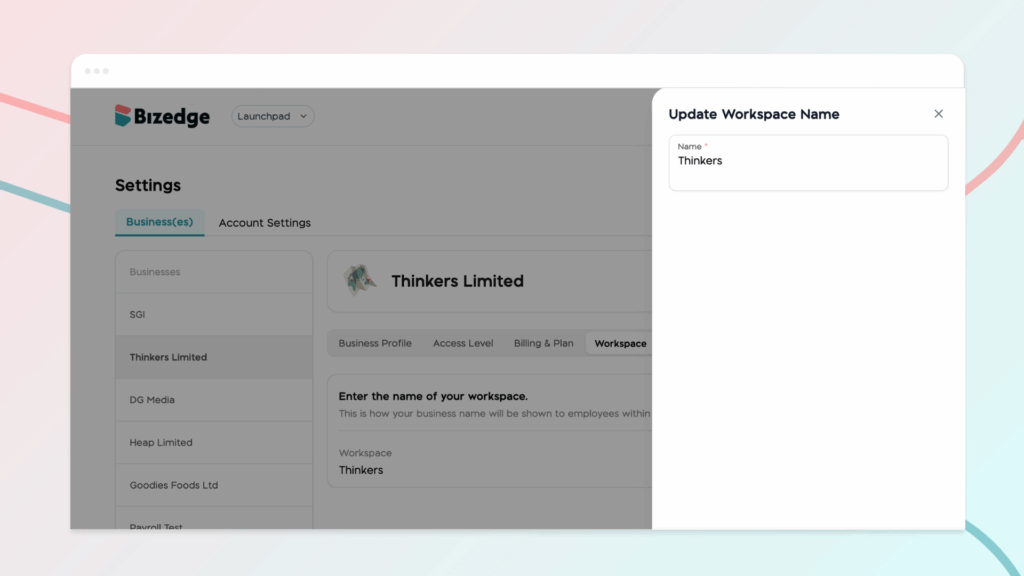
Once saved, this name will be displayed to employees throughout the MyEdge app.



